
Doorknob Privacy Pin Replacement

Elias Moseri and one other contributor
Last updated on Aug 27, 2025
Views: 910
View statistics:
- Past 24 Hours:
- 4
- Past 7 Days:
- 36
- Past 30 Days:
- 156
- All Time:
- 910
Comments: 0
No one has left comments on this guide. Will you be first?
Go to guide commentsCompleted: 0 1
No one has marked this guide "completed." Will you be the first?
1 person has marked this guide "completed." It's you — great job!
Favorites: 0 1
No one has favorited (and subscribed to) this guide. Will you be the first?
1 person has favorited (and subscribed to) this guide — and that's you!
Introduction
Go to step 1 ↓Whether your doorknob's privacy pin is broken, stuck, or simply missing, replacing it is a common home maintenance task that can restore security and functionality to your door.
This guide will quickly walk you through the simple steps to swap out that old pin for a new one. All you need is a screwdriver and a new door privacy pin.
What you need
Parts
Tools

-
-
-
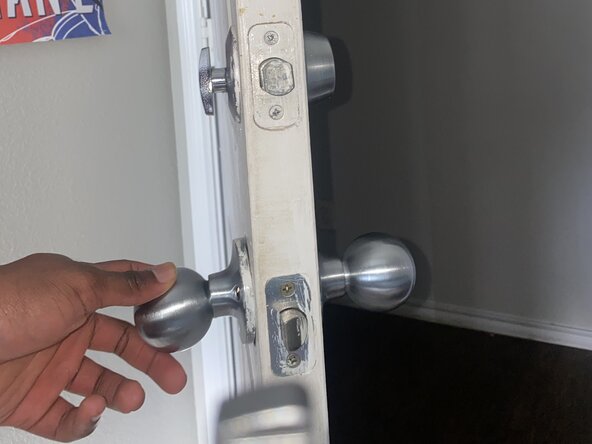
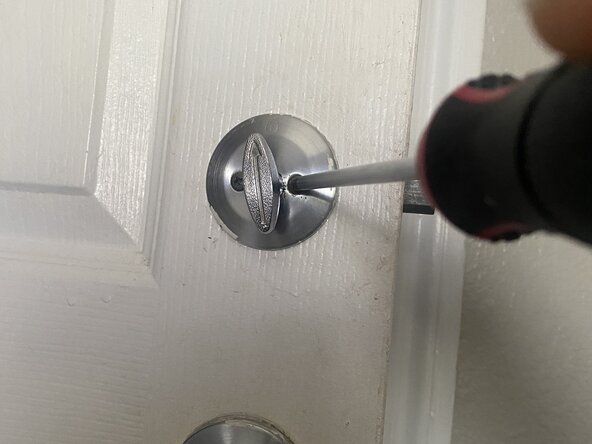
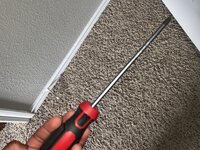
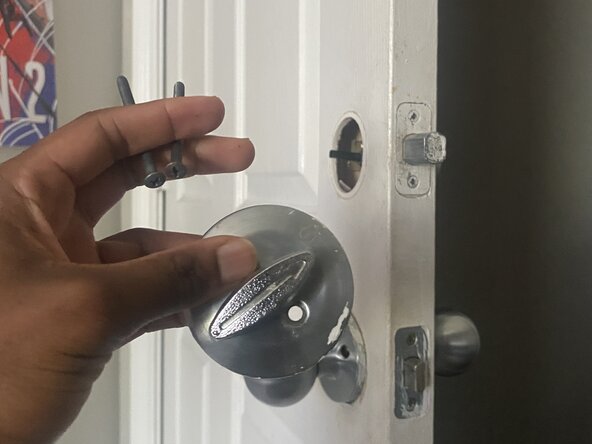
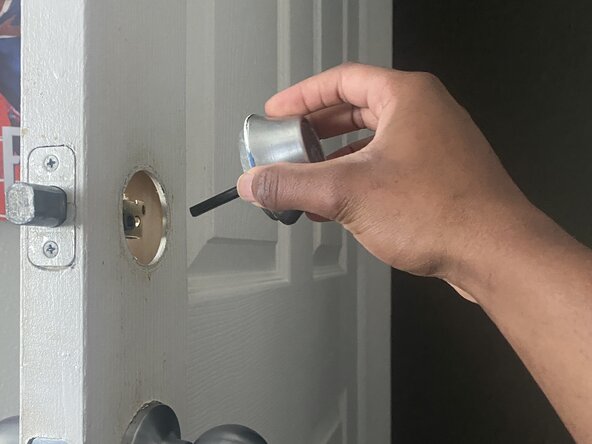
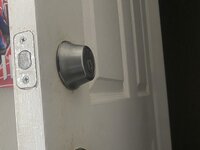
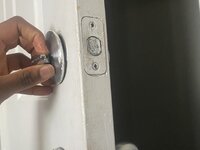
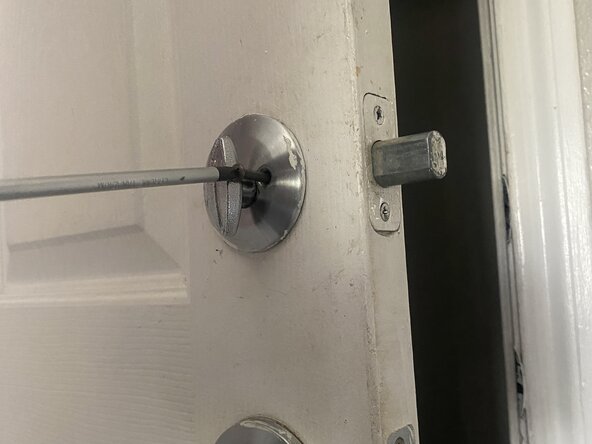
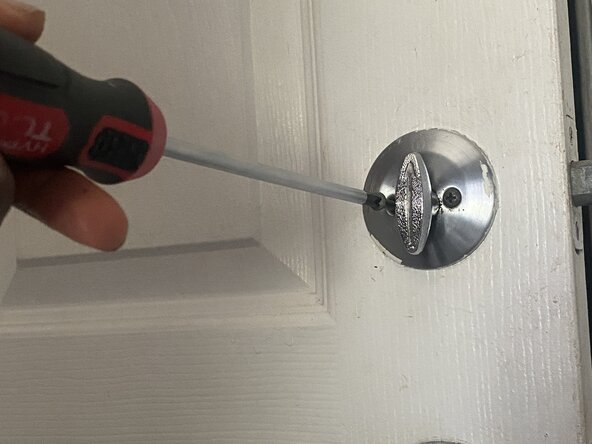
Use a Phillips #1 screwdriver to remove the two screws holding the interior and exterior doorknob halves together.
 Ask FixBot
-
-
-
-
Align the spindle with the latch mechanism, then bring the two doorknob halves back together.
-
-
-
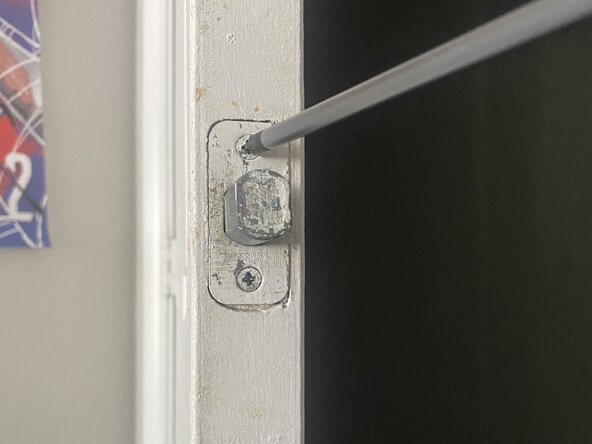
Securely fasten the two screws with the Phillips #1 screwdriver.
-
Snap or twist the decorative covers back into place (If applicable).
-
-



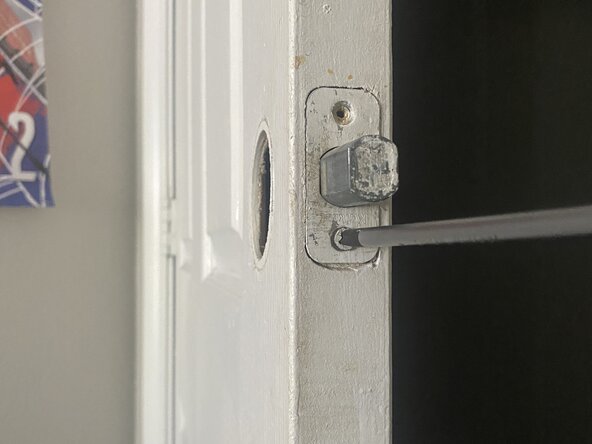
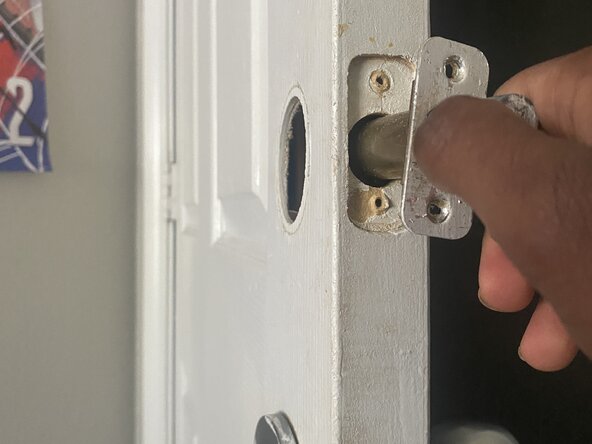
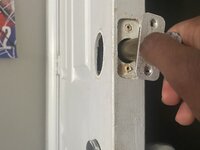
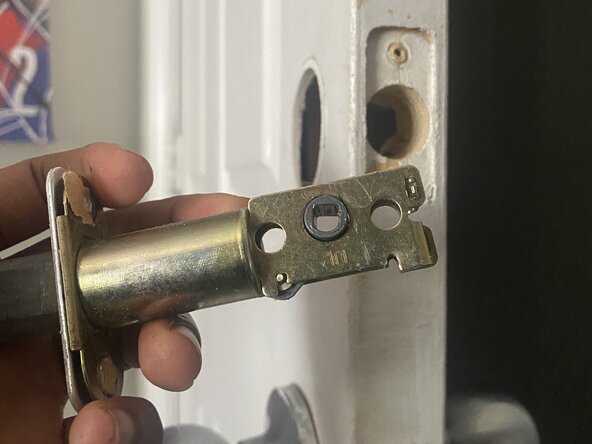
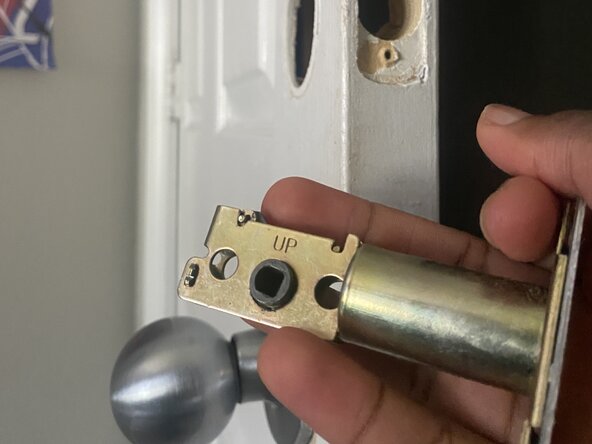
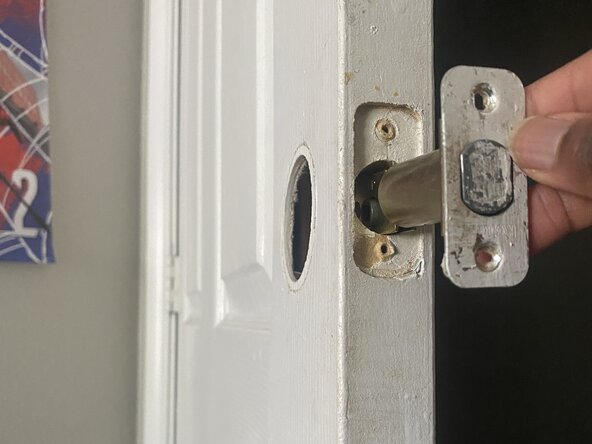
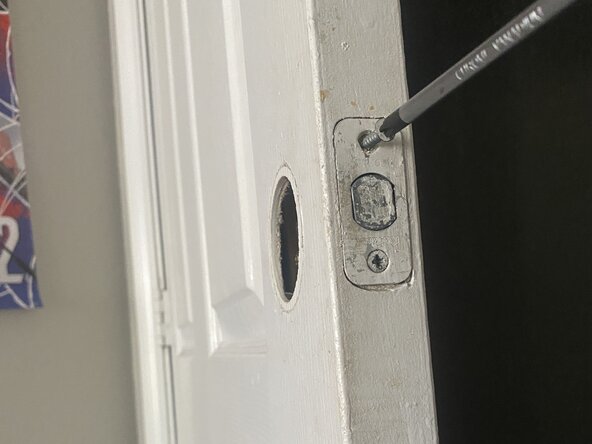
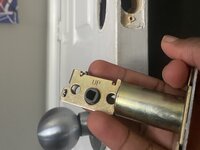
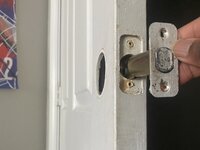
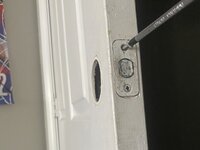
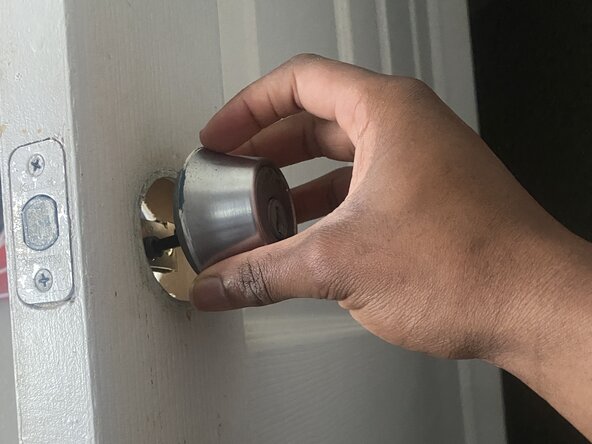
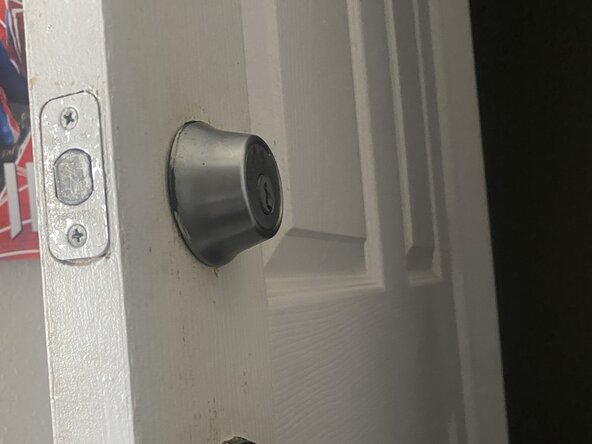
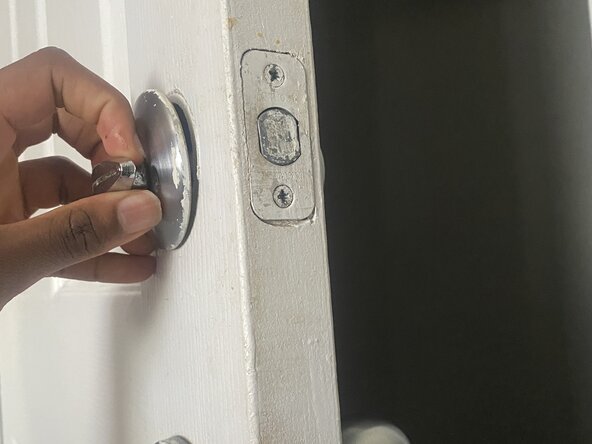
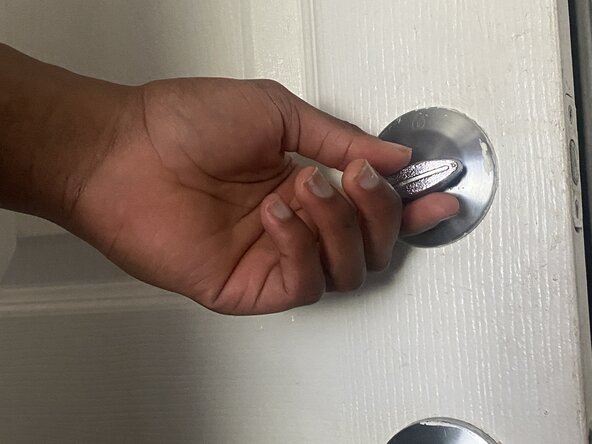
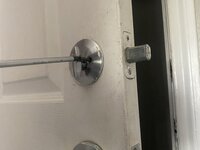
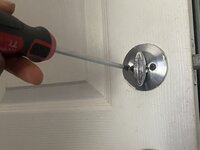
To reassemble your device, follow these instructions in reverse order.

Team

University of North Texas, Team 40-15, Kilpatrick Summer 2025 Member of University of North Texas, Team 40-15, Kilpatrick Summer 2025
UNT-KILPATRICK-SU25S40G15
1 Member
12 Guides authored
