Introduction
Prerequisite only guide for disconnecting the base battery.
What you need
-
-
Unplug all cables from your phone and completely power it down.
-
-
-
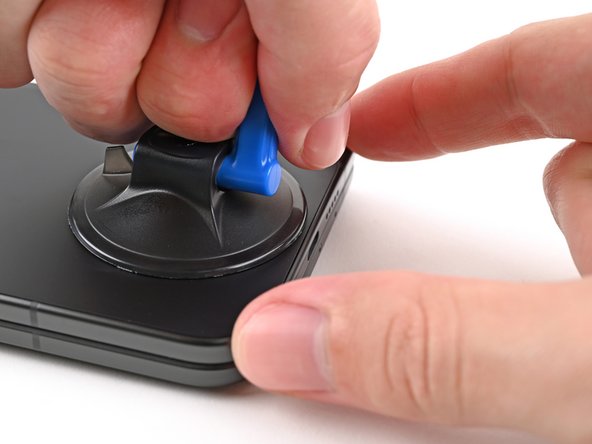
Apply a suction cup to the back cover, as close to the center of the bottom edge as possible.
-
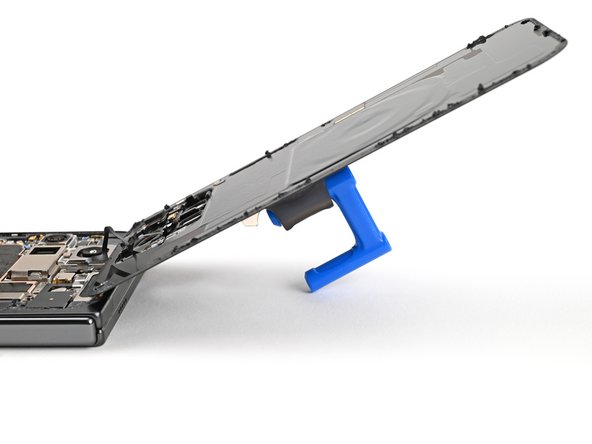
While securing the phone with one hand, pull up on the suction cup with strong, steady force to create a gap between the back cover and the frame.
-
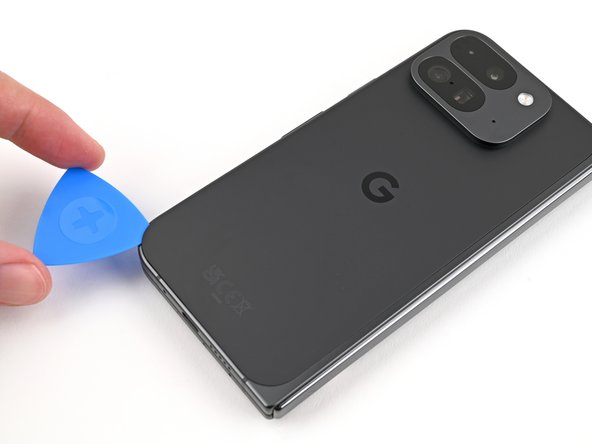
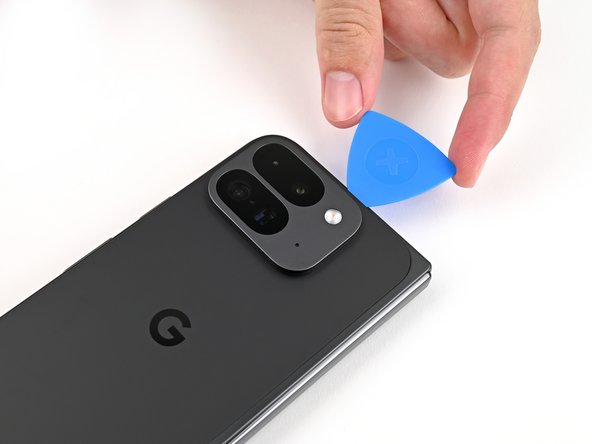
Insert an opening pick into the gap.
-
-
-
Remove the suction handle from the back cover.
-
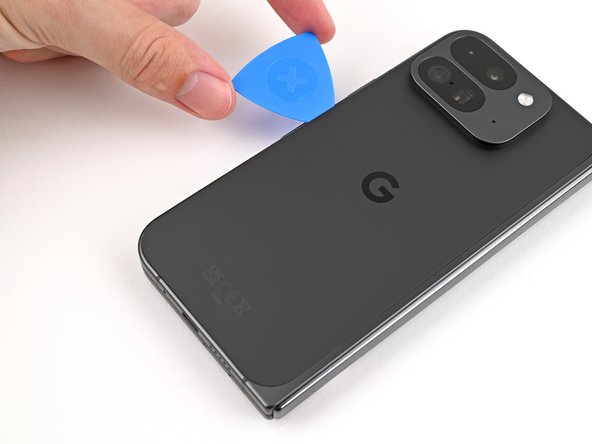
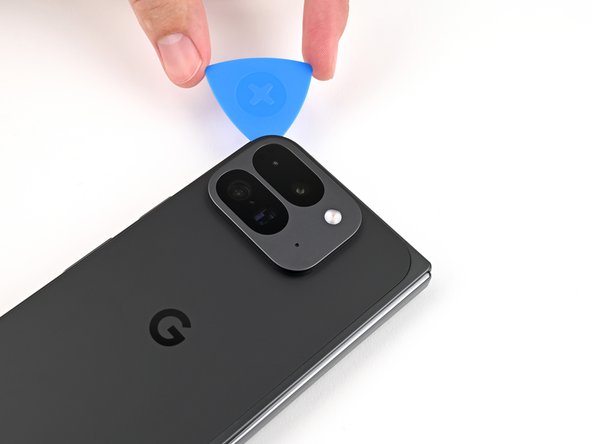
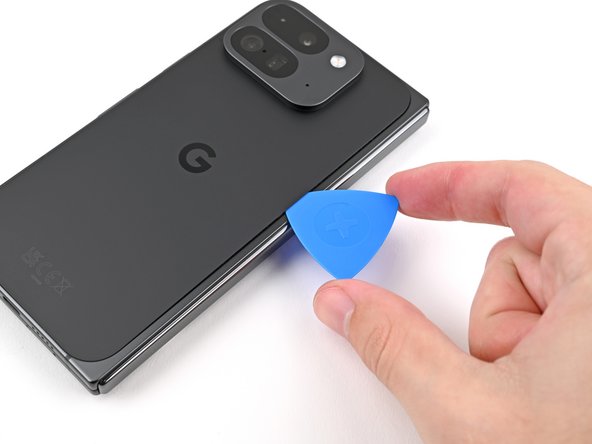
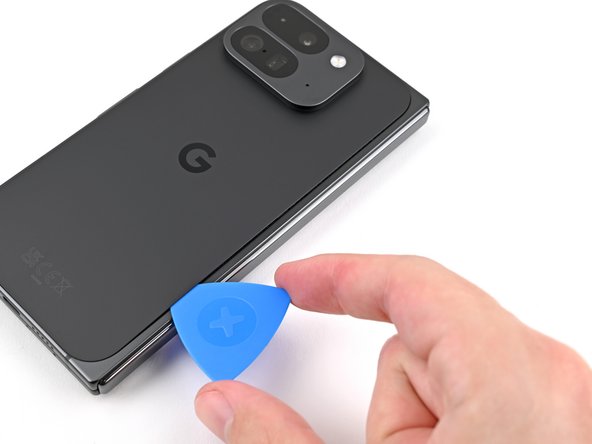
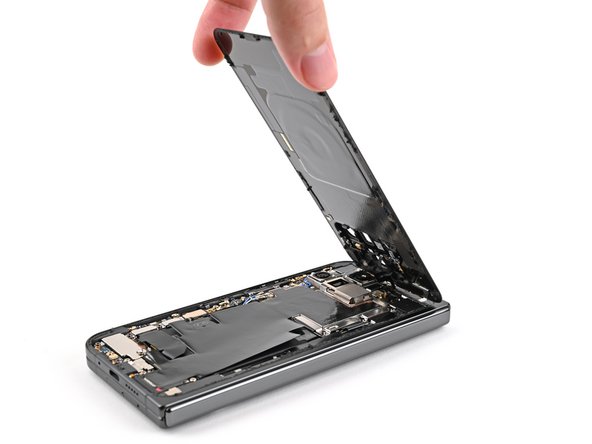
Slide the opening pick around the bottom left corner and up the left edge of the back cover to separate the adhesive.
-
-
-
Tool used on this step:FixMat$36.95
-
Use a Torx Plus 3IP driver to remove the 3.0 mm‑long screw securing the top bracket.
-
-
-
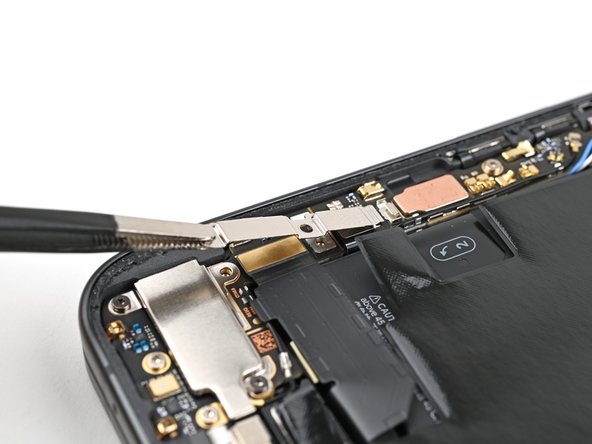
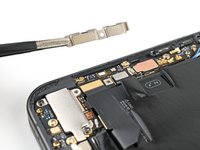
Use tweezers, or your fingers, to pull the top bracket towards the top of the phone to release it from its clip.
-
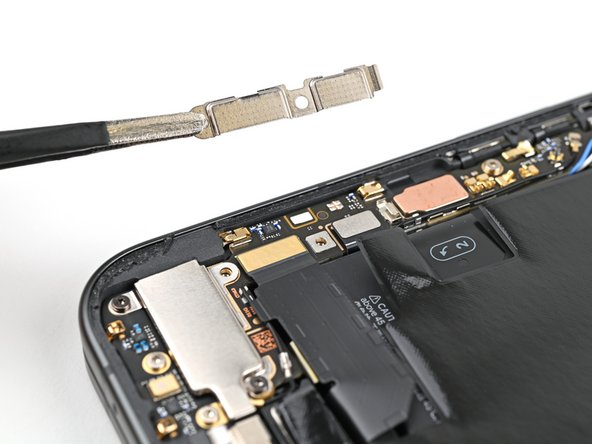
Remove the top bracket.
-
-
-
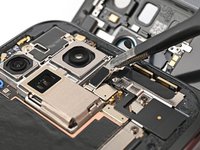
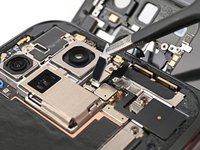
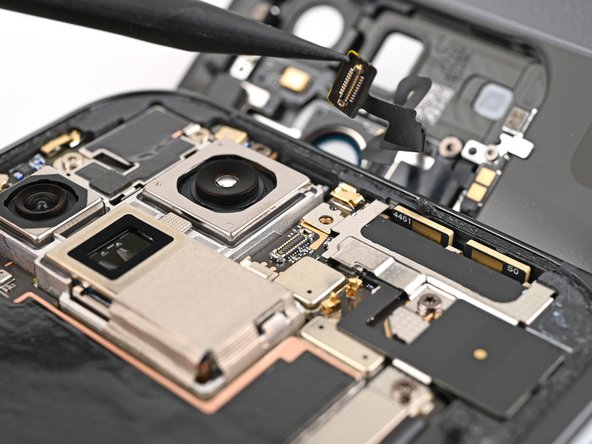
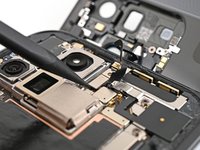
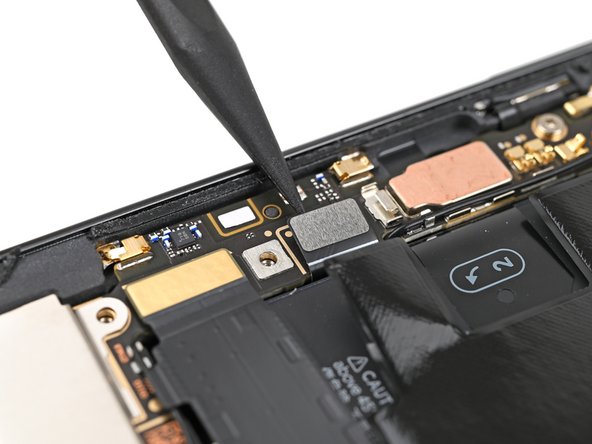
Insert the tip of your spudger under the bottom edge of the back cover cable press connector.
-
Pry up and disconnect the back cover cable.
-
-
-
Use a Torx Plus 3IP driver to remove the two 3.0 mm‑long screws securing the base battery bracket.
-
-
-
Use tweezers, or your fingers, to pull the base battery bracket toward the bottom of the phone to release it from its clip.
-
Remove the base battery bracket.
-
-
-
Insert the tip of your spudger under the bottom left corner of the base battery press connector, near the gold marker.
-
Pry up and disconnect the base battery.
-
















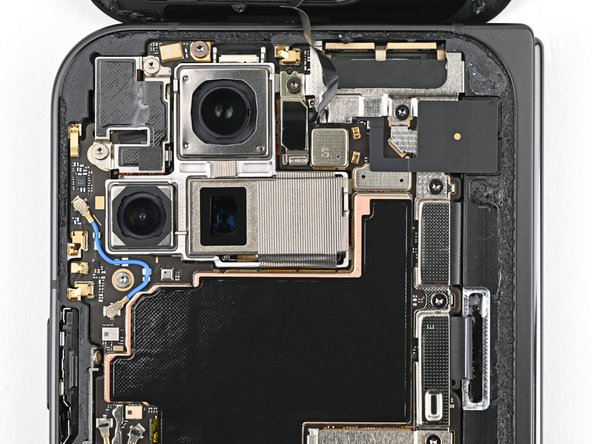


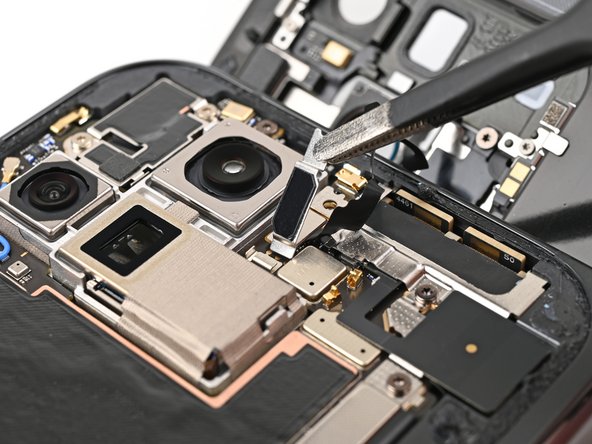

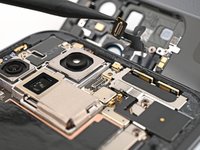


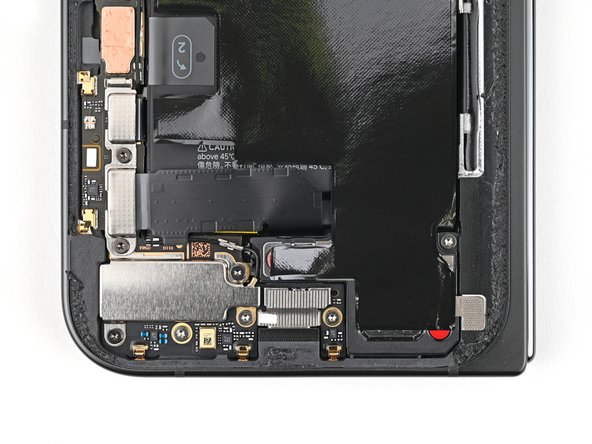


To reassemble your device, follow these instructions in reverse order.



