15% Off Selected iFixit Tools — Limited Time
Free Shipping on Domestic Orders $75+

Disassembling Nook Glowlight 4 Cover

What you need

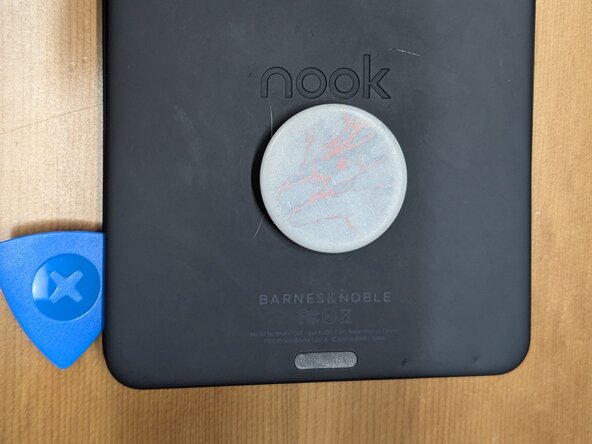
  1. Disassembling Nook Glowlight 4 Cover, Remove back cover: step 1, image 1 of 1
    • Pry the lip of the cover outward and insert the pick in the seam

    Ask FixBot

    Add Comment

  2. Disassembling Nook Glowlight 4 Cover: step 2, image 1 of 1
    • Rotate the pick to release the tabs along the edge of the cover

    Ask FixBot

    Add Comment

Conclusion

To reassemble your device, follow these instructions in reverse order.

Cancel: I did not complete this guide.

Kristen K

Member since: 05/12/26

1 Reputation

1 Guide authored

0 Guide Comments

Add Comment

View Statistics:

Past 24 Hours: 0

Past 7 Days: 16

Past 30 Days: 39

All Time: 54