Free Shipping on Domestic Orders $75+

Disassembling IBM ThinkPad 560z Upper Case

What you need

    1. Disassembling IBM ThinkPad 560z Upper Case, Battery Removal: step 1, image 1 of 1
      • Slide the battery release latch to the right.

      • Pull out the battery out towards the front of the device.

      Ask FixBot

      Add Comment

    1. Disassembling IBM ThinkPad 560z Upper Case, Upper Case: step 2, image 1 of 1
      • Remove the 7 mm Phillips #0 screws.

      • Remove the 10 mm Phillips #0 screws.

      • Remove the 14 mm Phillips #0 screw.

      Ask FixBot

      Add Comment

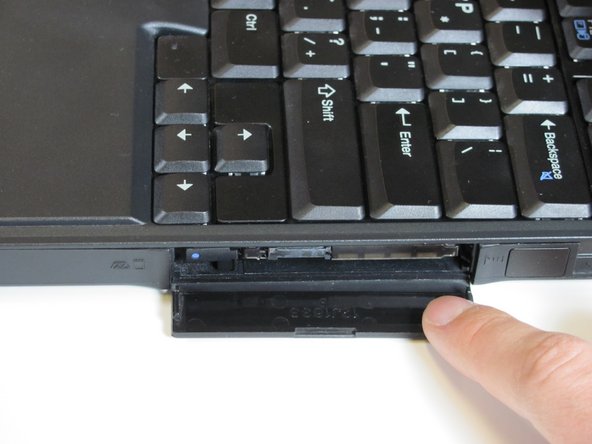
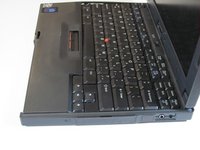
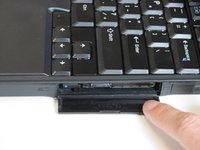
    2. Disassembling IBM ThinkPad 560z Upper Case: step 3, image 1 of 2 Disassembling IBM ThinkPad 560z Upper Case: step 3, image 2 of 2
      • Open the flap on the left hand side.

      Ask FixBot

      Add Comment

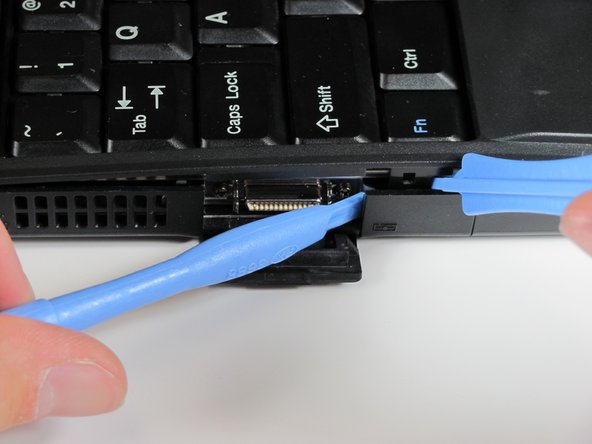
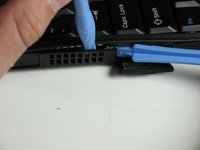
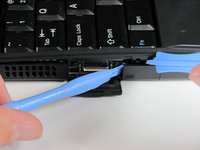
    3. Disassembling IBM ThinkPad 560z Upper Case: step 4, image 1 of 2 Disassembling IBM ThinkPad 560z Upper Case: step 4, image 2 of 2
      • Insert the plastic opening tools between the right and left sides of the latch.

      • Pry the right side of the latch, and then pry the left side to detach the laptop's cover.

      Ask FixBot

      Add Comment

    4. Disassembling IBM ThinkPad 560z Upper Case: step 5, image 1 of 2 Disassembling IBM ThinkPad 560z Upper Case: step 5, image 2 of 2
      • Open the flap on the right side.

      Ask FixBot

      Add Comment

    5. Disassembling IBM ThinkPad 560z Upper Case: step 6, image 1 of 1
      • Insert the plastic opening tools towards the right side of the latch.

      • Gently pry the right side out to release the top cover.

      Ask FixBot

      Add Comment

    6. Disassembling IBM ThinkPad 560z Upper Case: step 7, image 1 of 2 Disassembling IBM ThinkPad 560z Upper Case: step 7, image 2 of 2
      • Lift the keyboard slowly.

      • A cable connects the keyboard to the motherboard. If you are not careful, you will damage the cable.

      Ask FixBot

      Add Comment

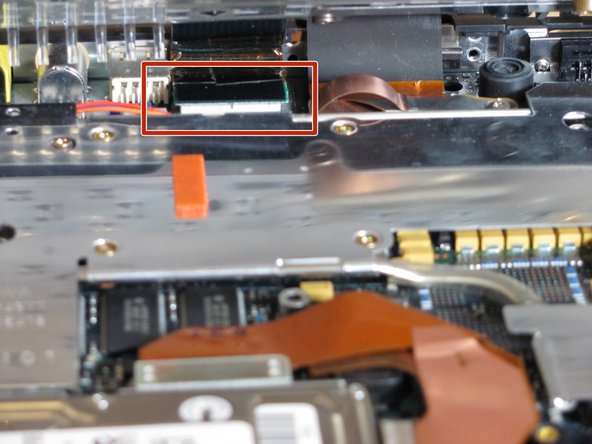
    7. Disassembling IBM ThinkPad 560z Upper Case: step 8, image 1 of 1
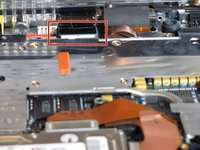
      • Use your fingers or a spudger to detach the connector.

      Ask FixBot

      Add Comment

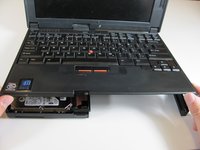
    8. Disassembling IBM ThinkPad 560z Upper Case: step 9, image 1 of 2 Disassembling IBM ThinkPad 560z Upper Case: step 9, image 2 of 2
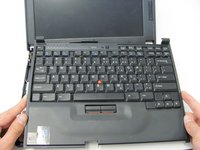
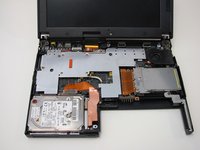
      • Carefully lift and remove the keyboard.

      Ask FixBot

      Add Comment

Conclusion

To reassemble your device, follow these instructions in reverse order.

Cancel: I did not complete this guide.

Derek Driscoll

Member since: 04/15/10

119 Reputation

8 Guides authored

Team

Cal Poly, Team 26-27, Regan Spring 2010 Member of Cal Poly, Team 26-27, Regan Spring 2010

CPSU-REGAN-S10S26G27

3 Members

45 Guides authored

0 Guide Comments

Add Comment

View Statistics:

Past 24 Hours: 0

Past 7 Days: 6

Past 30 Days: 43

All Time: 2,237