Free Shipping on Domestic Orders $75+

Disassembling Axis 214 PTZ Camera

What you need

    1. Disassembling Axis 214 PTZ Camera, Camera: step 1, image 1 of 2 Disassembling Axis 214 PTZ Camera, Camera: step 1, image 2 of 2
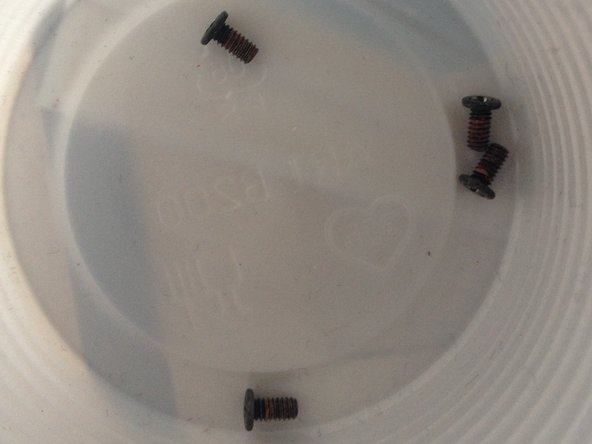
      • 4 screws

      Ask FixBot

      Add Comment

    2. Disassembling Axis 214 PTZ Camera: step 2, image 1 of 3 Disassembling Axis 214 PTZ Camera: step 2, image 2 of 3 Disassembling Axis 214 PTZ Camera: step 2, image 3 of 3
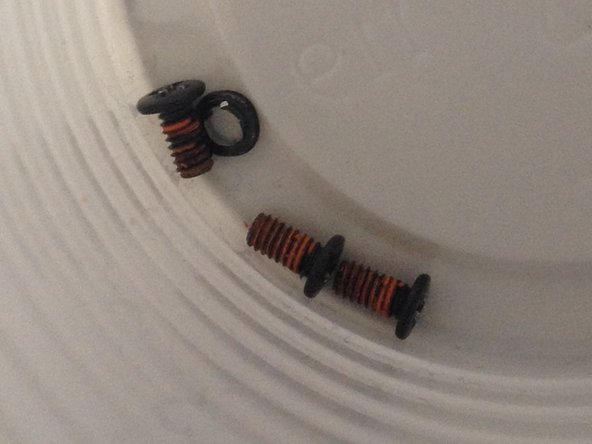
      • 7 screws

      Ask FixBot

      Add Comment

    3. Disassembling Axis 214 PTZ Camera: step 3, image 1 of 3 Disassembling Axis 214 PTZ Camera: step 3, image 2 of 3 Disassembling Axis 214 PTZ Camera: step 3, image 3 of 3
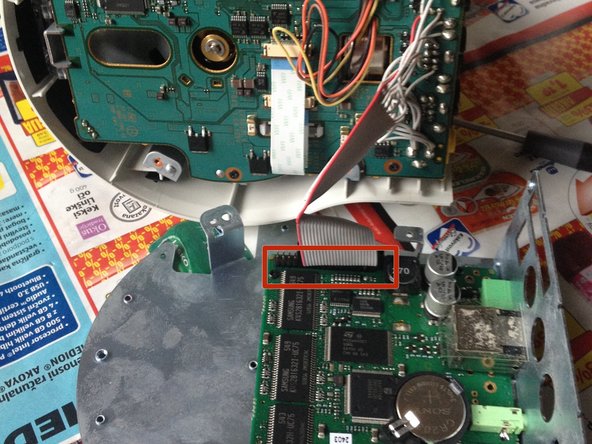
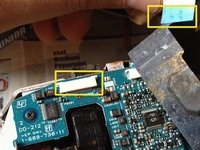
      • Remove (4) Phillips screws.

      • Carefully disconnect the ribbon connector.

      Ask FixBot
      Add Comment

    4. Disassembling Axis 214 PTZ Camera: step 4, image 1 of 3 Disassembling Axis 214 PTZ Camera: step 4, image 2 of 3 Disassembling Axis 214 PTZ Camera: step 4, image 3 of 3
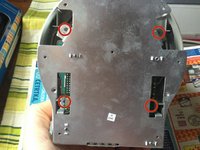
      • Remove (4) Phillips screws.

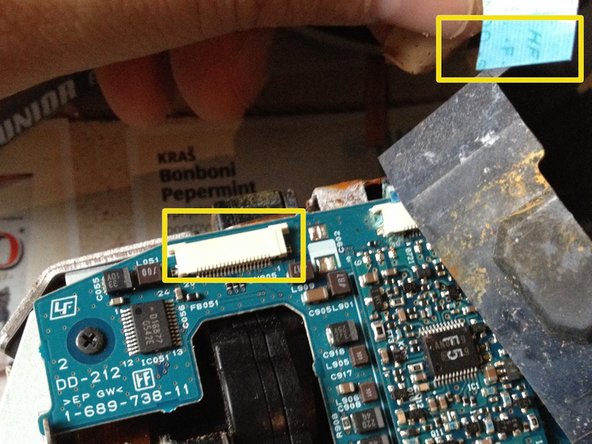
      • If replacing the logic board, remove (2) cables at the connectors.

      • At the underside of the logic board, disconnect the connector.

      Ask FixBot

      Add Comment

    5. Disassembling Axis 214 PTZ Camera: step 5, image 1 of 3 Disassembling Axis 214 PTZ Camera: step 5, image 2 of 3 Disassembling Axis 214 PTZ Camera: step 5, image 3 of 3
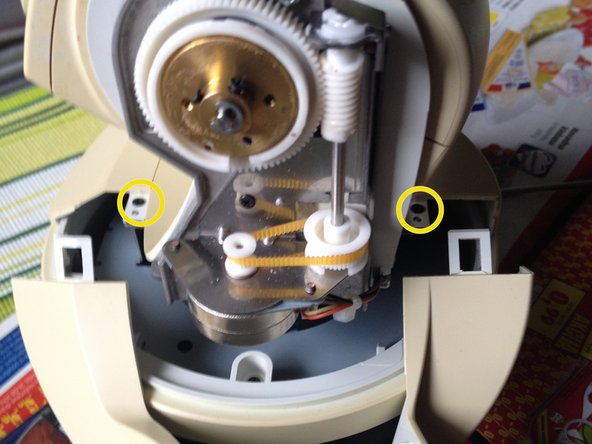
      • Gently press back the plastic clip at both sides.

      • Remove 2 screws.

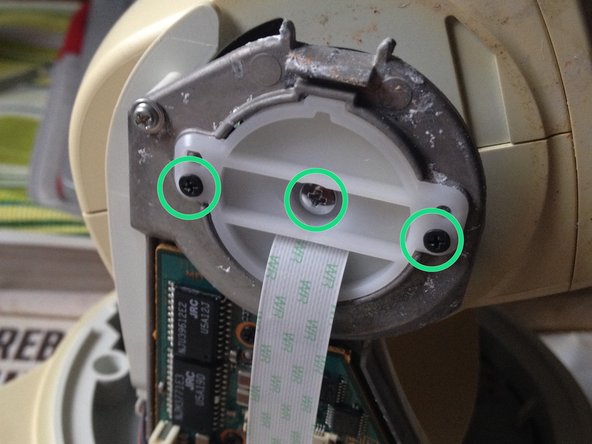
      • Remove (3) Phillip screws.

      Ask FixBot

      Add Comment

    6. Disassembling Axis 214 PTZ Camera, Odključitev heada: step 6, image 1 of 2 Disassembling Axis 214 PTZ Camera, Odključitev heada: step 6, image 2 of 2
      • Remove (4) Phillips screws.

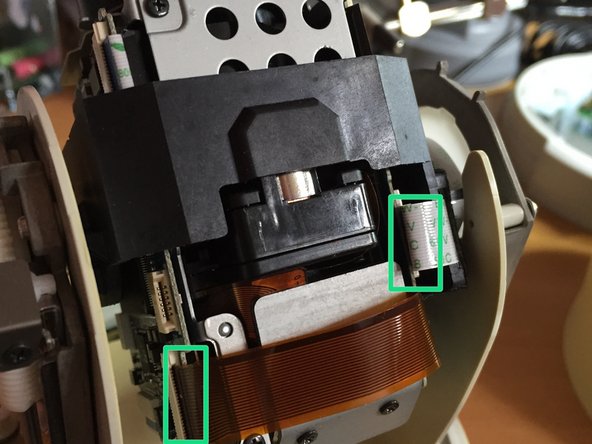
      • Carefully disconnect ribbon and flex cables.

      Ask FixBot

      Add Comment

    7. Disassembling Axis 214 PTZ Camera: step 7, image 1 of 1
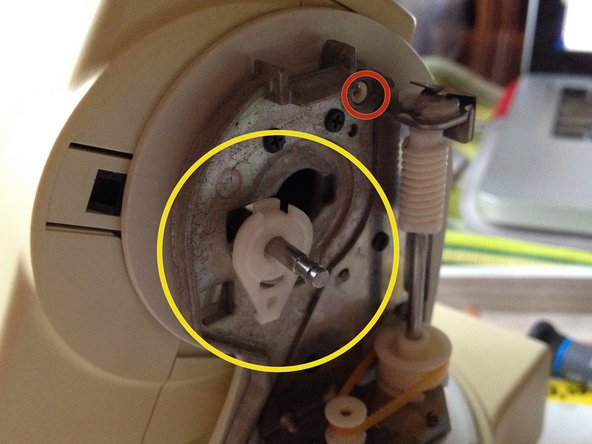
      • Remove (2) Phillip screws.

      • Remove (1) protective clip.

      Ask FixBot
      Add Comment

    8. Disassembling Axis 214 PTZ Camera: step 8, image 1 of 2 Disassembling Axis 214 PTZ Camera: step 8, image 2 of 2
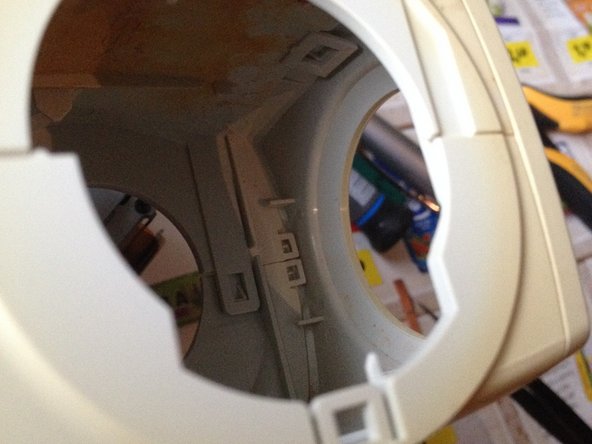
      • Remove 2 screws one on each side.

      • Turn the latch mechanism to the right.

      Ask FixBot
      Add Comment

    9. Disassembling Axis 214 PTZ Camera: step 9, image 1 of 3 Disassembling Axis 214 PTZ Camera: step 9, image 2 of 3 Disassembling Axis 214 PTZ Camera: step 9, image 3 of 3
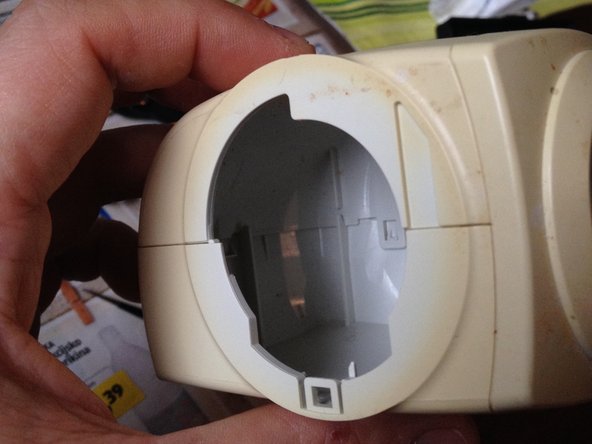
      • It is difficult to disassemble.

      Ask FixBot

      Add Comment

    10. Disassembling Axis 214 PTZ Camera: step 10, image 1 of 2 Disassembling Axis 214 PTZ Camera: step 10, image 2 of 2
      • Remove (4) recessed screws.

      • Disconnect flat Ribbon Cable.

      Ask FixBot

      Add Comment

Conclusion

To reassemble your device, follow these instructions in reverse order.

Cancel: I did not complete this guide.

3 other people completed this guide.

lukahlastec

Member since: 06/02/11

181 Reputation

1 Guide authored

0 Guide Comments

Add Comment

View Statistics:

Past 24 Hours: 3

Past 7 Days: 12

Past 30 Days: 61

All Time: 3,100