Introduction
This guide explains how to replace the motherboard in the Dell XPS 13 9350. The motherboard connects all the hardware components in the device and is a critical component. If your Dell XPS 15 is experiencing power issues a motherboard replacement might be necessary. To make sure this is the right fix, check the troubleshooting section for specific symptoms such as failure to boot, overheating and power issues.
What you need
-
-
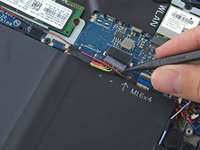
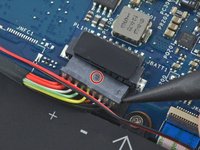
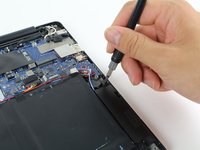
Pull the battery cable connector towards the battery to disconnect it from its socket.
-
If the connector is stubborn, push a little at one side, then the other, to "walk" it out of its socket.
-
If you have trouble walking the connector out of the socket, use the point of a spudger to gently push on the connector indent to slide the connector out.
-
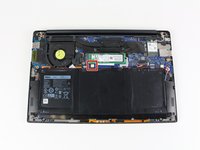
Open the display and press the power button for five seconds to drain any remaining charge from the system.
-
-
Tool used on this step:Tweezers$4.99
-
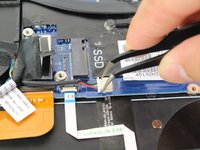
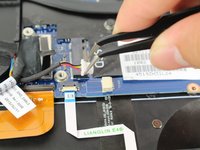
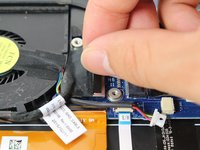
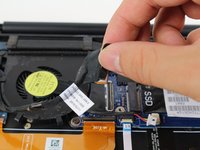
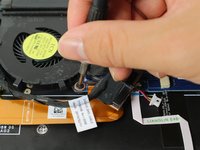
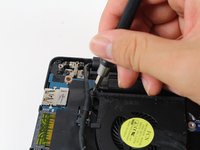
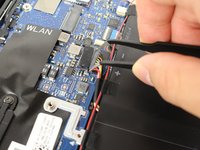
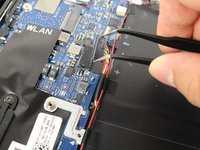
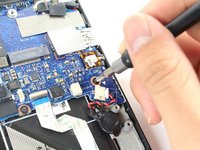
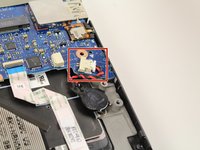
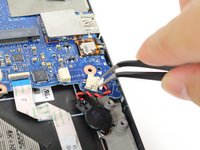
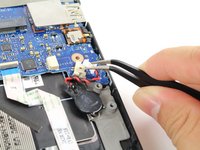
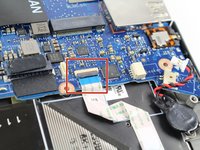
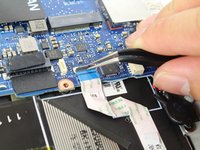
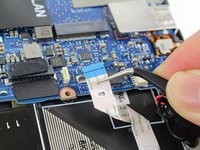
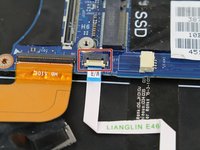
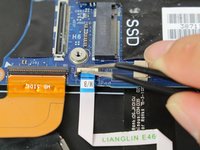
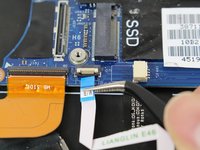
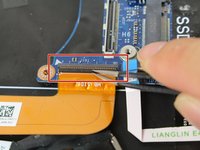
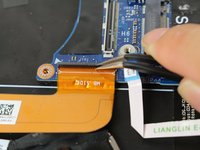
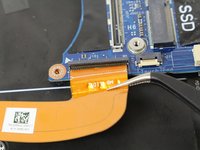
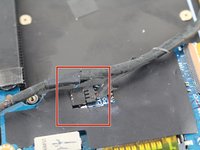
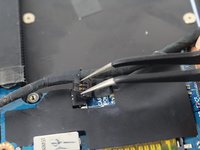
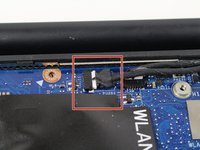
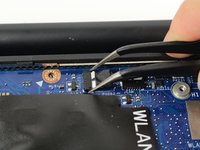
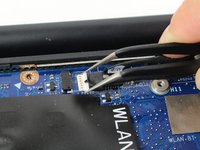
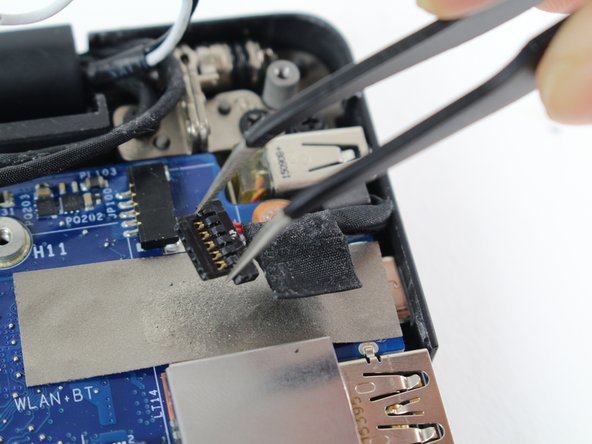
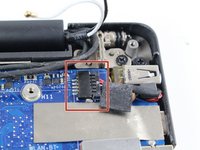
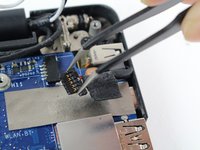
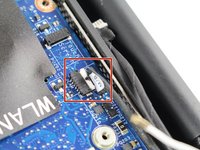
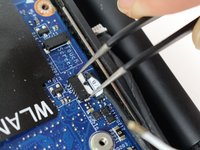
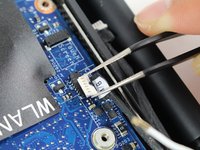
Use tweezers to remove the little white connector by pulling it out and away from its socket.
-
-










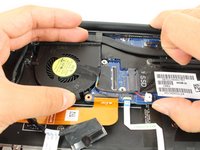
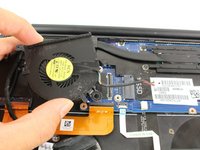


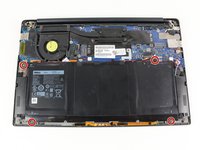




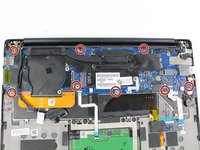
















To reassemble your device, follow these instructions in reverse order.
Cancel: I did not complete this guide.
14 other people completed this guide.



Team

Cal Poly, Team S21-G6, Livingston Spring 2017 Member of Cal Poly, Team S21-G6, Livingston Spring 2017
CPSU-LIVINGSTON-S17S21G6
5 Members
30 Guides authored
4 Guide Comments
where is camera cable
Démontage pour changer la prise jack qui ne fonctionne plus et en plus provoque un bug empêchant les hauts parleurs de fonctionner. Au lieu du son normal j ai un crachotement . Je vais confier la micro soudure à un spécialiste
Je pense qu il vaut mieux ne pas forcer sur la carte mère pour sortir le ventilateur et attendre après l étape du démontage des vis de la cm pour le sortir
