Introduction
This replacement guide will show you how to replace the cover panel on your Dell VRP100 headset. With the right tools, this replacement is very simple, and is the basis to replacing many more components of your headset.
What you need
-
-
-
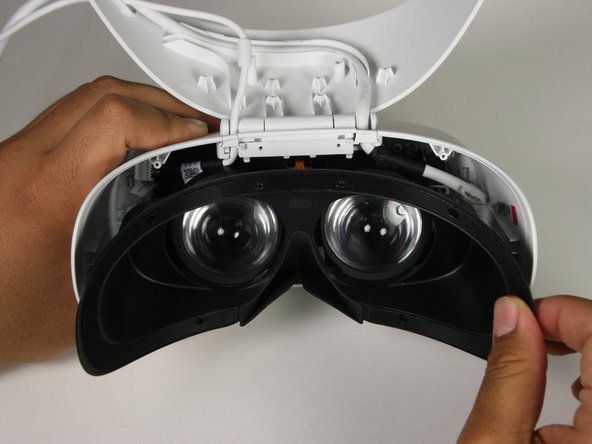
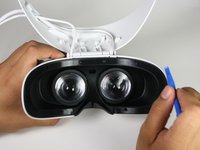
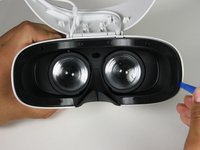
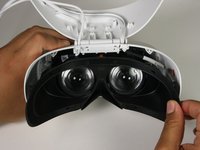
Remove the black foam padding by peeling away slowly.
-
Remove the front and back padding from the headset by peeling away slowly.
 Ask FixBot
-
-
-
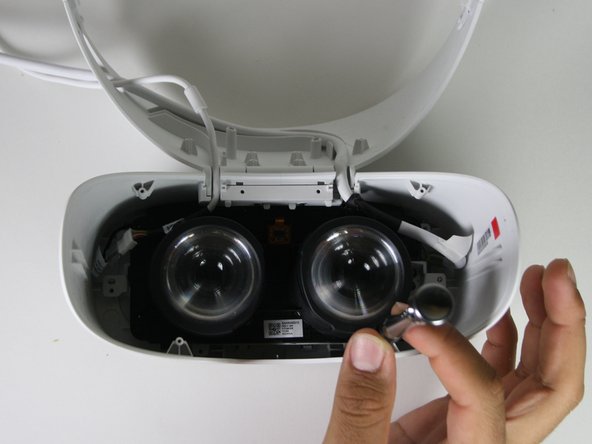
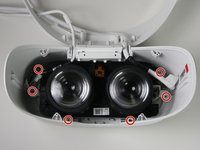
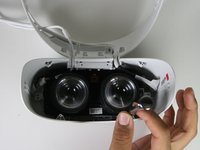
Remove the six 5.5mm PH000 screws from the cover by rotating counter-clockwise.
-
-
-
-
Remove the cover using one of the plastic opening tools, and then carefully pull it from the casing.
-
-
-
Remove the six 5.5mm PH000 screws from the cover by rotating counter-clockwise.
-
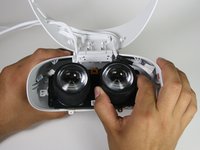
Carefully remove the lens and motherboard assembly from the white casing.
-
-




To reassemble your device, follow these instructions in reverse order.

Team

Cal Poly, Team S17-G1, White Fall 2018 Member of Cal Poly, Team S17-G1, White Fall 2018
CPSU-WHITE-F18S17G1
4 Members
72 Guides authored
