Dell Latitude E5530 LCD display Replacement

  1. Dell Latitude E5530 LCD display Replacement, Take out the battery: step 1, image 1 of 3 Dell Latitude E5530 LCD display Replacement, Take out the battery: step 1, image 2 of 3 Dell Latitude E5530 LCD display Replacement, Take out the battery: step 1, image 3 of 3
    • Using your fingers, slide the plastic switches away from the center and pull out the battery using the grips on the back of the laptop battery. This will make it so you don’t short anything.

  2. Dell Latitude E5530 LCD display Replacement: step 2, image 1 of 3 Dell Latitude E5530 LCD display Replacement: step 2, image 2 of 3 Dell Latitude E5530 LCD display Replacement: step 2, image 3 of 3
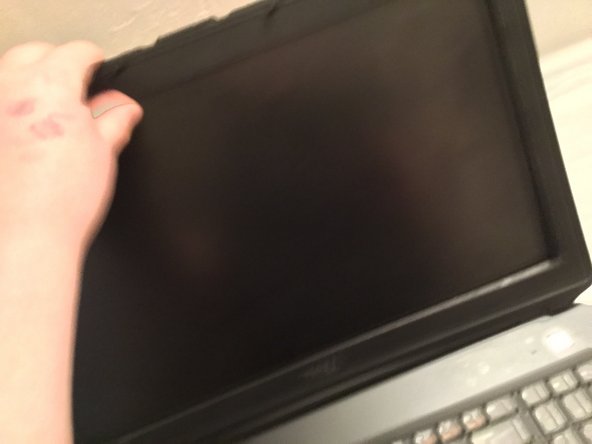
    • Using a plastic pry tool or your fingers, pry off the plastic bezel surrounding the LCD, starting at the bottom and finish with the top, then pull the bezel off of the frame. Do not use a metal pry tool, it will scratch the bezel and replacements are rare.

Conclusion

To reassemble your device, follow these instructions in reverse order.

One other person completed this guide.

Cooper Schwartz

Member since: 03/25/18

115 Reputation

1 Guide authored

0 Guide Comments

Add Comment

View Statistics:

Past 24 Hours: 0

Past 7 Days: 5

Past 30 Days: 13

All Time: 995