Introduction
The RAM (Random Access Memory) acts as your laptop's short-term memory. RAM temporarily stores data so you can have quick access to the programs you are currently running.
In this guide, you will learn how to replace or install RAM in your Dell Latitude 5490 laptop.
Replacing the RAM can improve performance, allowing your laptop to run faster and handle more tasks at once. Faulty RAM can prevent your system from starting successfully. An operational RAM stick can restore your laptop to optimal condition.
What you need
-
-
-
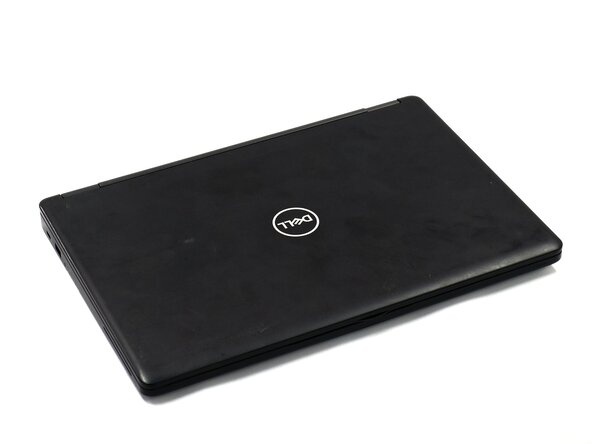
Close the device and flip the laptop over so the backplate is facing up.
 Ask FixBot
-
-
-
Using a Phillips #0 Screwdriver, loosen all eight captive screws in the backplate.
-
-
-
Using the spudger, pry the backplate from the laptop starting from external chassis (the back side of the laptop).
-
Continue prying in a clockwise direction around the backplate until it is able to be removed with just your hands.
-
Remove the backplate and put it aside for reassembly.
-
-
-
-
Using your finger, remove the battery connector using the handle found on top.
-
-
-
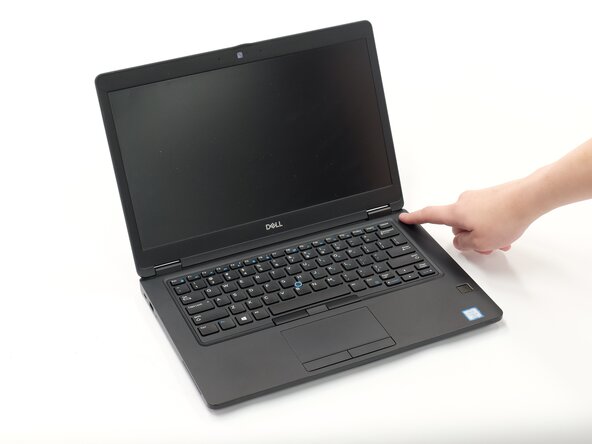
Hold down the power button for 15 seconds to discharge the remaining electricity within the laptop.
-
-
-
-
-
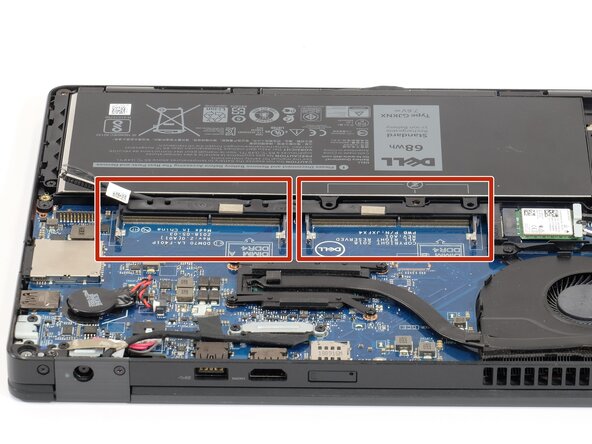
Your Dell Latitude 5490 laptop has 2 RAM slots.
-
Carefully pull the two small metal clips on the sides of the RAM module you are trying to remove.
-
-




To reassemble your device, follow these instructions in reverse order.
Cancel: I did not complete this guide.
2 other people completed this guide.

Team

Linn Benton Community College, Team 1-3, Karnes Fall 2025 Member of Linn Benton Community College, Team 1-3, Karnes Fall 2025
LBCC-KARNES-F25S1G3
3 Members
108 Guides authored
