
Dell Latitude 5401 RAM Replacement

Jordan Millar and 2 other contributors
Last updated on May 12, 2025
Views: 1.2K
View statistics:
- Past 24 Hours:
- 3
- Past 7 Days:
- 16
- Past 30 Days:
- 89
- All Time:
- 1,187
Comments: 2
2 comments on steps.
Completed: 1 2
1 person has marked this guide "completed." Will you be next?
2 people have marked this guide "completed." Including you — great job!
Favorites: 1 2
1 person has favorited (and subscribed to) this guide. Will you be next?
2 people have favorited (and subscribed to) this guide — including you!
Featured Student Guide
This guide has been the hard work of our awesome students and is found to be exceptionally cool by the iFixit staff.
Introduction
Go to step 1 ↓This guide will demonstrate the process of replacing RAM on a Dell Latitude 5401 series laptop.
Excessive use, poor ventilation, external or internal damage, and power surges may all result in RAM becoming dysfunctional and rendering the laptop useless. By following along, you will learn how to restore your laptop to working condition - allowing you to continue using it and helping to save both money and the environment!
Before you begin the repair, power off your device and disconnect it from the charger.
What you need
Parts
Tools


-
-
-
Disconnect any devices plugged into the computer.
-
Hold the power button down for 5-10 seconds to shutdown the laptop.
 Ask FixBot
-
-
-
Flip the laptop so the bottom is facing up.
-
Use a small Phillips screwdriver to loosen the eight screws on the back case.
-
-
Tool used on this step:Plastic Cards$2.99
-
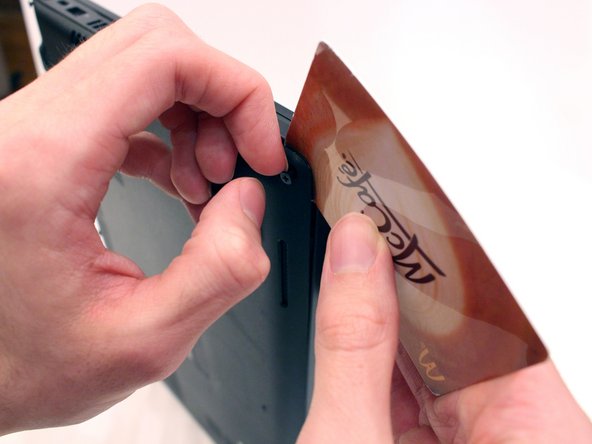
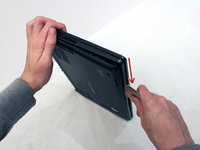
Expose the seam that connects the laptop case by pulling on a corner screw while holding the base.
-
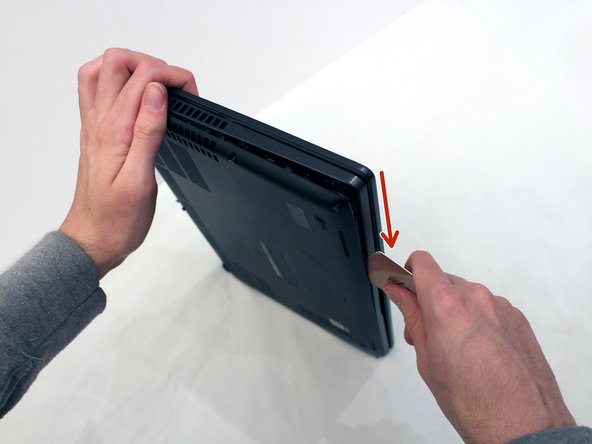
Insert a plastic card into the gap.
-
Slide the card around the perimeter of the case to release the clips.
-
Gently pry the laptop apart.
-
-
-
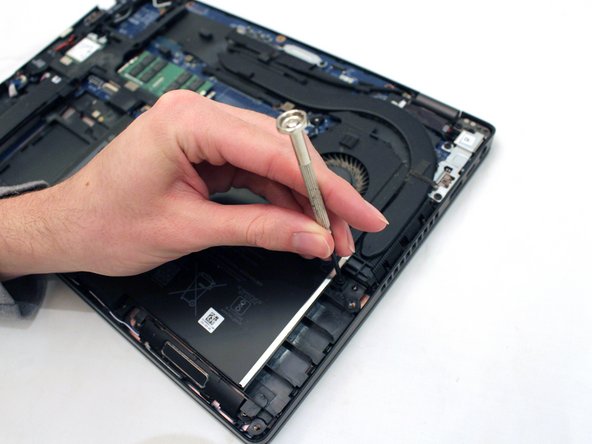
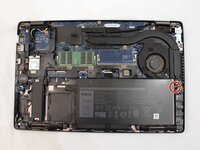
Use a small Phillips screwdriver to loosen the single screw securing the battery.
-
-
-
Carefully remove the battery from the case.
-
Flip the battery over.
-
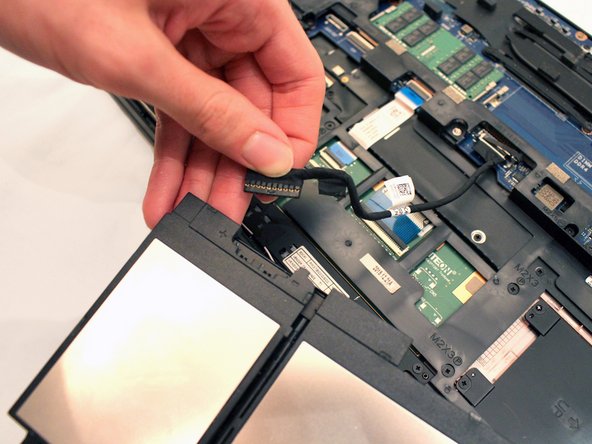
Grip the battery cable tab and pull the cable from the battery to separate it from the device.
-
-
-
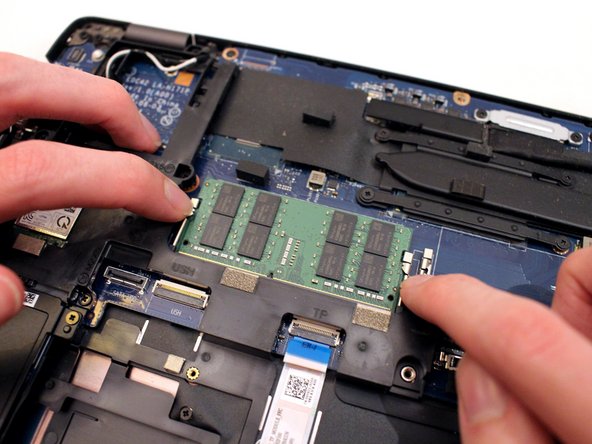
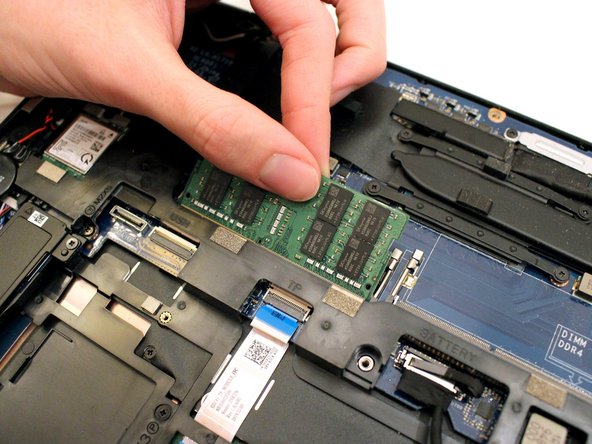
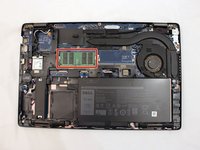
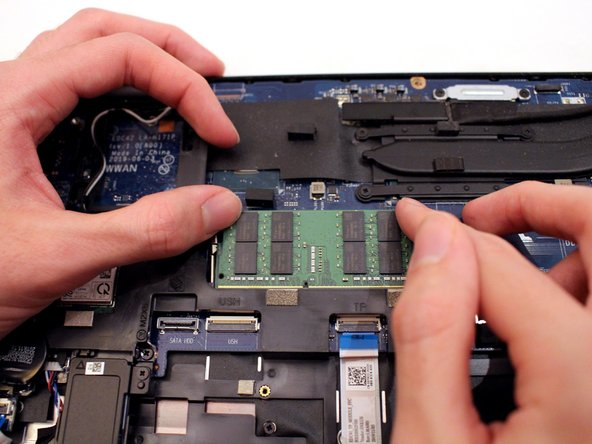
Gently pull the metal arms on both sides of the RAM stick away slightly to release it.
-
-
-
-
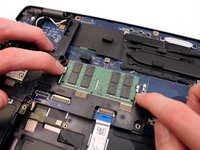
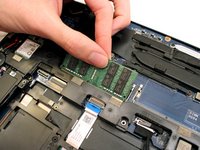
Insert the new RAM stick into the slot at the same angle that you used to remove the original.
-
Push down on the RAM until you hear a "click".
-
-
-
Using both hands, push the lower cover back onto the laptop.
-
Use a small Phillips screwdriver to secure the eight captive screws on the bottom cover.
-
-








Congratulations, you have successfully replaced your laptop RAM, saved money, and reduced your carbon footprint!
Cancel: I did not complete this guide.
One other person completed this guide.
Team

York University, Team 2-21, O'Regan Winter 2024 Member of York University, Team 2-21, O'Regan Winter 2024
YORK-O'REGAN-W24S2G21
1 Member
12 Guides authored
