Free Shipping on Domestic Orders $75+

Dell Inspiron 15R Screen Replacement

What you need

    1. Dell Inspiron 15R Screen Replacement, Battery: step 1, image 1 of 1
      • Turn the device over and locate the battery.

      Ask FixBot
      Add Comment

    2. Dell Inspiron 15R Screen Replacement: step 2, image 1 of 2 Dell Inspiron 15R Screen Replacement: step 2, image 2 of 2
      • Place thumbs on each latch and push outwards.

      Ask FixBot

      Add Comment

    3. Dell Inspiron 15R Screen Replacement: step 3, image 1 of 1
      • Push and slide the battery away from you.

      Ask FixBot

      Add Comment

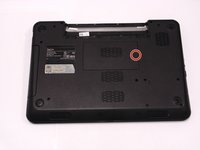
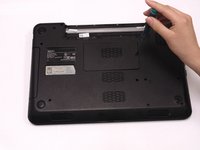
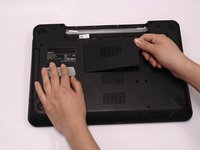
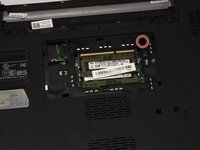
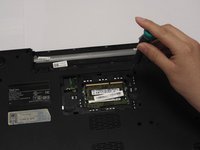
    1. Dell Inspiron 15R Screen Replacement, Keyboard: step 4, image 1 of 3 Dell Inspiron 15R Screen Replacement, Keyboard: step 4, image 2 of 3 Dell Inspiron 15R Screen Replacement, Keyboard: step 4, image 3 of 3
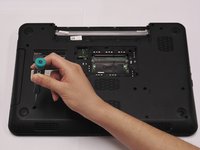
      • Locate the RAM compartment and the screw on the right hand side. Remove the cover.

      Ask FixBot

      Add Comment

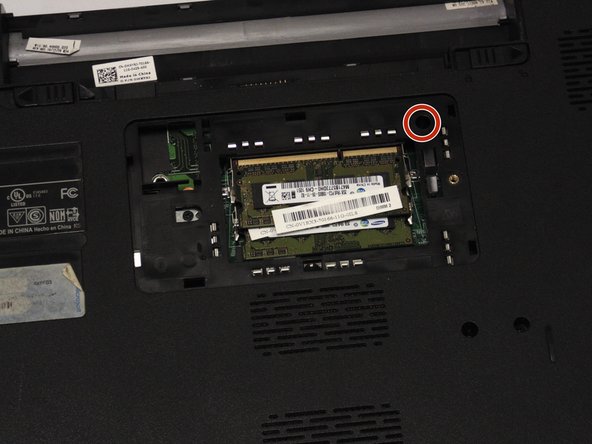
    2. Dell Inspiron 15R Screen Replacement: step 5, image 1 of 2 Dell Inspiron 15R Screen Replacement: step 5, image 2 of 2
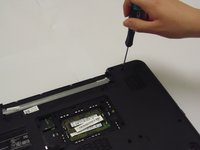
      • Locate and remove the 2.5 mm x 5 mm screw on the upper right hand side of the compartment.

      Ask FixBot

      Add Comment

    3. Dell Inspiron 15R Screen Replacement: step 6, image 1 of 1
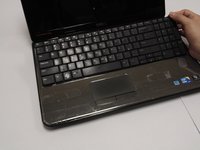
      • Turn the device around and open it up.

      Ask FixBot

      Add Comment

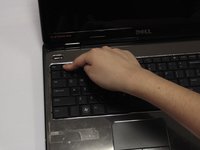
    4. Dell Inspiron 15R Screen Replacement: step 7, image 1 of 2 Dell Inspiron 15R Screen Replacement: step 7, image 2 of 2
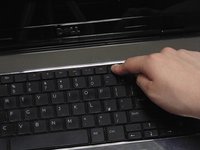
      • Using your index finger, push down on the F1 and F7 keys.

      Ask FixBot

      Add Comment

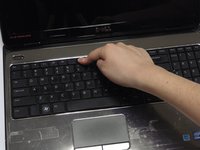
    5. Dell Inspiron 15R Screen Replacement: step 8, image 1 of 2 Dell Inspiron 15R Screen Replacement: step 8, image 2 of 2
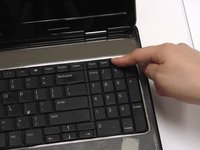
      • Using your index finger, push down on the x icon and Home keys.

      Ask FixBot

      Add Comment

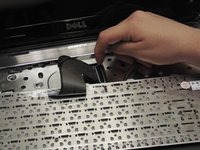
    6. Dell Inspiron 15R Screen Replacement: step 9, image 1 of 3 Dell Inspiron 15R Screen Replacement: step 9, image 2 of 3 Dell Inspiron 15R Screen Replacement: step 9, image 3 of 3
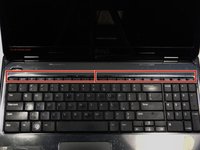
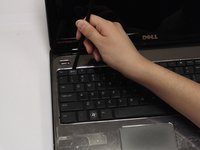
      • Locate the keyboard lining (between the black and silver).

      • Place your spudger between the keyboard lining behind the F1 and F7 keys and pull up.

      Ask FixBot
      Add Comment

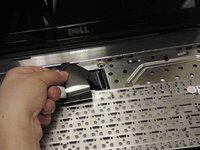
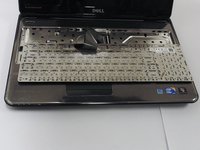
    7. Dell Inspiron 15R Screen Replacement: step 10, image 1 of 2 Dell Inspiron 15R Screen Replacement: step 10, image 2 of 2
      • Place your spudger between the keyboard lining behind the x icon and Home keys and pull up.

      Ask FixBot
      Add Comment

    8. Dell Inspiron 15R Screen Replacement: step 11, image 1 of 2 Dell Inspiron 15R Screen Replacement: step 11, image 2 of 2
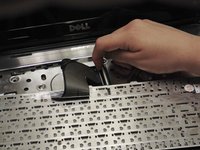
      • Carefully pull and turn the keyboard over.

      Ask FixBot

      Add Comment

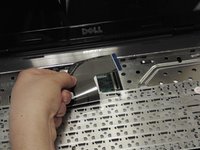
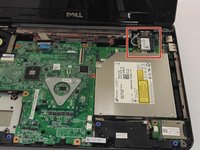
    9. Dell Inspiron 15R Screen Replacement: step 12, image 1 of 2 Dell Inspiron 15R Screen Replacement: step 12, image 2 of 2
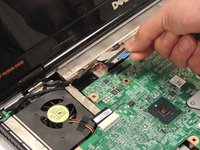
      • Lift the black lever.

      Ask FixBot
      Add Comment

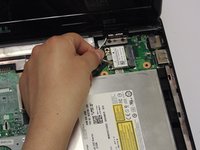
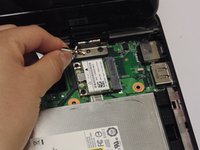
    10. Dell Inspiron 15R Screen Replacement: step 13, image 1 of 2 Dell Inspiron 15R Screen Replacement: step 13, image 2 of 2
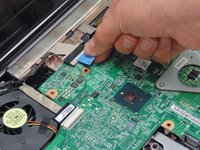
      • Remove the keyboard cable

      Ask FixBot
      Add Comment

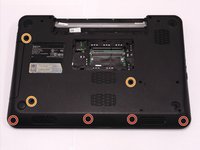
    1. Dell Inspiron 15R Screen Replacement, Hard Drive: step 14, image 1 of 2 Dell Inspiron 15R Screen Replacement, Hard Drive: step 14, image 2 of 2
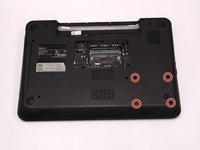
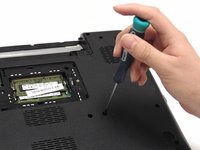
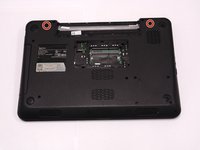
      • Turn laptop over and remove the bottom four screw covers outlined in red.

      • Then remove the three base screws.

      Ask FixBot
      Add Comment

    2. Dell Inspiron 15R Screen Replacement: step 15, image 1 of 2 Dell Inspiron 15R Screen Replacement: step 15, image 2 of 2
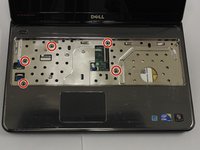
      • Turn laptop over and open it. Locate and remove the five palm rest screws.

      Ask FixBot

      Add Comment

    3. Dell Inspiron 15R Screen Replacement: step 16, image 1 of 3 Dell Inspiron 15R Screen Replacement: step 16, image 2 of 3 Dell Inspiron 15R Screen Replacement: step 16, image 3 of 3
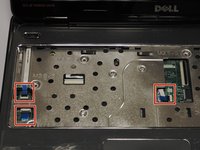
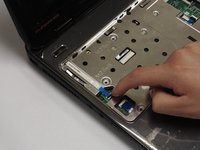
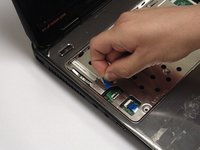
      • Locate the palm rest cables. Lift the black levers and unplug the blue cables.

      Ask FixBot

      Add Comment

    4. Dell Inspiron 15R Screen Replacement: step 17, image 1 of 2 Dell Inspiron 15R Screen Replacement: step 17, image 2 of 2
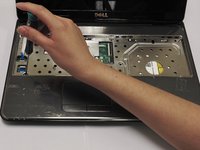
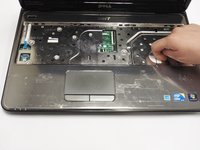
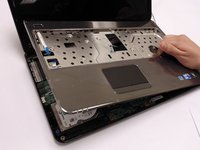
      • Lift the palm rest until it snaps off.

      Ask FixBot

      Add Comment

    5. Dell Inspiron 15R Screen Replacement: step 18, image 1 of 2 Dell Inspiron 15R Screen Replacement: step 18, image 2 of 2
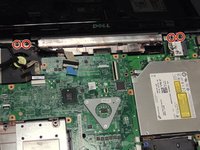
      • Close cover and turn laptop over. Locate and remove the four hard drive screws.

      Ask FixBot
      Add Comment

    6. Dell Inspiron 15R Screen Replacement: step 19, image 1 of 1
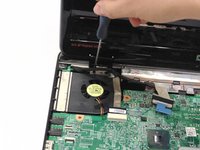
      • Turn laptop over and open it.

      Ask FixBot
      Add Comment

    7. Dell Inspiron 15R Screen Replacement: step 20, image 1 of 3 Dell Inspiron 15R Screen Replacement: step 20, image 2 of 3 Dell Inspiron 15R Screen Replacement: step 20, image 3 of 3
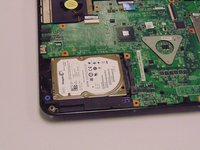
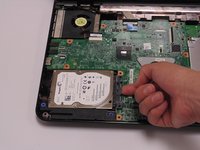
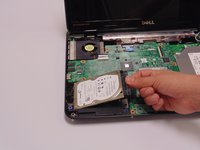
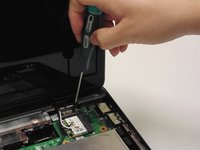
      • Lift and remove the hard drive.

      Ask FixBot
      Add Comment

    8. Dell Inspiron 15R Screen Replacement: step 21, image 1 of 1
      • Remove the hard drive connector.

      Ask FixBot

      Add Comment

    1. Dell Inspiron 15R Screen Replacement, Screen: step 22, image 1 of 2 Dell Inspiron 15R Screen Replacement, Screen: step 22, image 2 of 2
      • Locate and remove the bottom hinge screws.

      Ask FixBot

      Add Comment

    2. Dell Inspiron 15R Screen Replacement: step 23, image 1 of 3 Dell Inspiron 15R Screen Replacement: step 23, image 2 of 3 Dell Inspiron 15R Screen Replacement: step 23, image 3 of 3
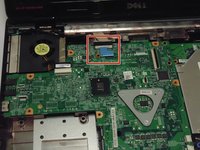
      • Turn laptop over and open it. Locate and unplug the LCD Cable.

      Ask FixBot

      Add Comment

    3. Dell Inspiron 15R Screen Replacement: step 24, image 1 of 3 Dell Inspiron 15R Screen Replacement: step 24, image 2 of 3 Dell Inspiron 15R Screen Replacement: step 24, image 3 of 3
      • Unplug the black and white wires on the wireless antenna.

      Ask FixBot

      Add Comment

    4. Dell Inspiron 15R Screen Replacement: step 25, image 1 of 3 Dell Inspiron 15R Screen Replacement: step 25, image 2 of 3 Dell Inspiron 15R Screen Replacement: step 25, image 3 of 3
      • Remove the two hinge screws on both the left and right hand side.

      Ask FixBot

      Add Comment

    5. Dell Inspiron 15R Screen Replacement: step 26, image 1 of 1
      • Remove the screen.

      Ask FixBot

      Add Comment

Conclusion

To reassemble your device, follow these instructions in reverse order.

Cancel: I did not complete this guide.

Trixie Gonzalez

Member since: 02/14/15

843 Reputation

6 Guides authored

Team

0 Guide Comments

Add Comment

View Statistics:

Past 24 Hours: 1

Past 7 Days: 7

Past 30 Days: 22

All Time: 2,842