Introduction
If your screen is cracked or not functioning correctly, follow this guide.
What you need
-
-
-
Using the metal spudger, carefully slide it under the black rubber bottom to remove it.
-
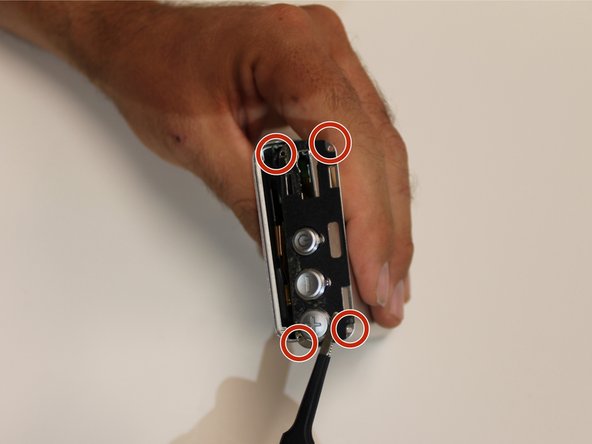
Using a Phillips J000 head screw driver, unscrew the 4mm screws placed on the outer corners of the metal plate.
-
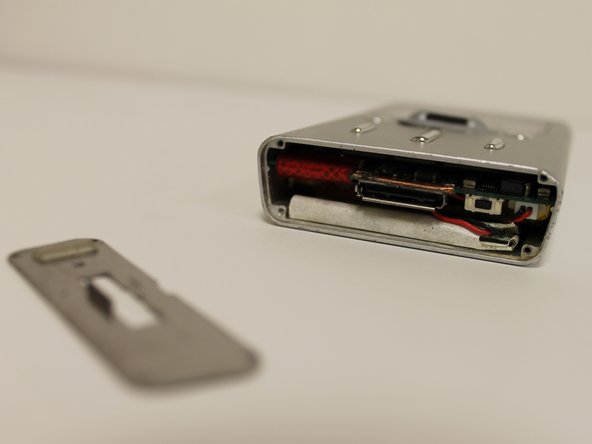
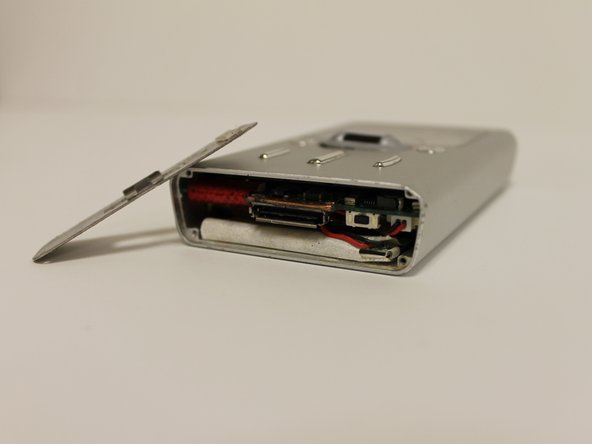
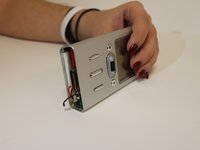
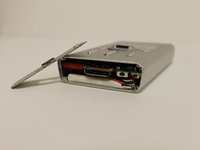
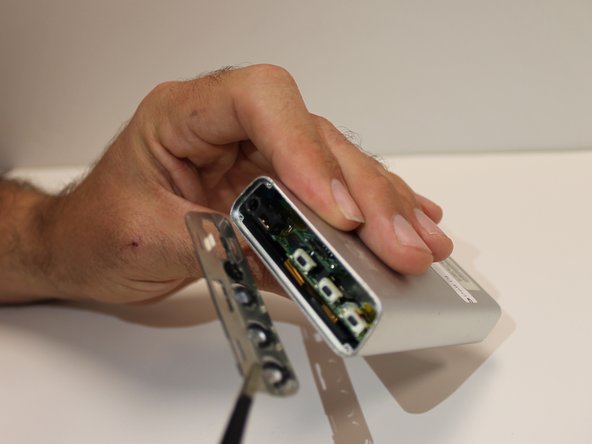
Again, take the metal spudger, placing it under the metal plate to take it off.
 Ask FixBot
-
-
-
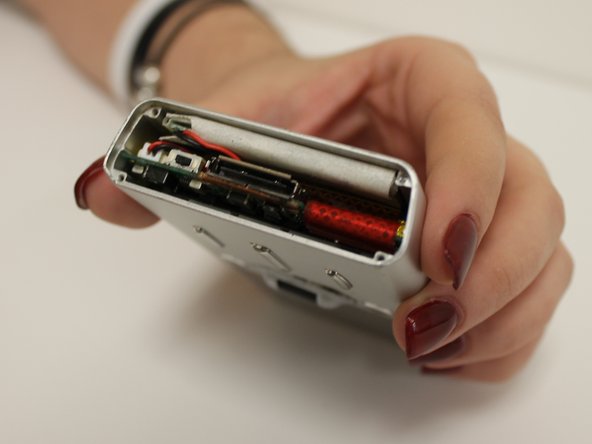
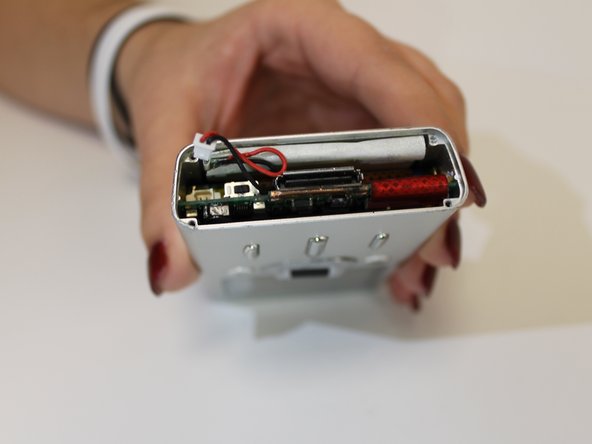
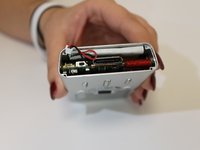
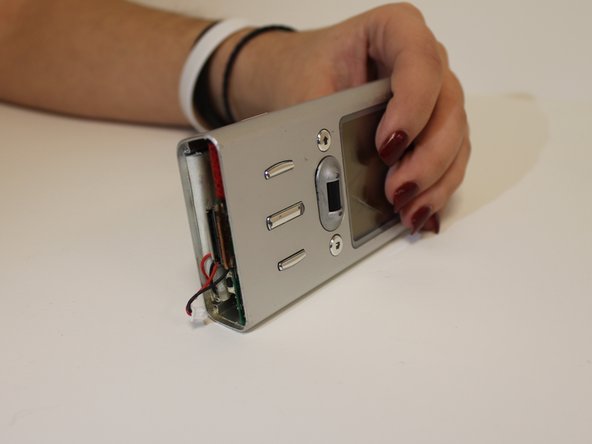
Once the metal plate is off, inspect the inside of the device to be sure the battery is plugged in and there's nothing blocking it.
-
-
Tool used on this step:Tweezers$4.99
-
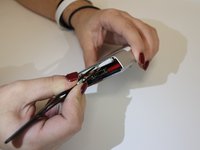
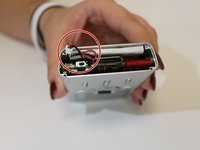
If the battery is still malfunctioning, carefully unplug the battery using tweezers.
-
-
-
-
To replace the battery, simply insert a new one into the same slot and then plug in the end to the correct spot.
-
After the device is assembled, power the device on. The issue should be repaired.
-
-
-
-
-
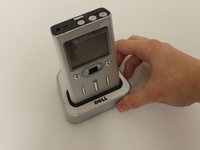
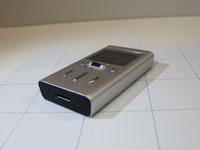
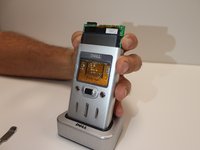
Inspect your device and be sure that it matches the device that this guide is disassembling.
-
Familiarize yourself with the specific design of the device.
-
-
-
The top plate of the device is attached by a dot of glue. Use the metal spudger to pry the plate off.
-
After the top plate is removed, remove the four 4mm screws that attach the inner plate.
-
When the plate is removed, the motherboard will be ready to be removed.
-
-
-
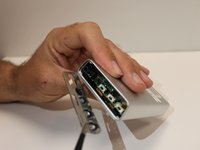
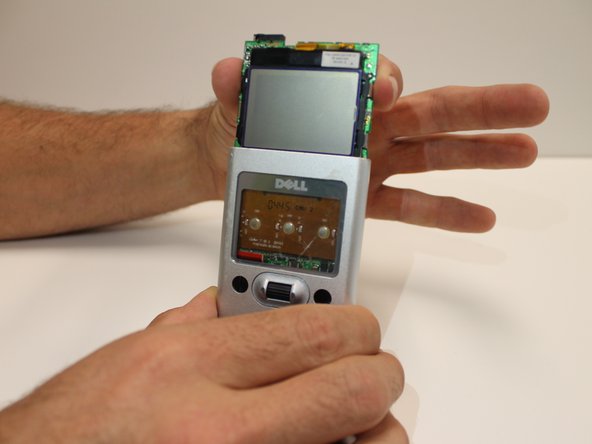
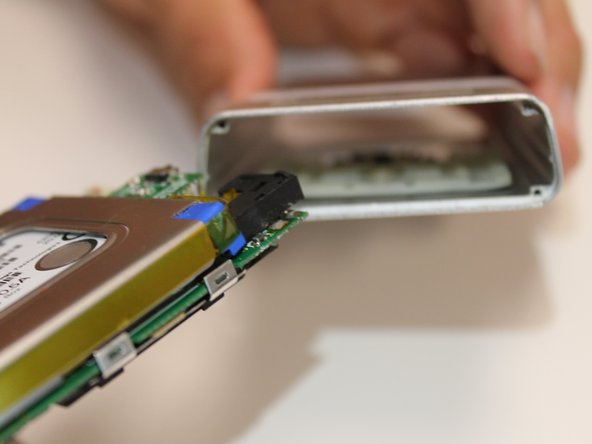
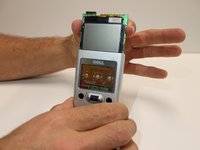
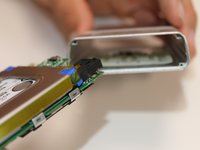
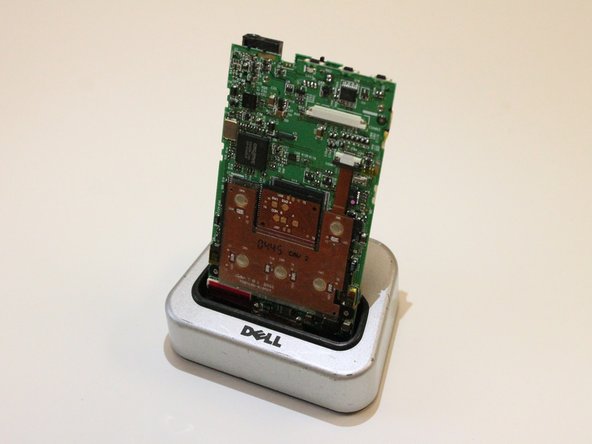
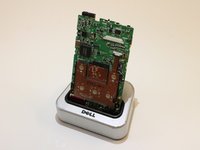
Slide the motherboard out of the protective case.
-
When the motherboard is exposed the device is ready to be inspected and repaired.
-
-
-
-
-
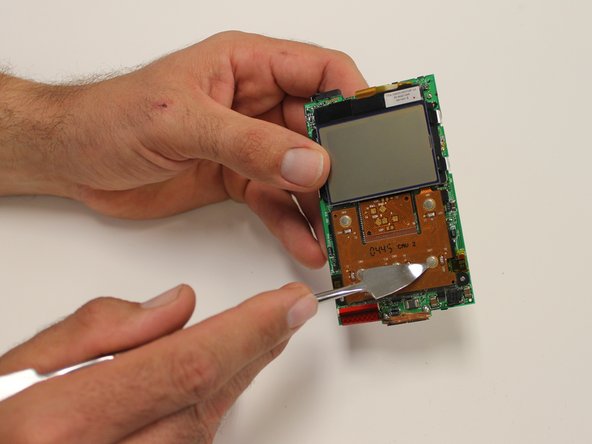
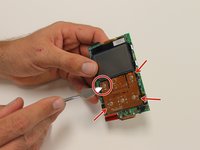
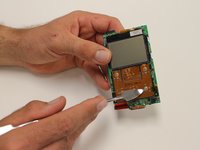
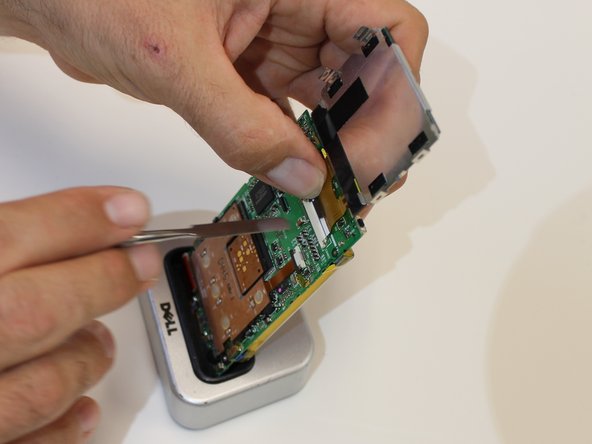
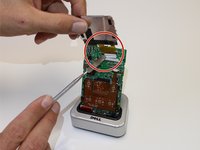
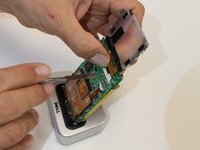
Disconnect side clips of screen to detach the base of it from the main circuit board, using the metal spudger.
-
-












To reassemble your device, follow these instructions in reverse order.

Team

USF Sarasota-Manatee, Team 1-1, Stewart Spring 2016 Member of USF Sarasota-Manatee, Team 1-1, Stewart Spring 2016
USFSM-STEWART-S16S1G1
3 Members
60 Guides authored
