Introduction
In this guide, we will show you how to remove and replace the Display Assembly.
What you need
-
-
-
Disconnect the antenna cables from the Mini-Card(s).
 Ask FixBot
-
-
-
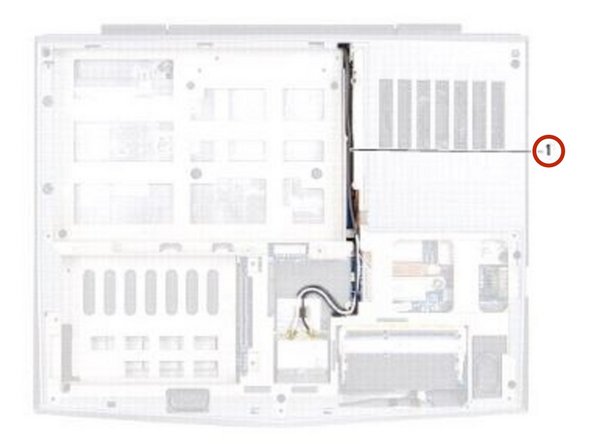
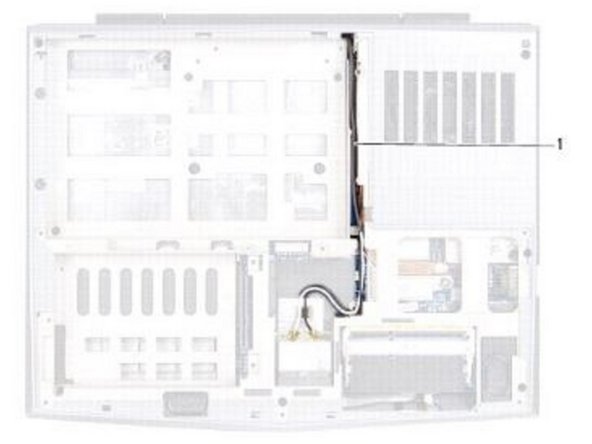
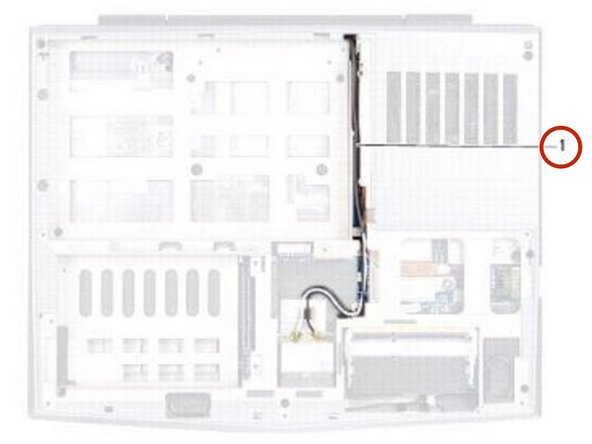
Note the routing of the Mini-Card antenna cables and remove them from the routing guides on the computer base.
-
-
-
Turn the computer over and open the display as far as possible.
-
-
-
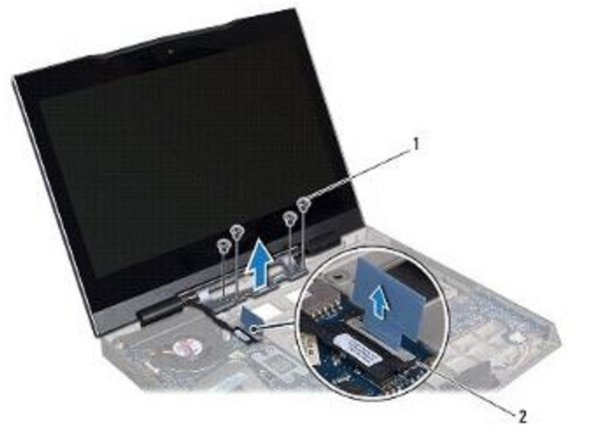
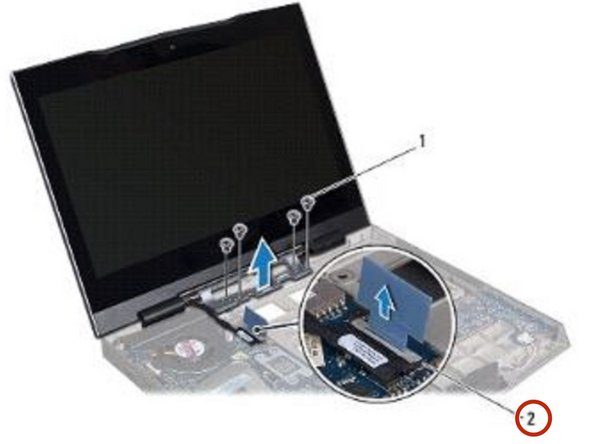
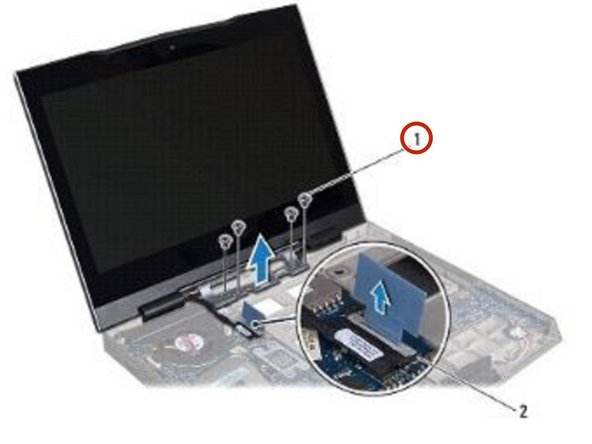
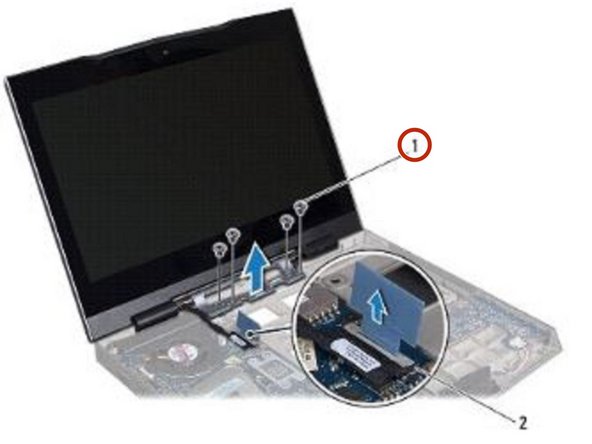
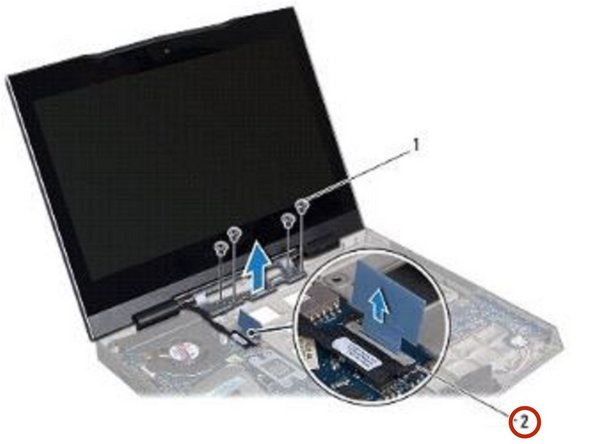
Pull the pull-tab to disconnect the display cable from the connector on the system board.
-
-
-
-
Remove the four screws that secure the display assembly to the computer base.
-
-
-
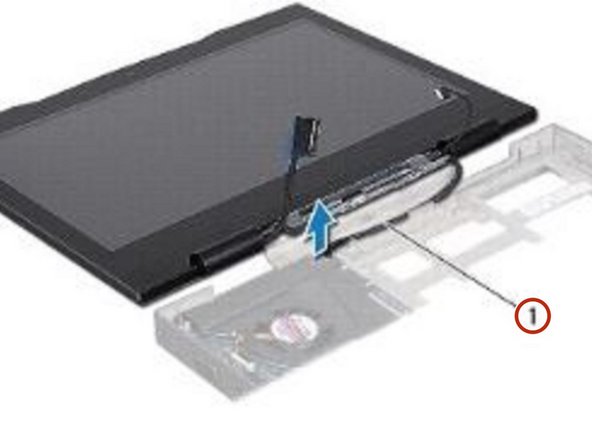
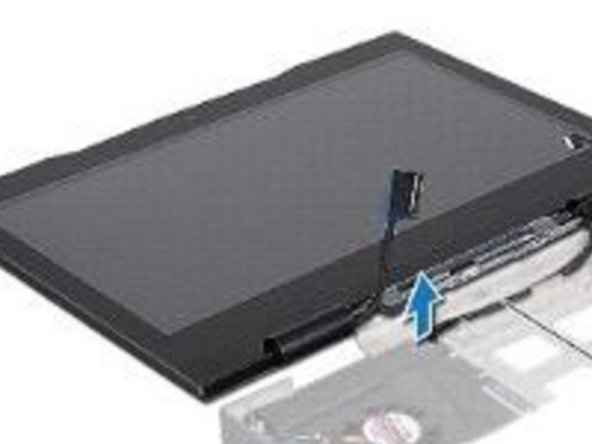
Gently slide the Mini-Card antenna cables out through the slot on the computer base.
-
-
-
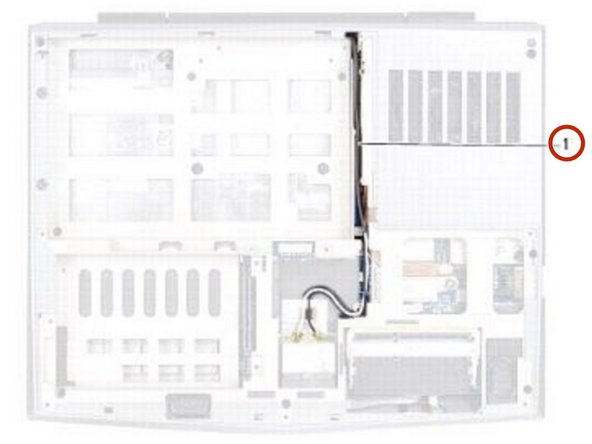
Slide the antenna cables in through the slot on the computer base.
-
-
-
Place the NEW display assembly in position and replace the four screws that secure the display assembly to the computer base.
-
-
-
Connect the display cable to the connector on the system board.
-
-
-
Turn the computer over and route the Mini-Card antenna cables through the routing guides on the computer base.
-
-
-
Connect the Mini-Card antenna cables to the Mini-Card(s).
-
-
To reassemble your device, follow these instructions in reverse order.


