
DRECELL VC021 Battery Replacement

Charles and 3 other contributors
Last updated on Jun 27, 2025
Views: 427
View statistics:
- Past 24 Hours:
- 2
- Past 7 Days:
- 11
- Past 30 Days:
- 52
- All Time:
- 427
Comments: 0
No one has left comments on this guide. Will you be first?
Go to guide commentsCompleted: 1 2
1 person has marked this guide "completed." Will you be next?
2 people have marked this guide "completed." Including you — great job!
Favorites: 0 1
No one has favorited (and subscribed to) this guide. Will you be the first?
1 person has favorited (and subscribed to) this guide — and that's you!
Introduction
Go to step 1 ↓If you are experiencing battery and suction issues with your Drecell VC021, the culprit might be a faulty battery leading to a decline in power. This guide details a replacement method for the battery.
What you need
Tools


-
-
-
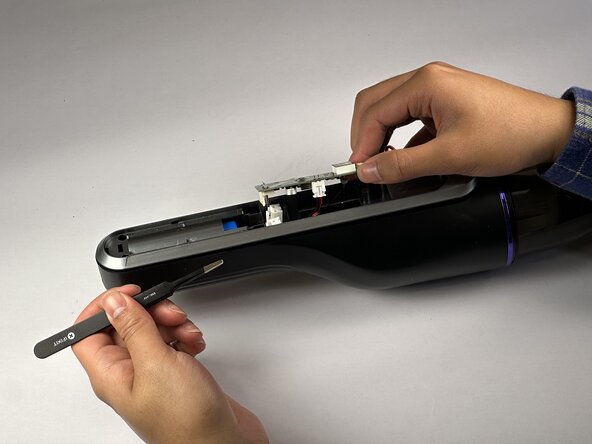
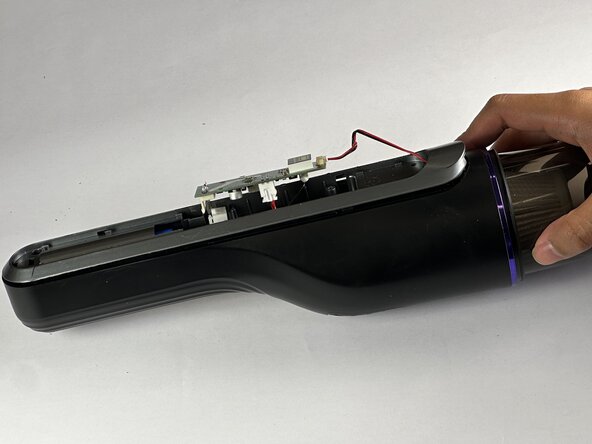
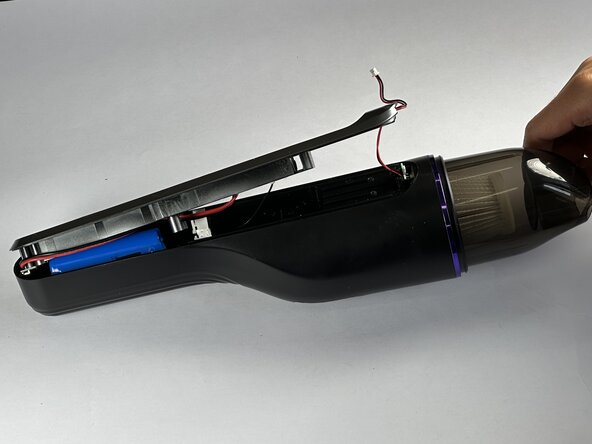
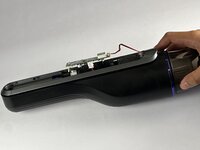
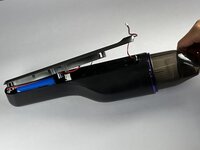
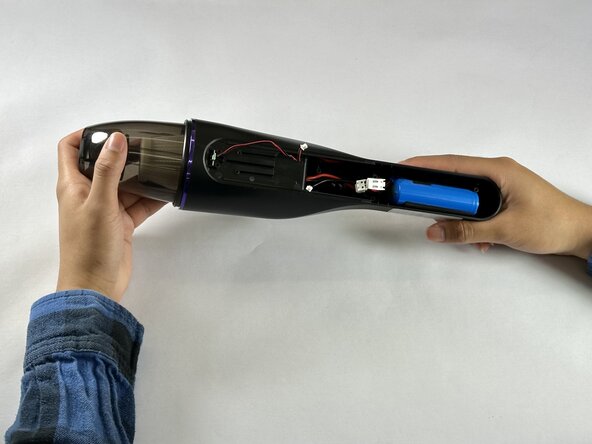
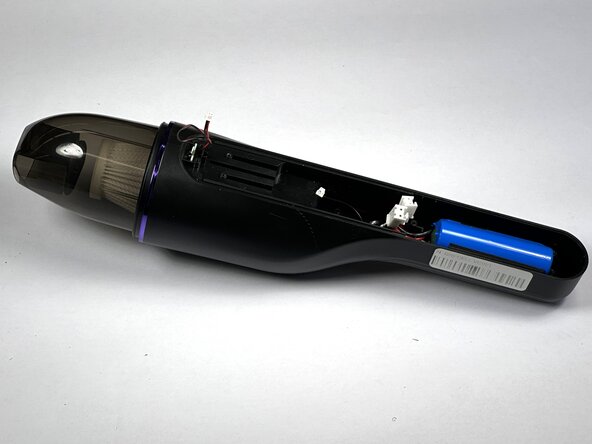
Remove the motherboard simultaneously with the wire connecting to motor and the battery.
-
-

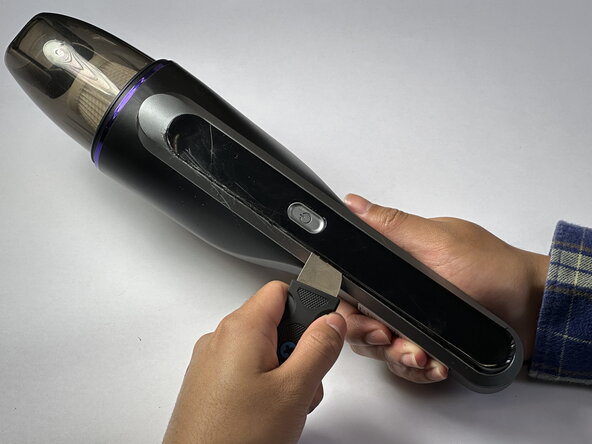
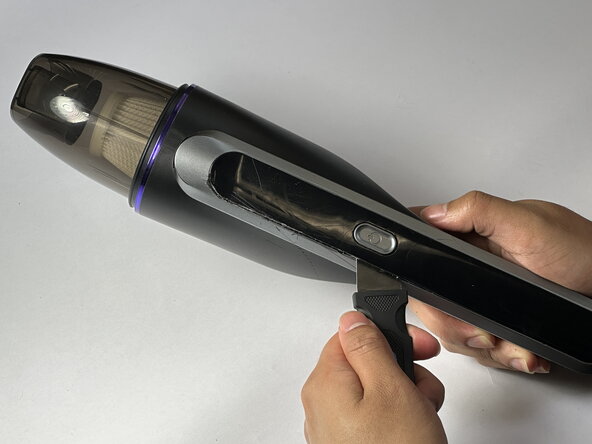


 Ask FixBot

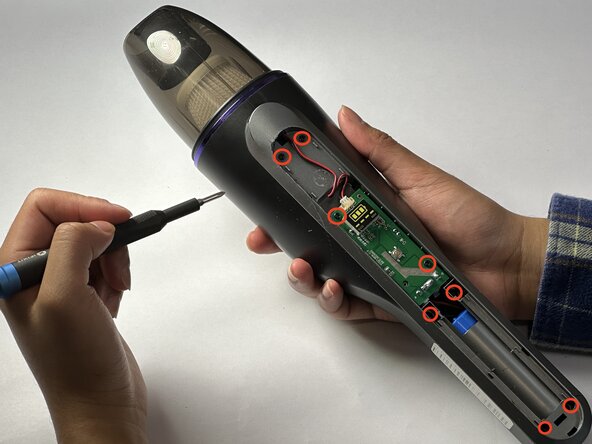
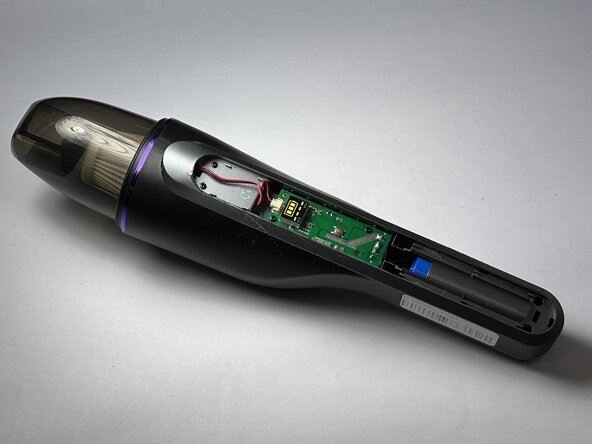


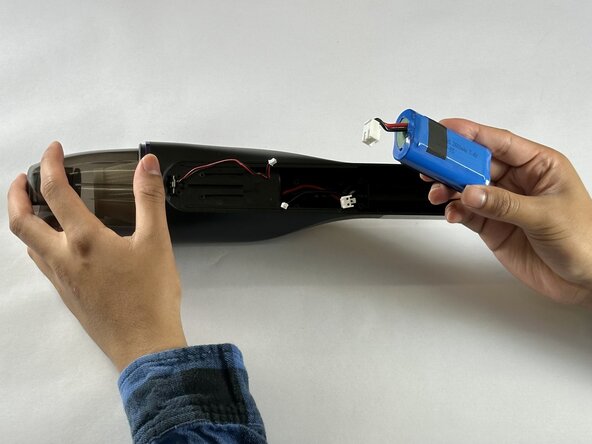
To reassemble your device, follow these instructions in reverse order.
Cancel: I did not complete this guide.
One other person completed this guide.

Team

CSU Los Angeles, Team 7-4, Kershman Spring 2025 Member of CSU Los Angeles, Team 7-4, Kershman Spring 2025
CSULA-KERSHMAN-S25S7G4
5 Members
12 Guides authored
