Free Shipping on Domestic Orders $75+

Core Assembly Removal

What you need

    1. Core Assembly Removal, Opening Procedure: step 1, image 1 of 1
      • Remove the four Tri-point #00 screws (4.2 mm length) on the backside of the watch.

      Ask FixBot

      Add Comment

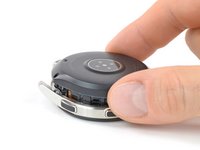
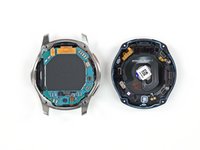
    2. Core Assembly Removal: step 2, image 1 of 2 Core Assembly Removal: step 2, image 2 of 2
      • Use an opening tool to get between the back cover and the metal housing of the watch.

      • Carefully pry the plastic back cover open.

      • Don't remove the back cover yet. There is a flex cable running to the core assembly inside.

      Ask FixBot

      Add Comment

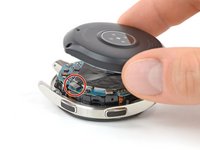
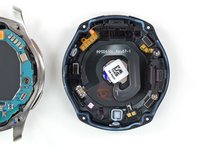
    3. Core Assembly Removal: step 3, image 1 of 2 Core Assembly Removal: step 3, image 2 of 2
      • Lay down the watch and lift the back cover to access the sensor connector on the motherboard.

      Ask FixBot

      Add Comment

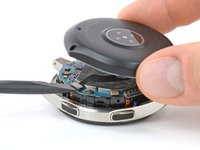
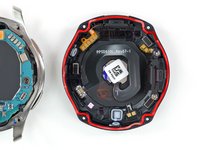
    4. Core Assembly Removal: step 4, image 1 of 2 Core Assembly Removal: step 4, image 2 of 2
      • Use a spudger to disconnect the sensor flex cable from the motherboard.

      Ask FixBot

      Add Comment

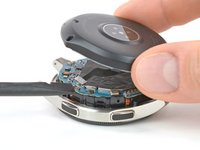
    5. Core Assembly Removal: step 5, image 1 of 3 Core Assembly Removal: step 5, image 2 of 3 Core Assembly Removal: step 5, image 3 of 3
      • Remove the back cover.

      • When closing the watch make sure the rubber gasket is undamaged or replace it with a new one.

      Ask FixBot

      Add Comment

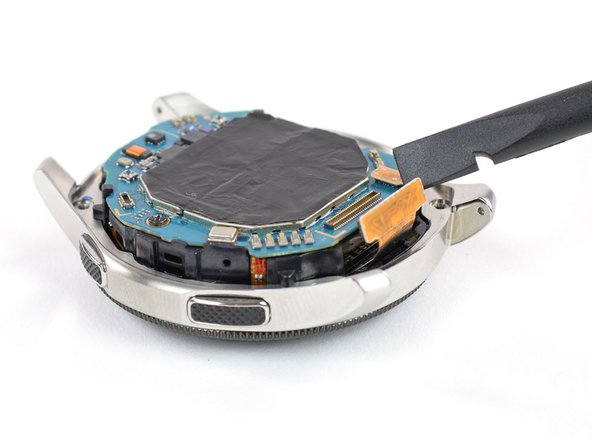
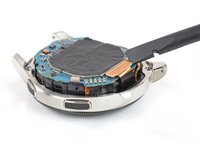
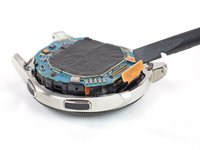
    1. Core Assembly Removal, Core Assembly Removal: step 6, image 1 of 2 Core Assembly Removal, Core Assembly Removal: step 6, image 2 of 2
      • Use a spudger to disconnect the display flex cable from the motherboard.

      Ask FixBot

      Add Comment

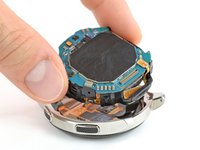
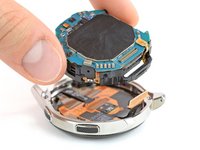
    2. Core Assembly Removal: step 7, image 1 of 2 Core Assembly Removal: step 7, image 2 of 2
      • Lift the core unit out of the housing.

      • The core's plastic frame sits tight inside the housing.

      • Carefully thread the display flex cable through the gap of the core's plastic frame.

      Ask FixBot

      Add Comment

Conclusion

To reassemble your device, follow these instructions in reverse order.

Cancel: I did not complete this guide.

7 other people completed this guide.

Tobias Isakeit

Member since: 03/31/14

134,546 Reputation

189 Guides authored

Team

3 Guide Comments

thanks, loved seeing this watch from the inside!

Crystal Blu - Reply Share

Great, but now I need to know how to get to the glass to replace it.

selwood.maria - Reply Share

Add Comment

View Statistics:

Past 24 Hours: 0

Past 7 Days: 8

Past 30 Days: 55

All Time: 4,360