
Coolpad 3300A Disassembly

Riley Casteel and 2 other contributors
Last updated on May 24, 2018
Views: 1.8K
View statistics:
- Past 24 Hours:
- 2
- Past 7 Days:
- 22
- Past 30 Days:
- 76
- All Time:
- 1,821
Comments: 0
No one has left comments on this guide. Will you be first?
Go to guide commentsCompleted: 6 7
6 people have marked this guide "completed." Will you be next?
7 people have marked this guide "completed." Including you — great job!
Favorites: 0 1
No one has favorited (and subscribed to) this guide. Will you be the first?
1 person has favorited (and subscribed to) this guide — and that's you!
Needs More Images
A few more images would make this guide's procedures crystal clear.
Introduction
Go to step 1 ↓Step by step process on how to remove back housing that must be removed before further internal repairs can be done.
What you need
Tools

-
-
-
After removing the back of the phone (not pictured), remove the battery by lifting up from the bottom with your thumb. There will be a groove that allows you to remove the battery with your thumb.
 Ask FixBot
-
-
-
Remove the four screws (30 mm long) which hold the front and back half of the unit together using a Phillips #000 screwdriver. There will be one screw in each corner.
-
-
-
-
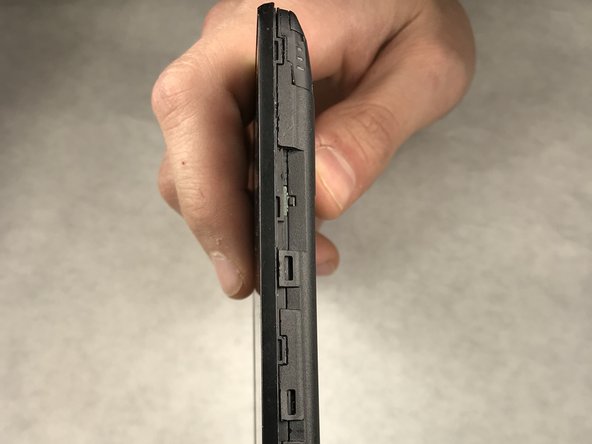
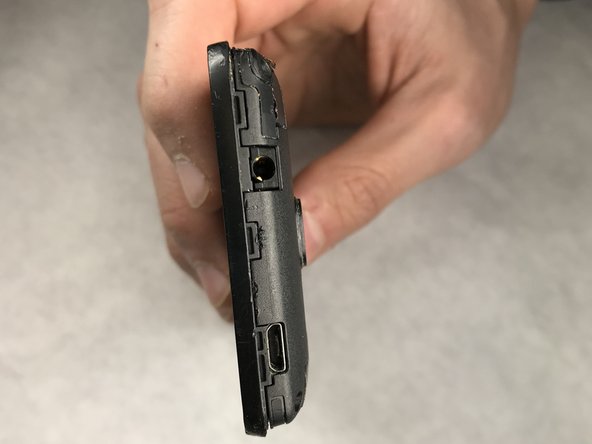
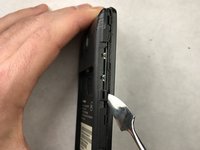
Use a metal spudger to release all of the clips around the phone. These clips are used to hold the front and back panel on the phone together.
-
-
-
After the clips are released, carefully separate the back housing from the phone. Notice the sticker that appears in the red box holds the phone together, but can be peeled apart.
-
-


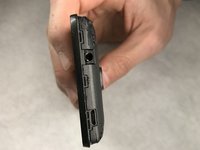

To reassemble your device, follow these instructions in reverse order.
Cancel: I did not complete this guide.
6 other people completed this guide.

Team

IUPUI, Team S1-G3, Harley Spring 2018 Member of IUPUI, Team S1-G3, Harley Spring 2018
IUPUI-HARLEY-S18S1G3
6 Members
60 Guides authored
