
Connect Four Electronic Handheld Screen Replacement

Wil and
Last updated on May 7, 2024
Views: 1.1K
View statistics:
- Past 24 Hours:
- 7
- Past 7 Days:
- 24
- Past 30 Days:
- 94
- All Time:
- 1,117
Comments: 0
No one has left comments on this guide. Will you be first?
Go to guide commentsCompleted: 0 1
No one has marked this guide "completed." Will you be the first?
1 person has marked this guide "completed." It's you — great job!
Favorites: 0 1
No one has favorited (and subscribed to) this guide. Will you be the first?
1 person has favorited (and subscribed to) this guide — and that's you!
What you need
Parts
Tools


Introduction
Go to step 1 ↓This replacement guide will show you how to replace the screen by taking off the back covering, the buttons, and the circuit board in order to get to the screen.
-
-
-
Make sure the Connect Four Electronic Handheld is off by allowing it to shut off automatically.
 Ask FixBot
-
-
-
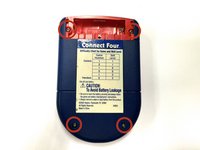
Using a Phillips head screwdriver, remove the (9.1mm length) #2 screw in the middle of the battery casing.
-
Slide the cover off and remove the battery.
-
-
-
-
-
-
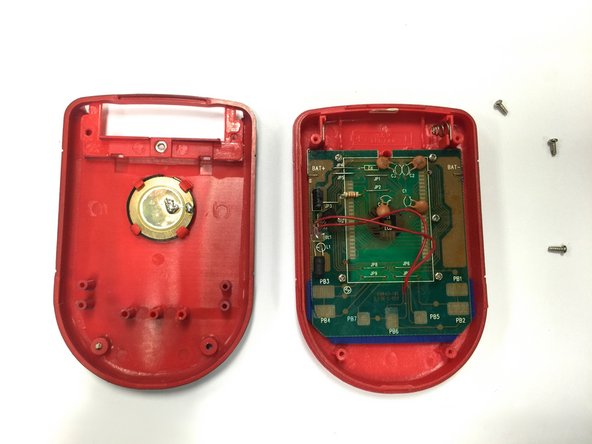
Using a Phillips head screwdriver, remove the four (7.1mm- length) #3 screws that hold the back casing in place.
-
Carefully remove the back casing.
-
-
-
-
-
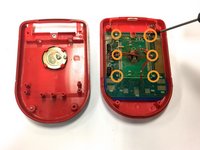
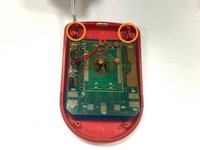
Using a Phillips head screwdriver, remove the six (0.25"-length) #3 screws that hold down the cpu board.
-
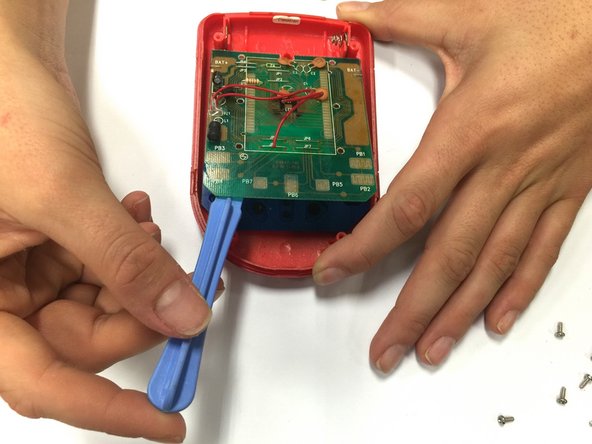
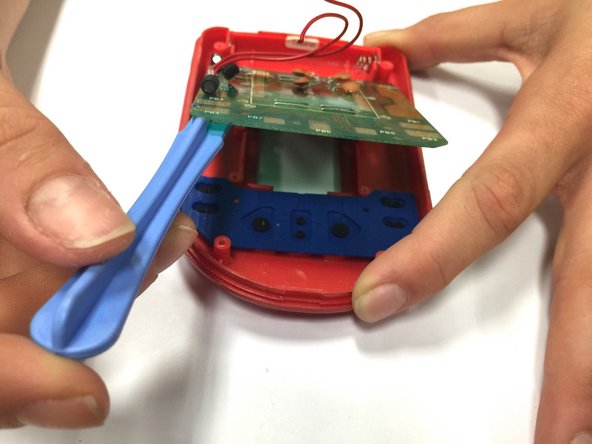
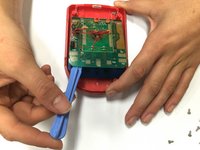
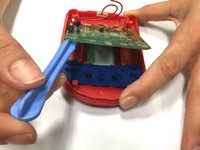
Using a plastic opening tool, lever the circuit board just enough to where you can easily access the button sheet.
-
-
Tool used on this step:Tweezers$4.99
-
Pop out the wires, connected to the battery terminals, out of their place. You can use a plastic opening tool or fine tweezers for this step.
-
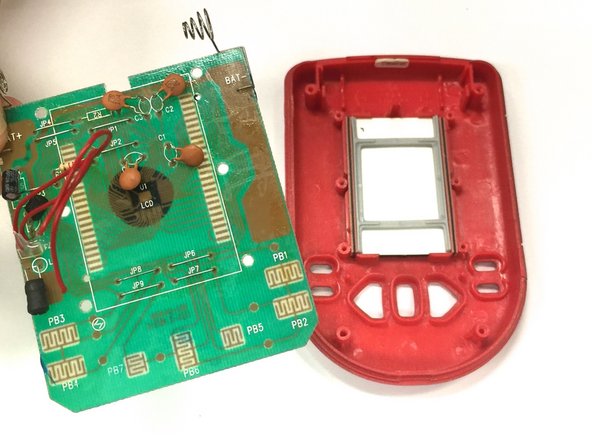
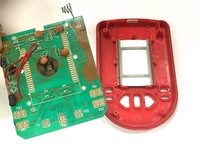
Once the terminals are out of place, remove the circuit board.
-
-
-
Take the old screen out.
-
Replace the old screen with the new screen.
-
-






To reassemble your device, follow these instructions in reverse order.

Team

Baylor, Team 8-11, Williams Fall 2014 Member of Baylor, Team 8-11, Williams Fall 2014
BU-WILLIAMS-F14S8G11
3 Members
72 Guides authored
