Introduction
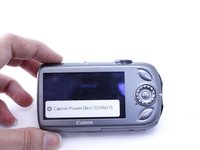
Many camera problems can be fixed by replacing the LCD screen. If your screen is visibly cracked or broken or has been damaged due to impact or exposure to liquids, replacing the LCD screen may resolve your issues.
What you need
-
-
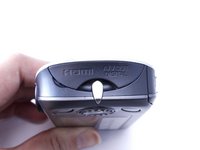
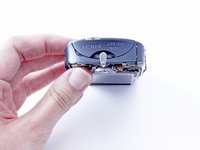
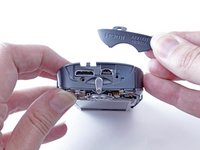
Close the battery door, and turn the camera over so that the bottom of the camera is facing up.
-
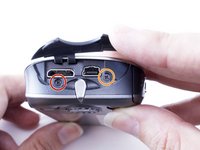
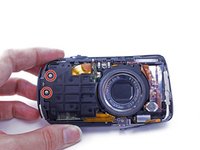
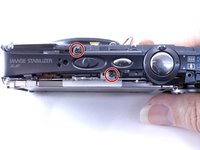
Using a PH000 screwdriver, remove the two 5.5mm screws.
-
-
-
-
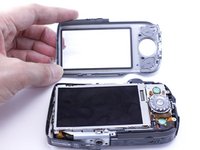
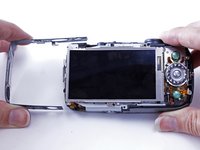
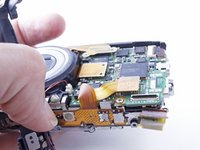
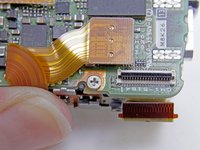
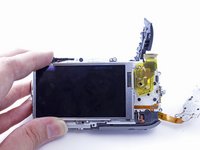
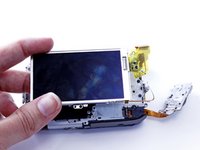
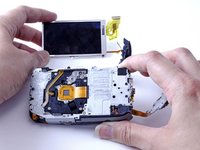
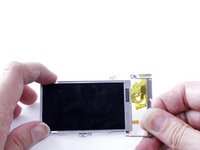
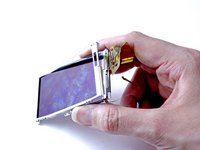
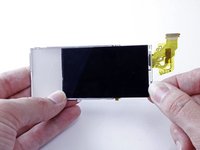
Carefully slide out the LCD screen from the back part of the casing.
-
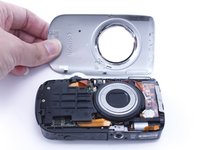
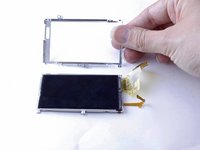
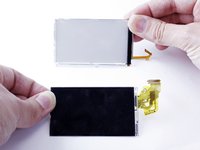
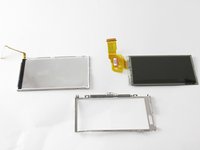
You should now have three components: The back of the LCD screen casing, the LCD screen, and the front of the LCD screen casing.
-
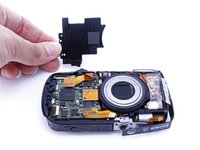
The LCD screen is now removed and can be replaced or set aside to access other camera components.
-




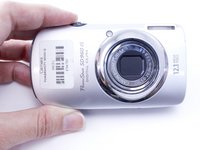










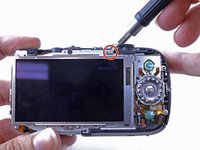
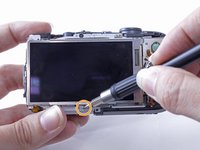


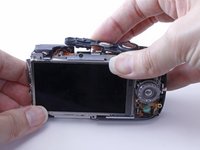
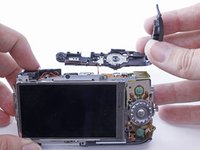


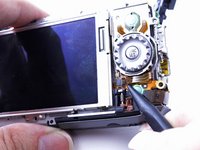
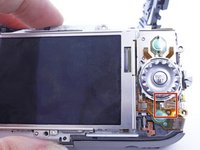


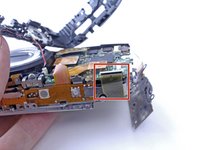
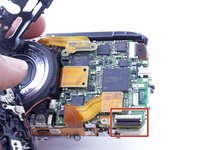








To reassemble your device, follow these instructions in reverse order.
Cancel: I did not complete this guide.
3 other people completed this guide.



Team

University of North Texas, Team 1-4, Campbell Fall 2016 Member of University of North Texas, Team 1-4, Campbell Fall 2016
UNT-CAMPBELL-F16S1G4
2 Members
3 Guides authored
