Introduction
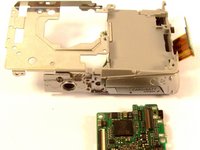
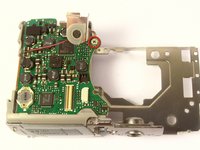
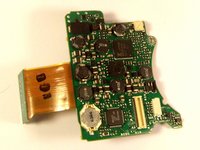
Follow this step by step installation guide for replacing the motherboard on your Canon Powershot SD700 IS camera.
In order to make the process easier please view our more indepth guide on taking off the camera's casing in the LCD replacement guide.
What you need
-
-
-
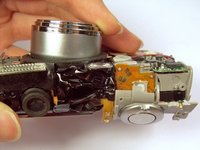
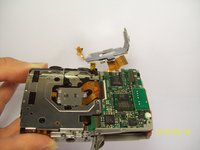
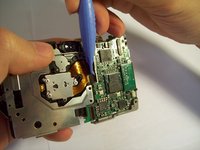
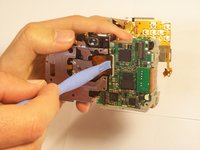
Detach the LCD and backlight.
-
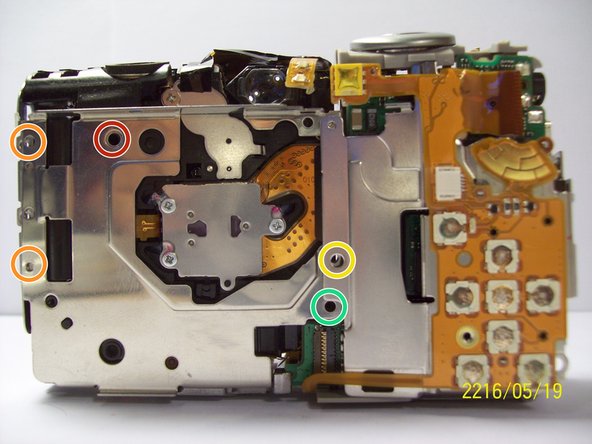
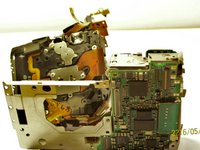
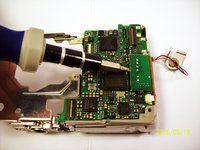
Remove the larger screw.
-
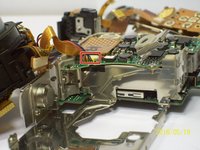
Remove the two smaller sized screws.
-
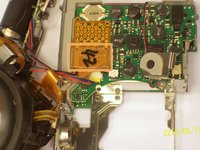
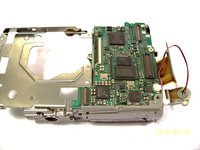
Remove the small screw.
-
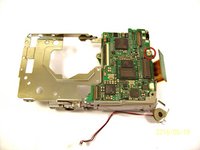
Remove the small screw.
-














Conclusion
To reassemble your device, follow these instructions in reverse order.



Team

Cal Poly, Team 9-71, Walters Spring 2011 Member of Cal Poly, Team 9-71, Walters Spring 2011
CPSU-WALTERS-S11S9G71
4 Members
9 Guides authored
