
Canon ImageCLASS MF4350d Transformer Replacement

Helena Yanez and 7 other contributors
Last updated on Jan 13, 2026
Views: 3.7K
View statistics:
- Past 24 Hours:
- 3
- Past 7 Days:
- 20
- Past 30 Days:
- 95
- All Time:
- 3,724
Comments: 0
No one has left comments on this guide. Will you be first?
Go to guide commentsCompleted: 1 2
1 person has marked this guide "completed." Will you be next?
2 people have marked this guide "completed." Including you — great job!
Favorites: 0 1
No one has favorited (and subscribed to) this guide. Will you be the first?
1 person has favorited (and subscribed to) this guide — and that's you!
Introduction
Go to step 1 ↓This guide will teach you how to replace your printer's right side transformer. Do not touch anything other than what is specified, specifically on the green board. You may accidentally short or damage the electrical configurations or give yourself an electric shock.
What you need
Tools

-
-
-
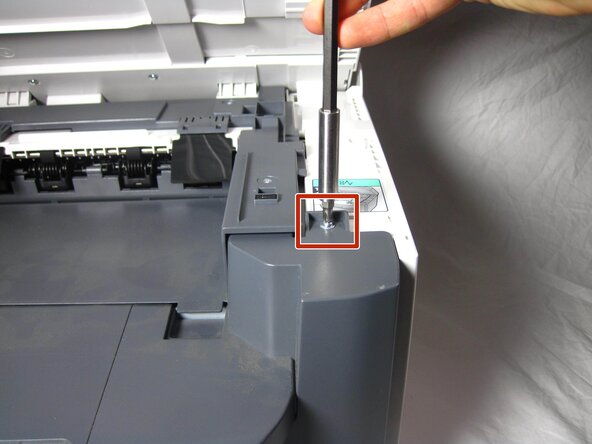
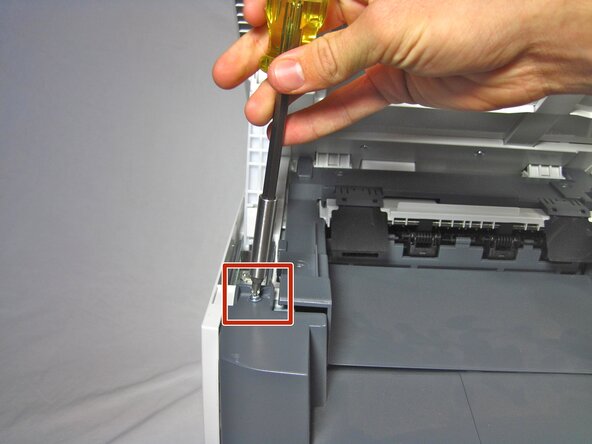
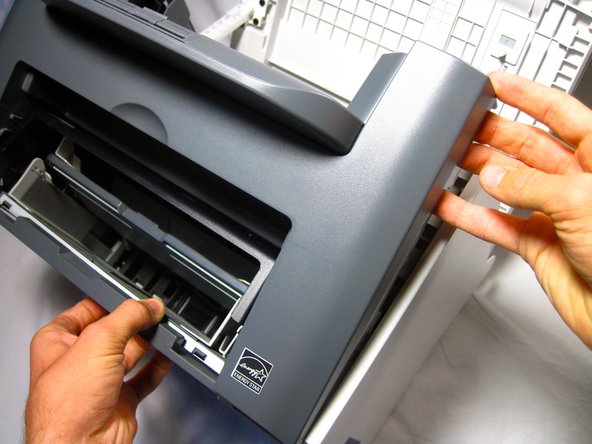
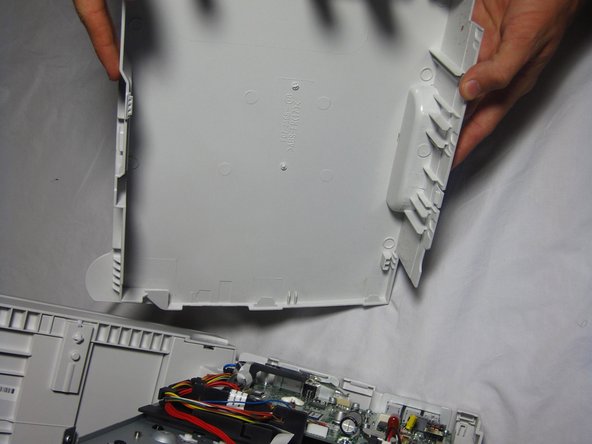
Unhook the plastic panel from the printer starting from the top.
-
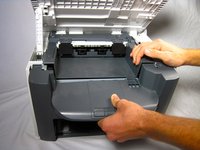
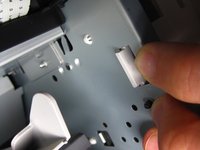
To remove the bottom part of the paneling gently lay the printer on its back.
-
-
-
-
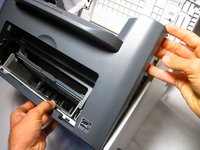
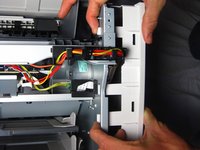
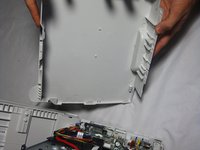
Gently unhook the right side paneling (as looking at the printer's front face) from the printer.
-
-
-
-
-
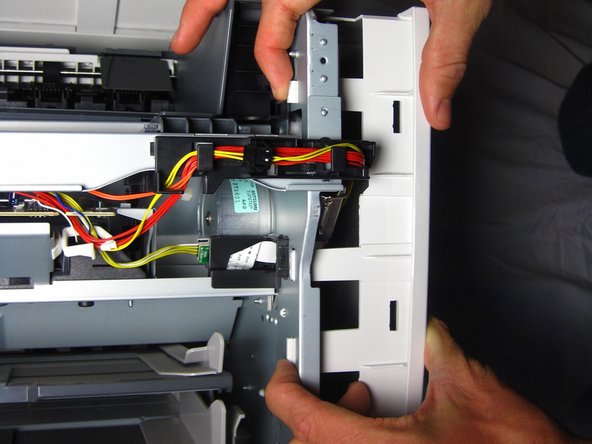
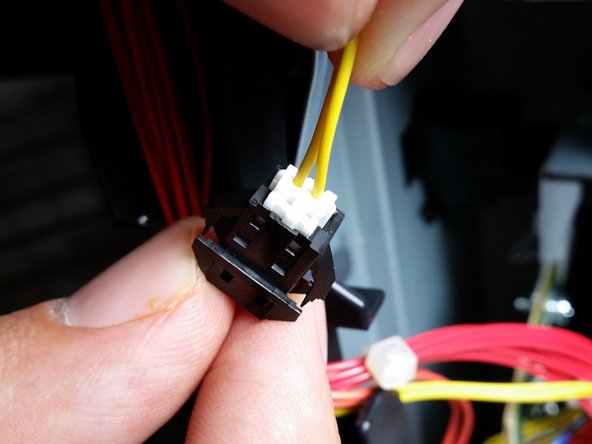
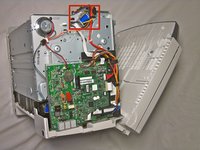
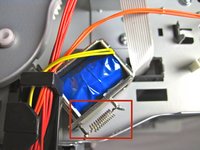
Locate the yellow wire connected to the metal box.
-
Carefully pull the yellow wire from the black connector.
-
-
-

 Ask FixBot




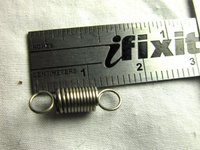


To reassemble your device, follow these instructions in reverse order.
Cancel: I did not complete this guide.
One other person completed this guide.

Team

Cal Poly, Team 13-1, Forte Fall 2013 Member of Cal Poly, Team 13-1, Forte Fall 2013
CPSU-FORTE-F13S13G1
5 Members
96 Guides authored
