
HP Officejet 4630 Paper Tray Replacement

Tyler Allen and 3 other contributors
Last updated on Mar 23, 2018
Views: 2.7K
View statistics:
- Past 24 Hours:
- 3
- Past 7 Days:
- 22
- Past 30 Days:
- 105
- All Time:
- 2,678
Comments: 1
1 guide comment.
Go to guide commentsCompleted: 5 6
5 people have marked this guide "completed." Will you be next?
6 people have marked this guide "completed." Including you — great job!
Favorites: 1 2
1 person has favorited (and subscribed to) this guide. Will you be next?
2 people have favorited (and subscribed to) this guide — including you!
Introduction
Go to step 1 ↓Paper trays are easy to break but thankfully it is an easy repair with only one tool required.
What you need
Tools

-
-
-
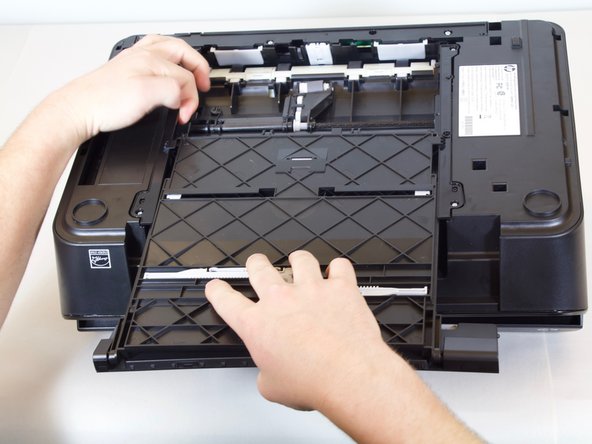
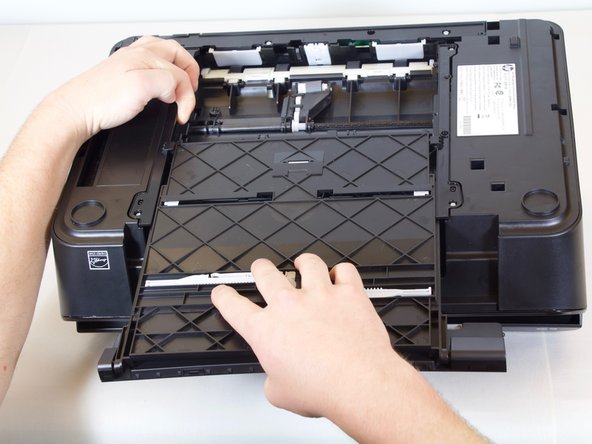
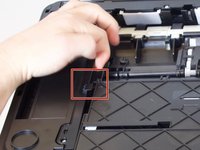
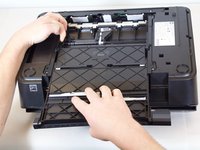
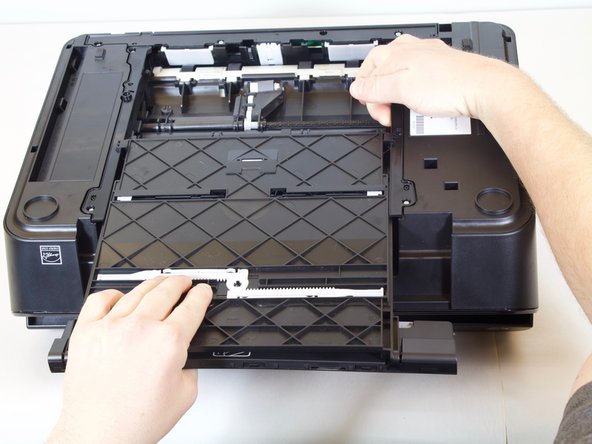
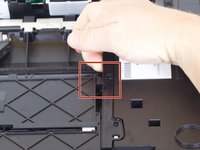
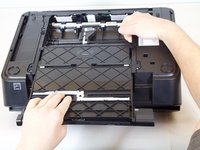
Lift up on one side of the black plastic bar with one hand while pulling the paper tray out of the printer with your other hand.
-
-

 Ask FixBot




To reassemble your device, follow these instructions in reverse order.
Cancel: I did not complete this guide.
5 other people completed this guide.

Team

Cal Poly, Team S18-G3, Livingston Winter 2018 Member of Cal Poly, Team S18-G3, Livingston Winter 2018
CPSU-LIVINGSTON-W18S18G3
4 Members
84 Guides authored
