Free Shipping on Domestic Orders $75+

CanoScan LiDE 35 Square Port Removal

What you need

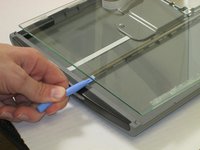
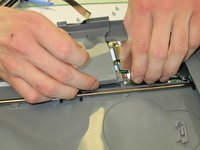
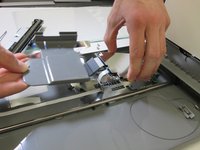
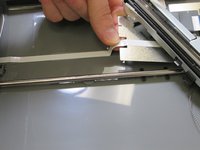
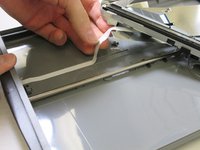
    1. CanoScan LiDE 35 Square Port Removal, Scanner Glass: step 1, image 1 of 3 CanoScan LiDE 35 Square Port Removal, Scanner Glass: step 1, image 2 of 3 CanoScan LiDE 35 Square Port Removal, Scanner Glass: step 1, image 3 of 3
      • Slide plastic opening tool under the plastic.

      • Gently pry the plastic framing off the glass.

      • Repeat on the other side.

      Ask FixBot

      Add Comment

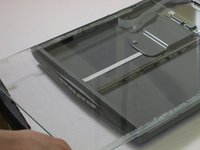
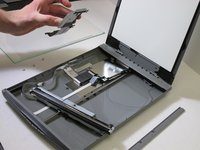
    2. CanoScan LiDE 35 Square Port Removal: step 2, image 1 of 2 CanoScan LiDE 35 Square Port Removal: step 2, image 2 of 2
      • Remove the front plastic frame.

      Ask FixBot

      Add Comment

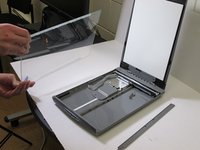
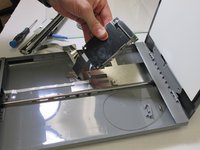
    3. CanoScan LiDE 35 Square Port Removal: step 3, image 1 of 3 CanoScan LiDE 35 Square Port Removal: step 3, image 2 of 3 CanoScan LiDE 35 Square Port Removal: step 3, image 3 of 3
      • Wedge the plastic opening tool under the glass.

      • Pull up against glass.

      • Slide the glass forward.

      • Remove the glass.

      Ask FixBot

      Add Comment

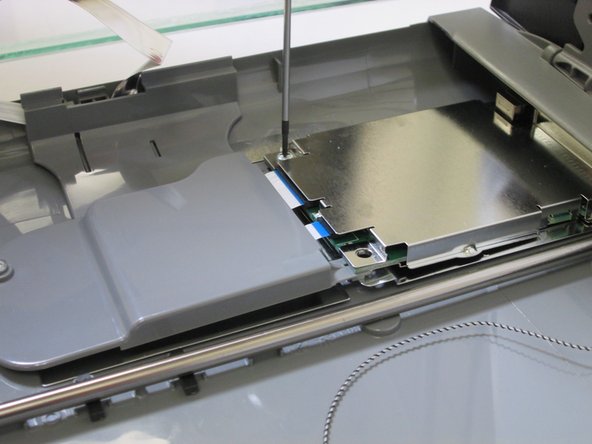
    1. CanoScan LiDE 35 Square Port Removal, Square Port: step 4, image 1 of 3 CanoScan LiDE 35 Square Port Removal, Square Port: step 4, image 2 of 3 CanoScan LiDE 35 Square Port Removal, Square Port: step 4, image 3 of 3
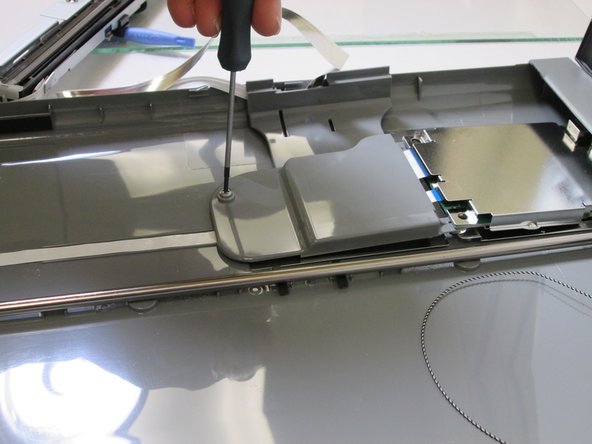
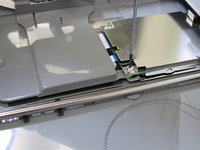
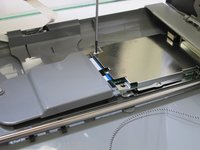
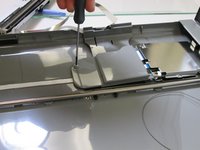
      • Locate three screws on the grey shell.

      • Unscrew the three screws.

      • Separate the grey shell from case.

      Ask FixBot

      Add Comment

    2. CanoScan LiDE 35 Square Port Removal: step 5, image 1 of 3 CanoScan LiDE 35 Square Port Removal: step 5, image 2 of 3 CanoScan LiDE 35 Square Port Removal: step 5, image 3 of 3
      • Separate the grey shell from square port.

      Ask FixBot

      Add Comment

    3. CanoScan LiDE 35 Square Port Removal: step 6, image 1 of 3 CanoScan LiDE 35 Square Port Removal: step 6, image 2 of 3 CanoScan LiDE 35 Square Port Removal: step 6, image 3 of 3
      • Locate the ribbon cable on casing.

      • Remove the ribbon cable on casing.

      Ask FixBot

      Add Comment

    4. CanoScan LiDE 35 Square Port Removal: step 7, image 1 of 1
      • Once the ribbon cable is removed, locate the square port.

      • Remove the square port.

      Ask FixBot

      Add Comment

Conclusion

To reassemble your device, follow these instructions in reverse order.

Cancel: I did not complete this guide.

Shannon

Member since: 10/28/13

364 Reputation

2 Guides authored

Team

Clemson, Team 1-89, Diaz Fall 2013 Member of Clemson, Team 1-89, Diaz Fall 2013

CLEM-DIAZ-F13S1G89

1 Member

24 Guides authored

0 Guide Comments

Add Comment

View Statistics:

Past 24 Hours: 2

Past 7 Days: 19

Past 30 Days: 65

All Time: 1,418