Introduction
This guide is a prerequisite for the guide: [invalid guide link]. It is not intended to be used as a standalone guide as it is used when integrating steps where I need standardized instructions. It will make
-
-
-
Smartphone: The camera you already have. For the most part, many have cameras which are good enough (or are "P&S quality"). While not as good as a Mirrorless or DSLR camera, image quality is generally good enough.
-
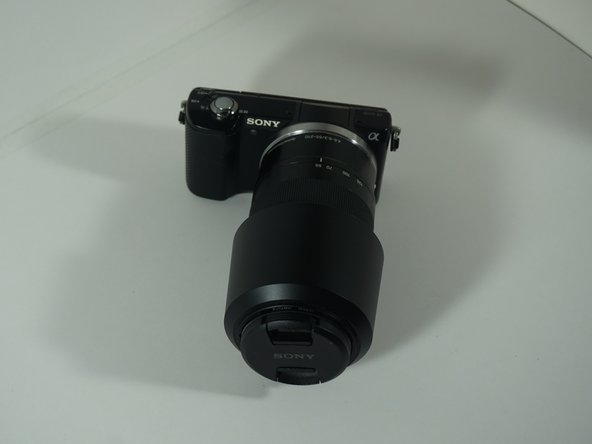
Mirrorless: These are similar to DSLRs but have fewer moving parts and smaller bodies. These use the same sensors as DSLR cameras, but have different lens mounts. In most cases, older SLR lenses can be used with an adapter (Sony LA-EA, Canon RF>EF, Nikon F>Z).
-
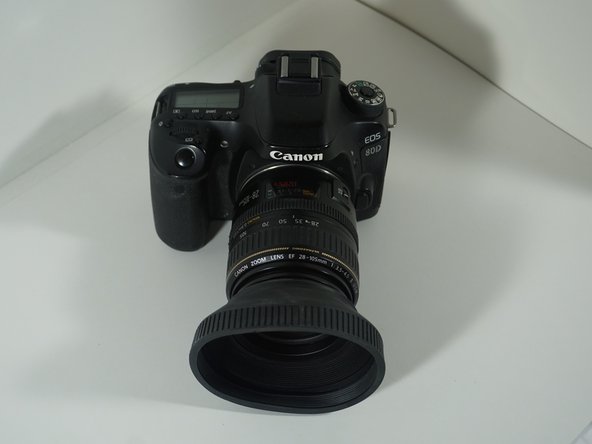
DSLR: Similar to Mirrorless cameras, but use different lenses and have larger bodies. These still get better battery life compared to mirrorless cameras. It is not uncommon for lenses to be cheaper due to the used market. NOTE: I am showing a prosumer DSLR, but it is not required.
-
Point and Shoot: Due to smartphone camera advancements, these have become less common but are still worth considering. Due to smartphones being “good enough” today, MOST P&S cameras have been discontinued. You are (generally) better off with a used high-end P&S these days.
 Ask FixBot
-
-
-
-
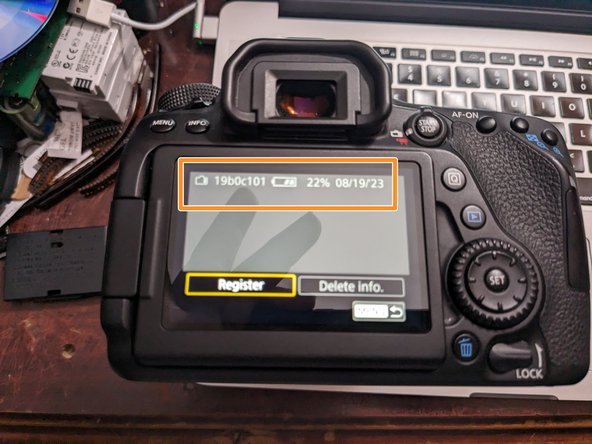
Refer to your camera's menu system to see how to check this as each brand is different. For example, the battery I got with my Canon 80D from 6/2017 is essentially in very poor condition and "end-of-life". I still use it but I do not trust it in the field without a healthy pair of spares.
-
The seller this 80D came from "included" this battery, but likely knew it was nearing the end of it's usable life. I cannot verify this as absolute fact, but this is VERY common with used cameras.
-
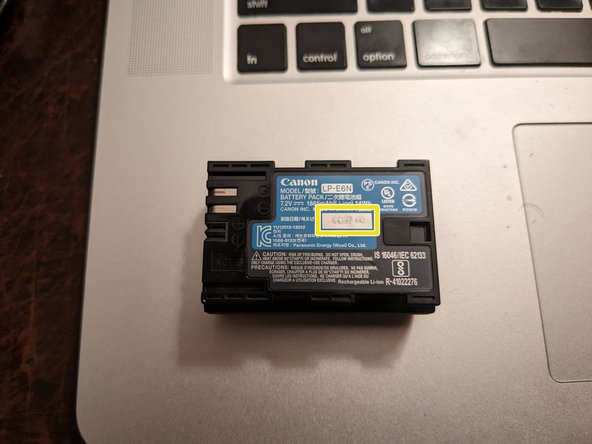
Batteries without monitoring: If your battery has no/poor monitoring, look for a date stamp. If it is over 3 years old WITH limited runtime, consider it consumed.
-
-





To reassemble your device, follow these instructions in reverse order.


