CRKD NEO S CK24NS Motherboard Replacement

What you need

  1. CRKD NEO S CK24NS Motherboard Replacement, Motherboard: step 1, image 1 of 1
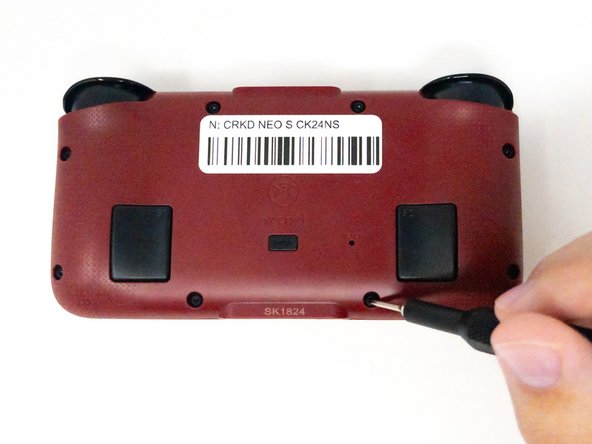
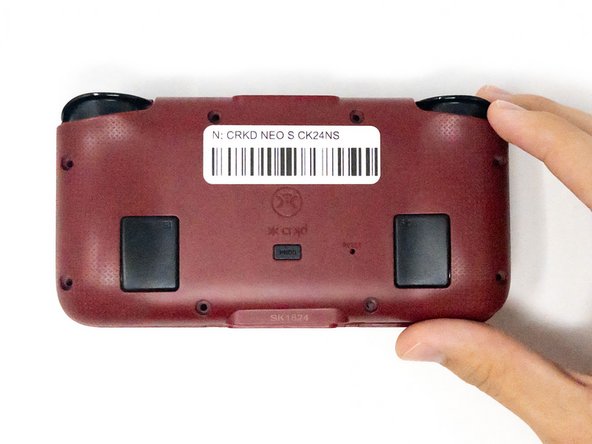
    • Turn the CRKD NEO S CK24NS upside down with the front-facing buttons facing downward.

  2. CRKD NEO S CK24NS Motherboard Replacement: step 2, image 1 of 3 CRKD NEO S CK24NS Motherboard Replacement: step 2, image 2 of 3 CRKD NEO S CK24NS Motherboard Replacement: step 2, image 3 of 3
    • Use a 1.5 mm Hex screwdriver to remove the eight 1.5 mm Hex screws from the back of the controller.

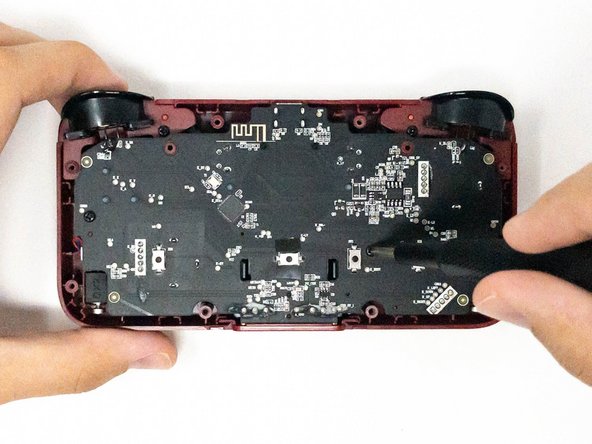
    • Carefully lift off the back panel and set it aside.

  3. CRKD NEO S CK24NS Motherboard Replacement: step 3, image 1 of 3 CRKD NEO S CK24NS Motherboard Replacement: step 3, image 2 of 3 CRKD NEO S CK24NS Motherboard Replacement: step 3, image 3 of 3
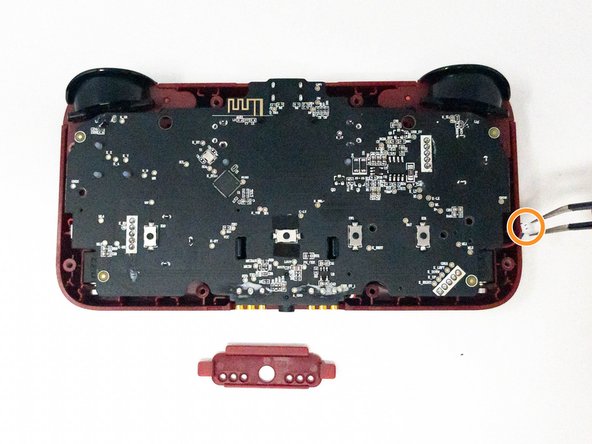
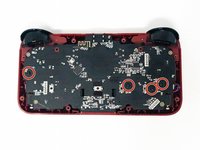
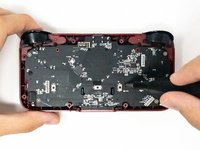
    • Remove the four 2.5 mm screws holding the motherboard in place using a Phillips #0 screwdriver.

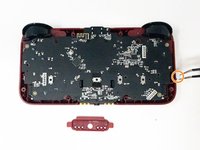
    • Take out the white plastic pieces connected to the motherboard with tweezers.

    • Gently lift the motherboard and set it aside.

    • If the small red plastic piece next to the audio jack falls out, don’t worry. You can pop it back into place during reassembly.

Conclusion

To reassemble your device, follow these instructions in reverse order.

Nick

Member since: 09/04/24

277 Reputation

3 Guides authored

Team

0 Guide Comments

Add Comment

View Statistics:

Past 24 Hours: 0

Past 7 Days: 2

Past 30 Days: 16

All Time: 158