Introduction
I will show you how to replace this Bluetooth Media Controller battery from Shopee. This remote uses CR2025 Battery and if you were different, use other battery.
WARNING:
EVEN IF THIS A EASY REPLACEMENT, DAMAGES CAN OCCURED.
I WILL NOT RESPONSIBLE FOR THE DAMAGE OF YOUR REPLACEMENT.
-
-
-
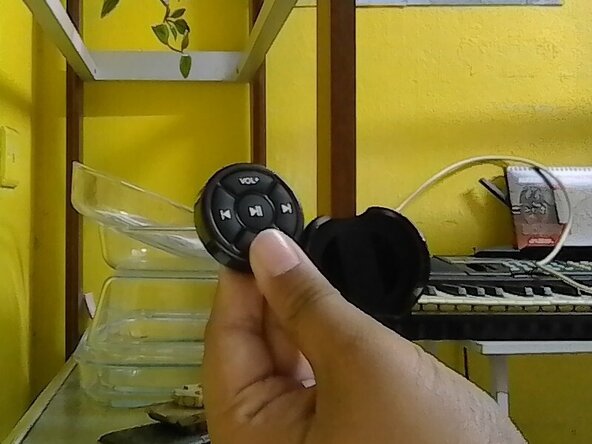
Hold the remote back and front on your own finger position or mine.
-
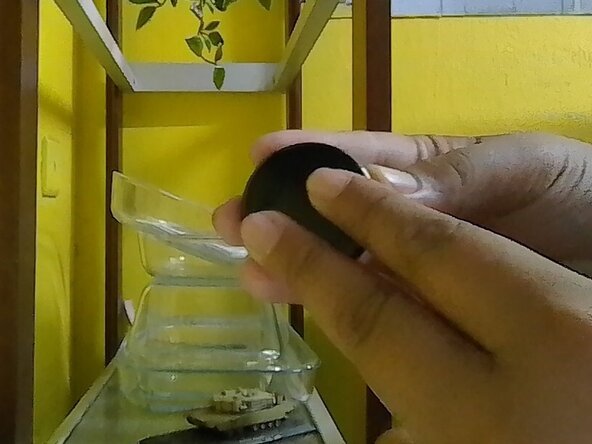
Follow where the text written and move the back to the arrow of the text OPEN.
-
-
-
-
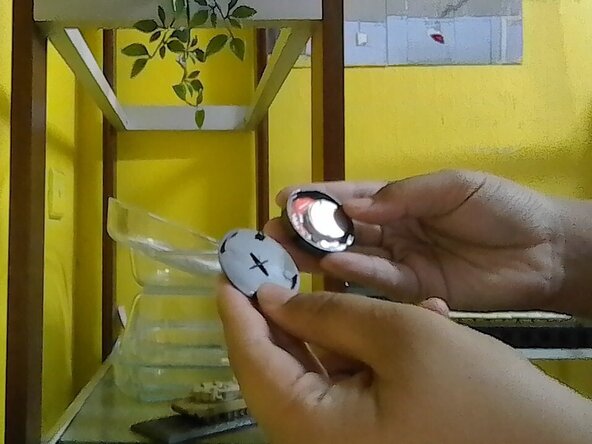
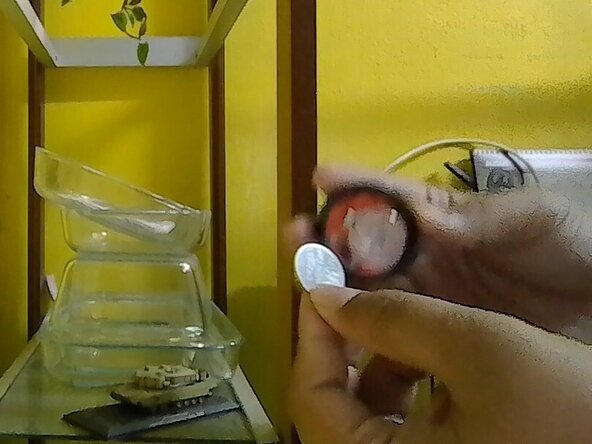
Once the back had opened, check the inside of the remote and find the old battery.
-
 Ask FixBot
To reassemble it back, reverse the instruction.
Cancel: I did not complete this guide.
2 other people completed this guide.

