Free Shipping on Domestic Orders $75+

Blu Studio 5.5 S Midframe Replacement

Prerequisite Only
This is a prerequisite-only guide! This guide is part of another procedure and isn’t meant to be used alone.

What you need

    1. Blu Studio 5.5 S Midframe Replacement, Back Casing: step 1, image 1 of 1
      • In order to remove the back case, start by flipping the phone to the back side and look at it from the top.

      Ask FixBot

      Add Comment

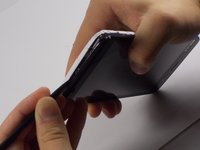
    2. Blu Studio 5.5 S Midframe Replacement, Applying Pressure: step 2, image 1 of 3 Blu Studio 5.5 S Midframe Replacement, Applying Pressure: step 2, image 2 of 3 Blu Studio 5.5 S Midframe Replacement, Applying Pressure: step 2, image 3 of 3
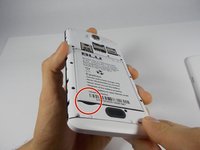
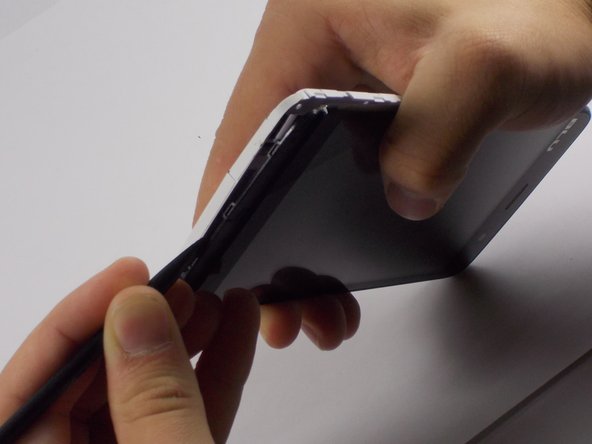
      • Place your finger in the small notch on the left side of the charging port (facing from the back).

      • Once your finger is in the notch, pull the back case towards yourself to remove it.

      Ask FixBot

      Add Comment

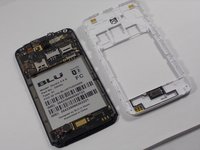
    1. Blu Studio 5.5 S Midframe Replacement, Battery: step 3, image 1 of 3 Blu Studio 5.5 S Midframe Replacement, Battery: step 3, image 2 of 3 Blu Studio 5.5 S Midframe Replacement, Battery: step 3, image 3 of 3
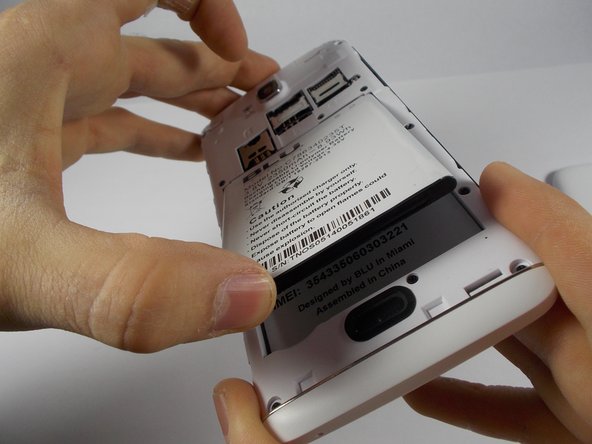
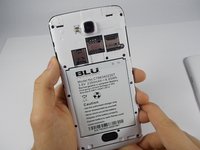
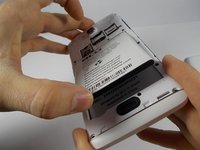
      • Once the back case is removed, locate the battery. It is the large brick embedded in the phone. It has BLU Products, a caution statement, and a barcode on it.

      • Insert your finger into the notch near the lower left of the battery, apply pressure and lift up.

      Ask FixBot

      Add Comment

    1. Blu Studio 5.5 S Midframe Replacement, Midframe: step 4, image 1 of 3 Blu Studio 5.5 S Midframe Replacement, Midframe: step 4, image 2 of 3 Blu Studio 5.5 S Midframe Replacement, Midframe: step 4, image 3 of 3
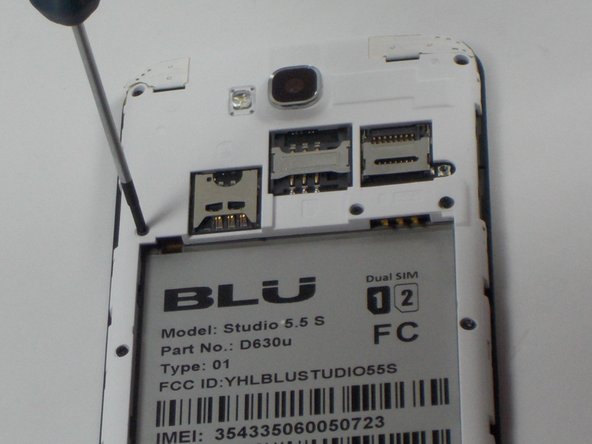
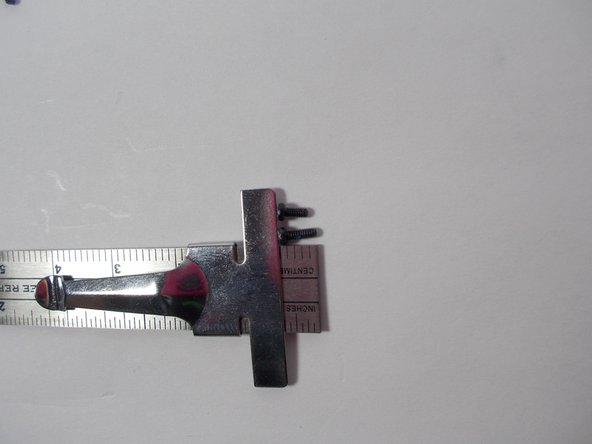
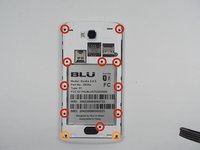
      • The speaker is located behind the inner back case. Using a Phillips #0 screwdriver, unscrew the 10, 7mm screws.

      • Using the Phillips #00 screwdriver, unscrew the two, 10mm screws at the bottom.

      Ask FixBot

      Add Comment

    2. Blu Studio 5.5 S Midframe Replacement, Aesthetic Bottom Case: step 5, image 1 of 1
      • Apply pressure and pop off the bottom aesthetic case, being careful not to break it.

      Ask FixBot

      Add Comment

    3. Blu Studio 5.5 S Midframe Replacement: step 6, image 1 of 3 Blu Studio 5.5 S Midframe Replacement: step 6, image 2 of 3 Blu Studio 5.5 S Midframe Replacement: step 6, image 3 of 3
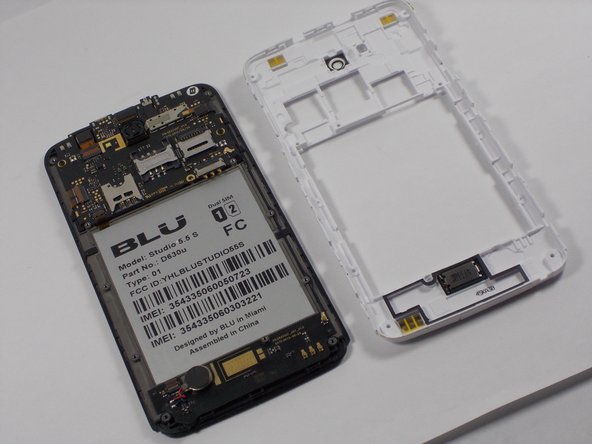
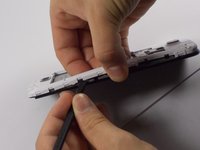
      • Use the Spudger to pop the inner back casing off. Do this by lightly raising the side of the battery housing, then sliding the Spudger around the case.

      • Pick up the inner back case and flip it over.

      Ask FixBot

      Add Comment

Conclusion

To reassemble your device, follow these instructions in reverse order.

Cancel: I did not complete this guide.

Cody Dyl

Member since: 10/27/14

804 Reputation

5 Guides authored

Team

UMass Dartmouth, Team 4-8, Miles Fall 2014 Member of UMass Dartmouth, Team 4-8, Miles Fall 2014

UMASSD-MILES-F14S4G8

2 Members

72 Guides authored

0 Guide Comments

Add Comment

View Statistics:

Past 24 Hours: 0

Past 7 Days: 1

Past 30 Days: 7

All Time: 228