Free Shipping on Domestic Orders $75+

BlackBerry Bold 9700 Keyboard Replacement

What you need

    1. BlackBerry Bold 9700 Keyboard Replacement, Keyboard: step 1, image 1 of 1
      • Remove the back panel by sliding it downward and lifting it away from the phone.

      Ask FixBot

      Add Comment

    2. BlackBerry Bold 9700 Keyboard Replacement: step 2, image 1 of 3 BlackBerry Bold 9700 Keyboard Replacement: step 2, image 2 of 3 BlackBerry Bold 9700 Keyboard Replacement: step 2, image 3 of 3
      • Remove the battery by lifting the bottom edge of the battery from the bottom of the phone and up from the case.

      • (Warning: Power-off the device before removing the battery.)

      Ask FixBot

      Add Comment

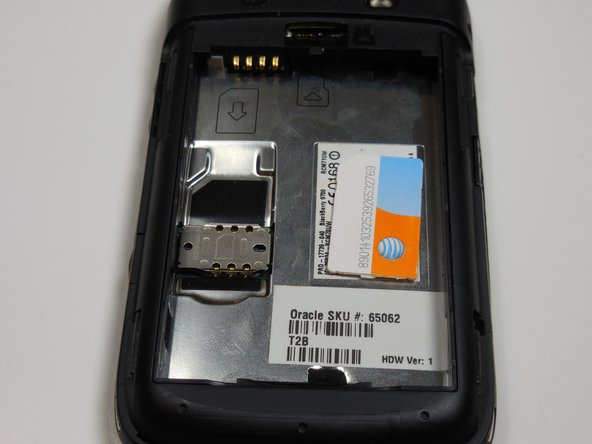
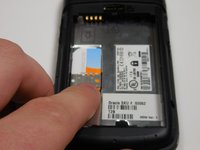
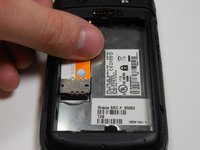
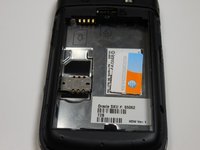
    3. BlackBerry Bold 9700 Keyboard Replacement: step 3, image 1 of 3 BlackBerry Bold 9700 Keyboard Replacement: step 3, image 2 of 3 BlackBerry Bold 9700 Keyboard Replacement: step 3, image 3 of 3
      • Remove the SIM card by pushing the card vertically through the bracket towards the top of the device.

      • The SIM card MUST be removed to disassemble the device.

      Ask FixBot

      Add Comment

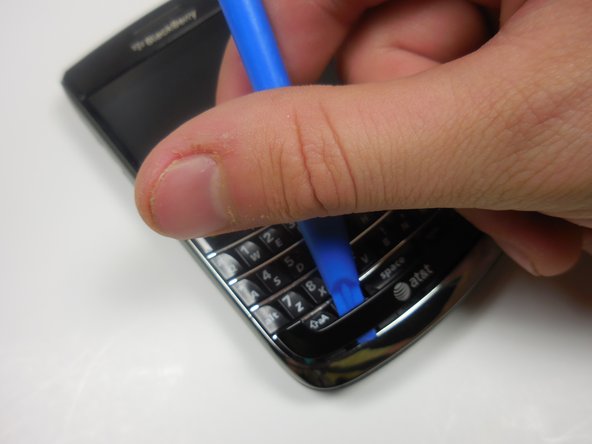
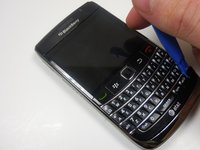
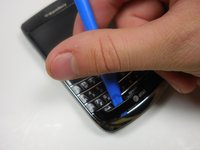
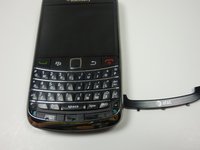
    4. BlackBerry Bold 9700 Keyboard Replacement: step 4, image 1 of 3 BlackBerry Bold 9700 Keyboard Replacement: step 4, image 2 of 3 BlackBerry Bold 9700 Keyboard Replacement: step 4, image 3 of 3
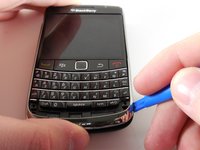
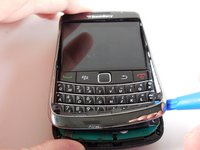
      • Use the plastic opening tool to gently pry the bottom panel with the AT&T logo away from the phone.

      • Note: You will hear a snapping sound.

      Ask FixBot

      Add Comment

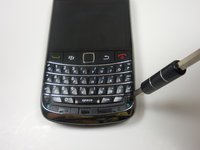
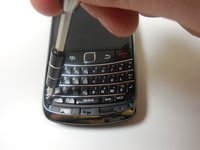
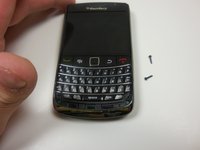
    5. BlackBerry Bold 9700 Keyboard Replacement: step 5, image 1 of 3 BlackBerry Bold 9700 Keyboard Replacement: step 5, image 2 of 3 BlackBerry Bold 9700 Keyboard Replacement: step 5, image 3 of 3
      • Remove the front panel 5.57mm Torx head screws x2 with the T5 Torx screwdriver.

      Ask FixBot

      Add Comment

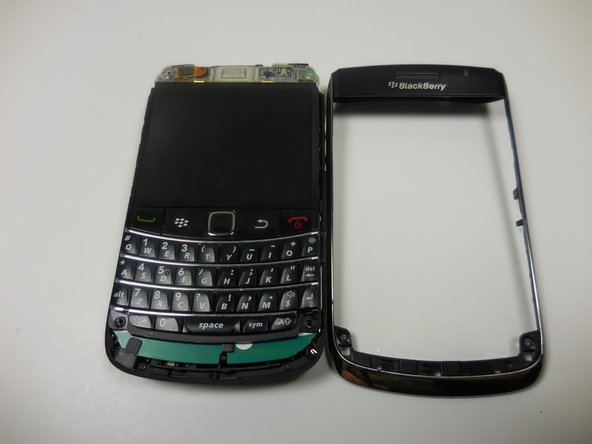
    6. BlackBerry Bold 9700 Keyboard Replacement: step 6, image 1 of 3 BlackBerry Bold 9700 Keyboard Replacement: step 6, image 2 of 3 BlackBerry Bold 9700 Keyboard Replacement: step 6, image 3 of 3
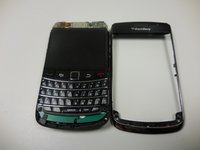
      • Use the plastic opening tool to remove the frame.

      • This will take a bit of effort. You will hear a snapping sound.

      Ask FixBot

      Add Comment

    7. BlackBerry Bold 9700 Keyboard Replacement: step 7, image 1 of 3 BlackBerry Bold 9700 Keyboard Replacement: step 7, image 2 of 3 BlackBerry Bold 9700 Keyboard Replacement: step 7, image 3 of 3
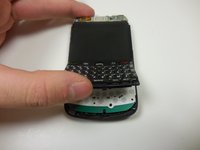
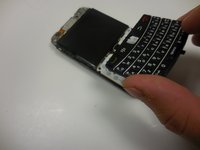
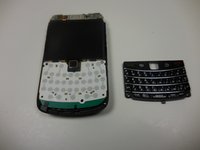
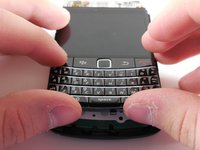
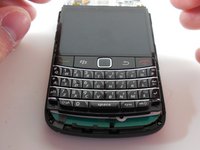
      • Gently lift the bottom of the keyboard up with your fingers and pull it toward the bottom of the phone.

      Ask FixBot

      Add Comment

    8. BlackBerry Bold 9700 Keyboard Replacement: step 8, image 1 of 3 BlackBerry Bold 9700 Keyboard Replacement: step 8, image 2 of 3 BlackBerry Bold 9700 Keyboard Replacement: step 8, image 3 of 3
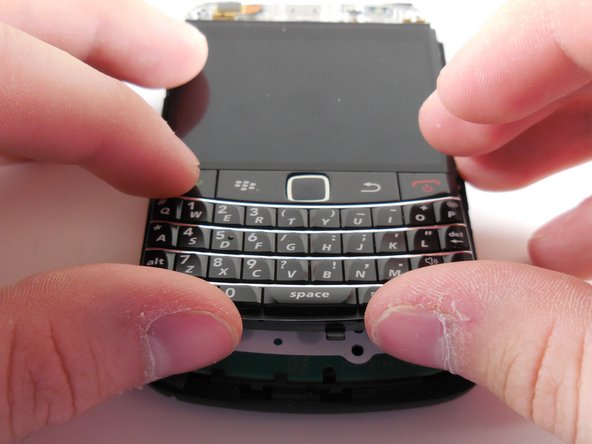
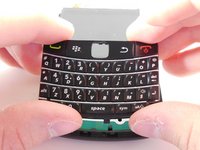
      • Align the new keyboard to the bottom of the screen with the track pad slot angled downward.

      • Once the keyboard is flush with the screen, push the keyboard into place.

      Ask FixBot

      Add Comment

Conclusion

To reassemble your device, follow these steps in reverse.

Cancel: I did not complete this guide.

Danny

Member since: 03/11/15

365 Reputation

3 Guides authored

Team

0 Guide Comments

Add Comment

View Statistics:

Past 24 Hours: 0

Past 7 Days: 8

Past 30 Days: 35

All Time: 1,802