This translation was generated by a machine and has not been reviewed by a person yet. Speak this language? Review it.
Introduction
In this guide, we will show you how to safely replace the Nokia 6630 battery. The operation is simple and only takes a few minutes. Before you start, ensure you are using a compatible battery and working on a clean, stable, and well-lit surface.
-
-
-
Completely power off the Nokia 6630 before you begin the replacement. If the phone is connected to a charger, disconnect the cable.
 Ask FixBot
-
-
-
Turn the phone over with the display facing down. Locate the rear cover latch, then press or slide the release mechanism and gently remove the cover.
-
-
-
-
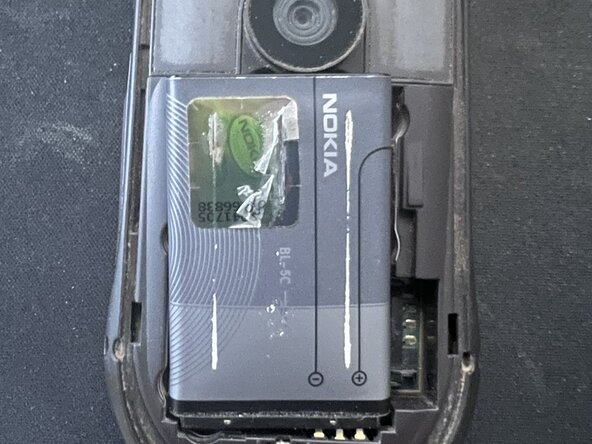
Lift the battery using the pull tab or the recess on the edge.
-
-
-
Place the new battery into the recess, making sure it is oriented correctly. The metal contacts on the battery must align with the corresponding contacts in the phone.
-
-



To reassemble your device, follow these instructions in reverse order.

