Free Shipping on Domestic Orders $75+

Auto-Feeder Disengagement

Prerequisite Only
This is a prerequisite-only guide! This guide is part of another procedure and isn’t meant to be used alone.
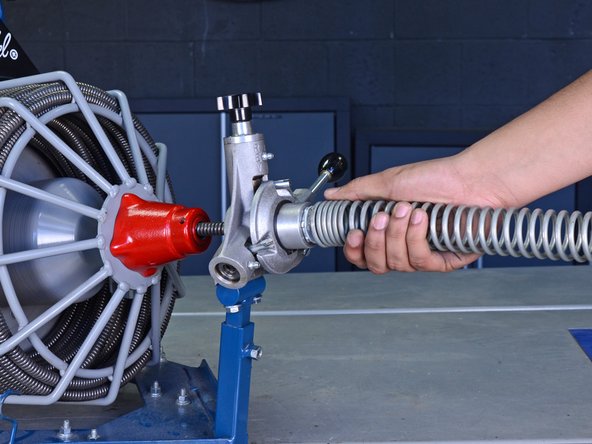
    1. Auto-Feeder Disengagement, Remove the Guide Spring: step 1, image 1 of 3 Auto-Feeder Disengagement, Remove the Guide Spring: step 1, image 2 of 3 Auto-Feeder Disengagement, Remove the Guide Spring: step 1, image 3 of 3
      • Unplug your drain cleaner before starting this guide. Because this device may have been used in a septic setting, it should be cleaned and disinfected as much as possible before disassembly.

      • Wear gloves to protect your hands from injury when handling the cable.

      • Ensure the cable is completely retracted into the auto-feeder.

      • Twist the guide spring counter-clockwise to unscrew it from the auto-feeder.

      • Remove the guide spring.

      Ask FixBot

      Add Comment

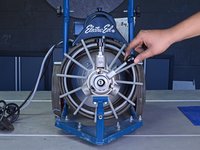
    1. Auto-Feeder Disengagement, Release the Tension Spring: step 2, image 1 of 3 Auto-Feeder Disengagement, Release the Tension Spring: step 2, image 2 of 3 Auto-Feeder Disengagement, Release the Tension Spring: step 2, image 3 of 3
      • Unscrew the tension knob to loosen the tension spring in the top feeder assembly.

      Ask FixBot

      Add Comment

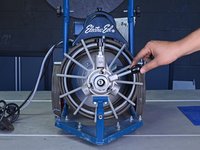
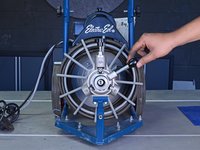
    2. Auto-Feeder Disengagement, Set the Feeder in Neutral Position: step 3, image 1 of 3 Auto-Feeder Disengagement, Set the Feeder in Neutral Position: step 3, image 2 of 3 Auto-Feeder Disengagement, Set the Feeder in Neutral Position: step 3, image 3 of 3
      • Set the feeder adjustment knob in the neutral position, in between the "FWD" and "REV" positions.

      Ask FixBot

      Add Comment

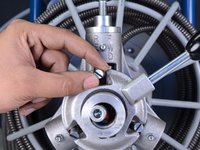
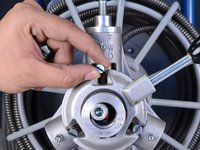
    3. Auto-Feeder Disengagement, Disengage the Top Bearing: step 4, image 1 of 2 Auto-Feeder Disengagement, Disengage the Top Bearing: step 4, image 2 of 2
      • Push the top control finger up as far as possible.

      • This disengages the top feeder assembly and allows the cable to freely move through the feeder. The finger may fall back down on its own and restrict cable movement. If this occurs, simply push the finger back up.

      Ask FixBot

      Add Comment

Conclusion

To reassemble your device, follow these instructions in reverse order.

Cancel: I did not complete this guide.

Tarun Thiruma

Member since: 11/20/19

40,755 Reputation

133 Guides authored

0 Guide Comments

Add Comment

View Statistics:

Past 24 Hours: 0

Past 7 Days: 3

Past 30 Days: 12

All Time: 128