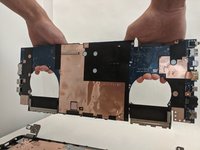
Asus ROG Strix GL702VS Motherboard Replacement

What you need

  1. Asus ROG Strix GL702VS Motherboard Replacement, Back Cover: step 1, image 1 of 1
    • Flip the computer so the bottom of the laptop is facing up.

  2. Asus ROG Strix GL702VS Motherboard Replacement: step 2, image 1 of 1
    • Remove the ten JIS #0 screws around the edge of the laptop.

    • The two bottom screws are slightly shorter

  3. Asus ROG Strix GL702VS Motherboard Replacement: step 3, image 1 of 2 Asus ROG Strix GL702VS Motherboard Replacement: step 3, image 2 of 2
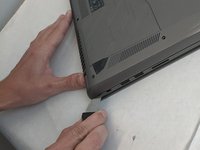
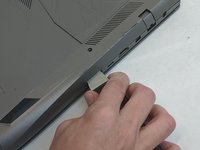
    • Use a Jimmy to carefully free each side of the bottom casing.

  4. Asus ROG Strix GL702VS Motherboard Replacement: step 4, image 1 of 1
    • Lift up the back casing from the computer.

    • You may hear clicking or snapping sounds. This is just the plastic clips coming loose.

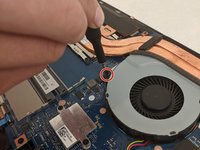
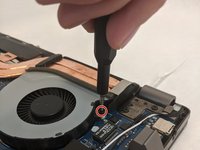
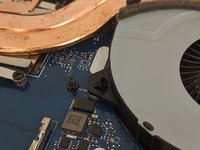
  5. Asus ROG Strix GL702VS Motherboard Replacement, Cooling Fans: step 5, image 1 of 3 Asus ROG Strix GL702VS Motherboard Replacement, Cooling Fans: step 5, image 2 of 3 Asus ROG Strix GL702VS Motherboard Replacement, Cooling Fans: step 5, image 3 of 3
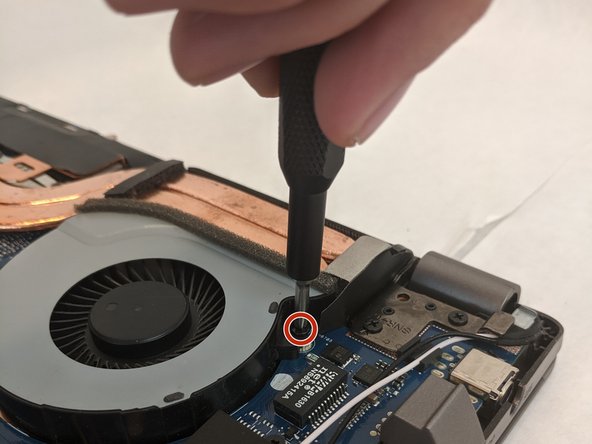
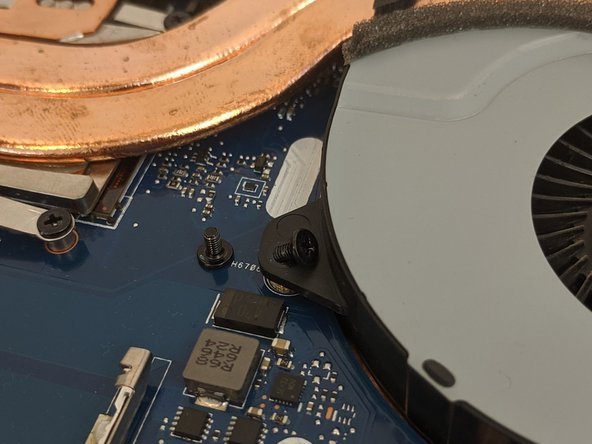
    • Remove the four 4.8mm JIS #0 screws (two on each fan).

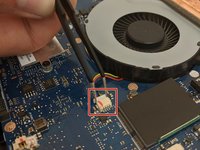
  6. Asus ROG Strix GL702VS Motherboard Replacement: step 6, image 1 of 3 Asus ROG Strix GL702VS Motherboard Replacement: step 6, image 2 of 3 Asus ROG Strix GL702VS Motherboard Replacement: step 6, image 3 of 3
    Tool used on this step:
    Tweezers
    $4.99
    Buy
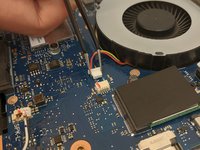
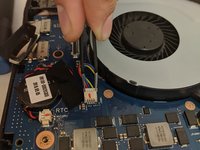
    • Remove the fan's connector on the motherboard using a pair of tweezers.

    • Be gentle, as the small clips and wires can be easily damaged.

  7. Asus ROG Strix GL702VS Motherboard Replacement: step 7, image 1 of 2 Asus ROG Strix GL702VS Motherboard Replacement: step 7, image 2 of 2
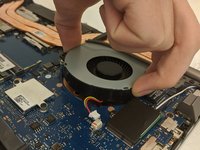
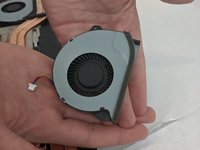
    • Gently lift each fan up and out of position.

  8. Asus ROG Strix GL702VS Motherboard Replacement, Motherboard: step 8, image 1 of 1
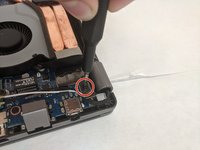
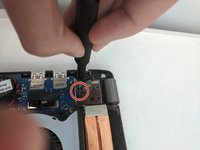
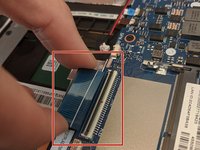
    • Disconnect the screen connector by lightly pulling the clip out.

    • The wires are delicate; disconnecting shouldn't take much force.

  9. Asus ROG Strix GL702VS Motherboard Replacement: step 9, image 1 of 1
    • Remove the seven 4mm JIS #0 screws from the motherboard.

    • One may be hidden, requiring disconnecting the screen connector.

  10. Asus ROG Strix GL702VS Motherboard Replacement: step 10, image 1 of 2 Asus ROG Strix GL702VS Motherboard Replacement: step 10, image 2 of 2
    • Unscrew the two 6.5mm JIS #0 screws located at the top corners of the motherboard.

  11. Asus ROG Strix GL702VS Motherboard Replacement: step 11, image 1 of 1
    • Using the opening tool, lift up the flaps that secure the screen to the base.

  12. Asus ROG Strix GL702VS Motherboard Replacement: step 12, image 1 of 1
    • Disconnect the Wi-Fi antenna by unplugging the black and white wires located behind the ethernet port.

    • For reassembly, note the corresponding triangles for each wire.

  13. Asus ROG Strix GL702VS Motherboard Replacement: step 13, image 1 of 3 Asus ROG Strix GL702VS Motherboard Replacement: step 13, image 2 of 3 Asus ROG Strix GL702VS Motherboard Replacement: step 13, image 3 of 3
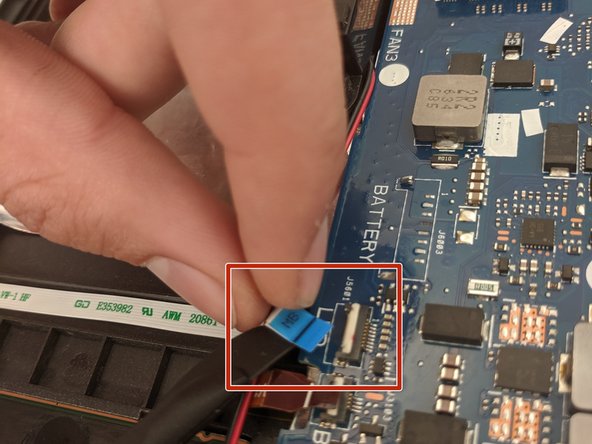
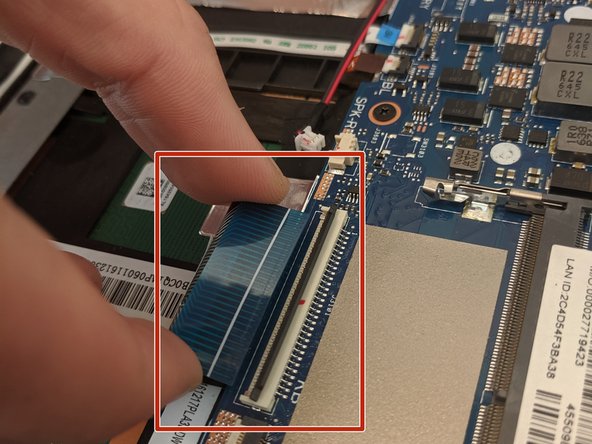
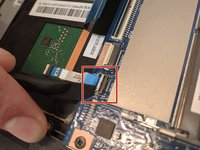
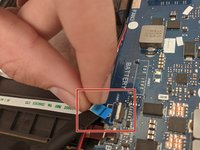
    • Use a spudger tool to lift the connector tabs on the motherboard and slide the four ribbons out.

  14. Asus ROG Strix GL702VS Motherboard Replacement: step 14, image 1 of 2 Asus ROG Strix GL702VS Motherboard Replacement: step 14, image 2 of 2
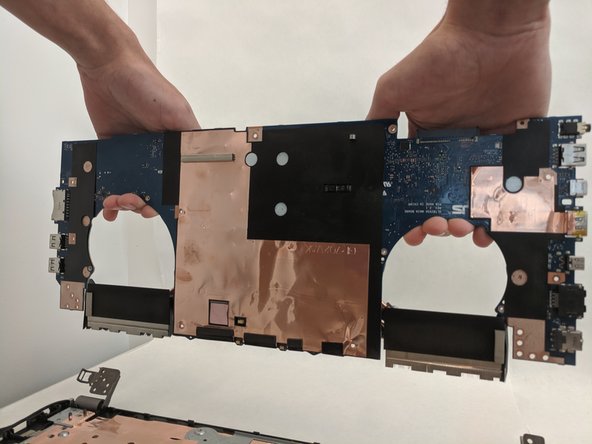
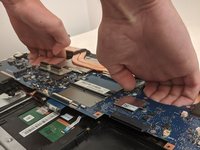
    • Grasp the motherboard where the fans are located and lift up.

    • Do not force it. If you feel resistance, restart this guide to ensure you have removed all screws and connectors.

Conclusion

To reassemble the device, follow these instructions in reverse order.


2 other people completed this guide.

4 Guide Comments

Any recommendation on WHERE to get a replacement mobo for this unit? Not having any luck in tracking one down.

help - Reply

Try ebay -- that's where I got mine.. arrived in a few weeks from China.

turgut kalfaoglu - Reply

What I wonder is that, when replacing the motherboard, should I remove all the aluminium tape that's at the bottom of the case? I suspect some of it has lifted and caused a short previously..

turgut kalfaoglu - Reply

Yes I just replaced the motherboard. There are lots more tips that could have been added here but I used this page to remember where the screws are. Many thanks..

turgut kalfaoglu - Reply

Add Comment

View Statistics:

Past 24 Hours: 0

Past 7 Days: 6

Past 30 Days: 30

All Time: 1,977