Free Shipping on Domestic Orders $75+

Asus K55N-DS81 RAM Replacement

What you need

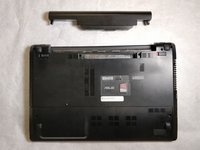
    1. Asus K55N-DS81 RAM Replacement, Battery: step 1, image 1 of 1
      • Flip the laptop over, such that the bottom of the laptop is facing upwards.

      • Ensure that the laptop is powered off prior to following this guide.

      Ask FixBot

      Add Comment

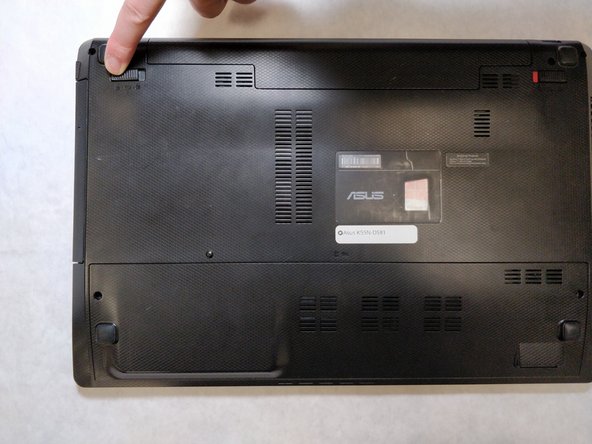
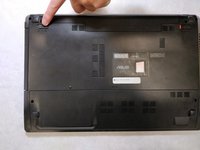
    2. Asus K55N-DS81 RAM Replacement: step 2, image 1 of 2 Asus K55N-DS81 RAM Replacement: step 2, image 2 of 2
      • Pull the latch to the right of the battery to the right.

      Ask FixBot

      Add Comment

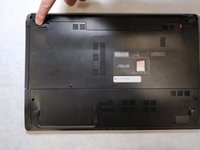
    3. Asus K55N-DS81 RAM Replacement: step 3, image 1 of 2 Asus K55N-DS81 RAM Replacement: step 3, image 2 of 2
      • Pull the latch to the left of the battery to the left. Hold the latch open with a finger to prevent it from closing.

      Ask FixBot

      Add Comment

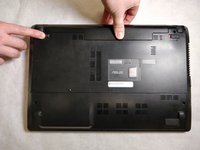
    4. Asus K55N-DS81 RAM Replacement: step 4, image 1 of 2 Asus K55N-DS81 RAM Replacement: step 4, image 2 of 2
      • While holding the second latch from the previous step, use another hand to reach underneath the battery.

      • Pull the battery upwards and away from the laptop to remove it.

      Ask FixBot

      Add Comment

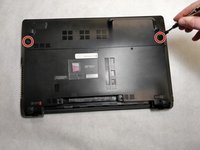
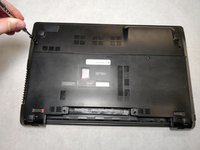
    1. Asus K55N-DS81 RAM Replacement, Rear Panel: step 5, image 1 of 2 Asus K55N-DS81 RAM Replacement, Rear Panel: step 5, image 2 of 2
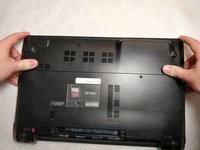
      • Using a JIS #00 screwdriver, unscrew the two 5 mm screws on either side of the laptop panel.

      Ask FixBot

      Add Comment

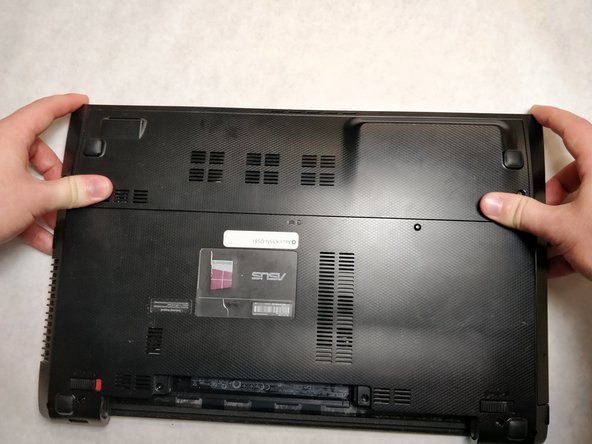
    2. Asus K55N-DS81 RAM Replacement: step 6, image 1 of 3 Asus K55N-DS81 RAM Replacement: step 6, image 2 of 3 Asus K55N-DS81 RAM Replacement: step 6, image 3 of 3
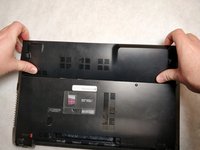
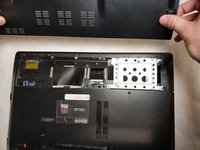
      • Remove the panel by pushing away from the laptop until the panel is free of the laptop.

      • Lift to remove the panel.

      Ask FixBot

      Add Comment

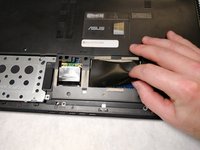
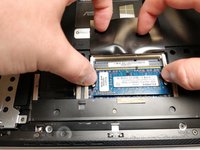
    1. Asus K55N-DS81 RAM Replacement, RAM: step 7, image 1 of 2 Asus K55N-DS81 RAM Replacement, RAM: step 7, image 2 of 2
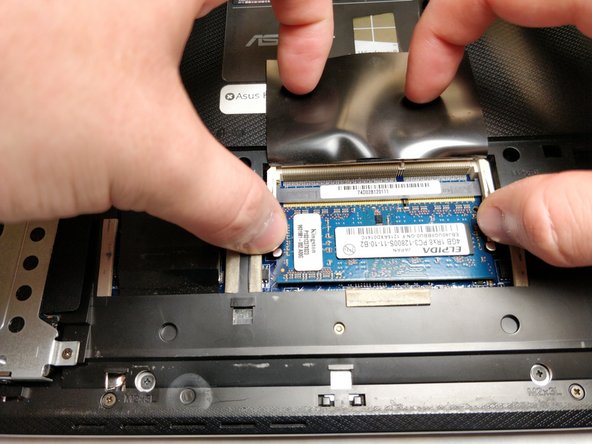
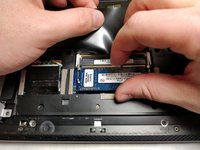
      • Lift up the plastic static shield atop the RAM slots.

      Ask FixBot

      Add Comment

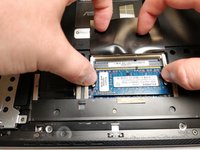
    2. Asus K55N-DS81 RAM Replacement: step 8, image 1 of 2 Asus K55N-DS81 RAM Replacement: step 8, image 2 of 2
      • Depress the tongs on either side of the RAM stick to loosen the RAM from the slot.

      Ask FixBot

      Add Comment

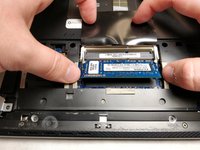
    3. Asus K55N-DS81 RAM Replacement: step 9, image 1 of 2 Asus K55N-DS81 RAM Replacement: step 9, image 2 of 2
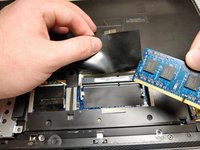
      • Grab the RAM and pull away from the slot to release it.

      Ask FixBot

      Add Comment

Conclusion

To reassemble your device, follow these instructions in reverse order.

Cancel: I did not complete this guide.

One other person completed this guide.

Elliott Beckner

Member since: 11/05/18

543 Reputation

4 Guides authored

Team

IUPUI, Team S2-G1, Baechle Fall 2018 Member of IUPUI, Team S2-G1, Baechle Fall 2018

IUPUI-BAECHLE-F18S2G1

4 Members

55 Guides authored

0 Guide Comments

Add Comment

View Statistics:

Past 24 Hours: 0

Past 7 Days: 4

Past 30 Days: 30

All Time: 702