
Arnova 7K G3 Camera Replacement

Kue and
Last updated on May 7, 2024
Views: 751
View statistics:
- Past 24 Hours:
- 3
- Past 7 Days:
- 29
- Past 30 Days:
- 99
- All Time:
- 751
Comments: 0
No one has left comments on this guide. Will you be first?
Go to guide commentsCompleted: 0 1
No one has marked this guide "completed." Will you be the first?
1 person has marked this guide "completed." It's you — great job!
Favorites: 0 1
No one has favorited (and subscribed to) this guide. Will you be the first?
1 person has favorited (and subscribed to) this guide — and that's you!
Action Shots
Be an action hero! This guide needs images that better demonstrate how to perform specific actions.
Step Trimmer
This guide has unnecessary steps. Trim them to be more concise!
Introduction
Go to step 1 ↓This guide, along with the prerequisite guides, will demonstrate how to remove and replace the camera in your Arnova 7K G3 tablet.
What you need
Tools
-
Tweezers4.9


-
-
-
Remove four 5 mm Phillips #00 screws from each corner of the tablet.
 Ask FixBot
-
-
-
Place the iFixit opening tool in the notches between the cases and pull the covers apart.
-
-
-
Repeat step two until 3/4 of the rear cover is unlatched.
-
Proceed to remove the rear cover by gently pulling it apart by hand.
-
-
-
-
Tool used on this step:Tweezers$4.99
-
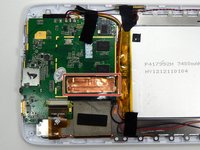
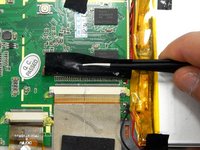
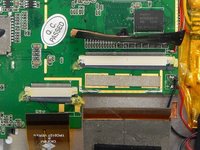
Peel the copper tape covering the ribbon connector with a set of tweezers.
-
-
-
-
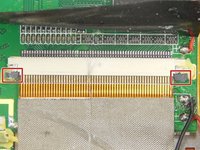
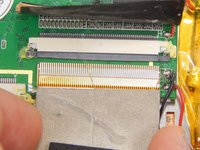
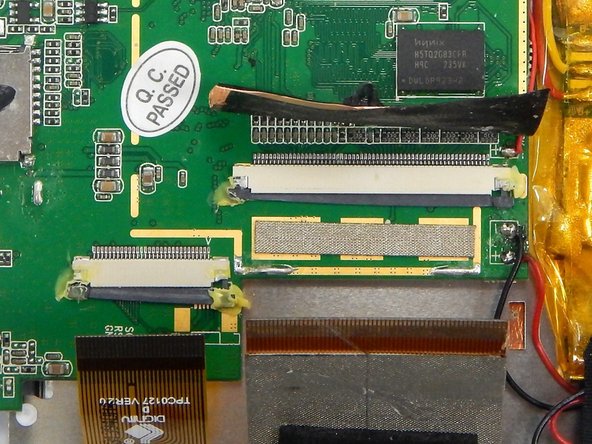
Locate the two gray pins on the ribbon connector.
-
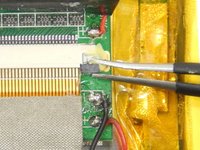
Grab the first pin with tweezers and gently pull it towards the ribbon. Repeat the step.
-
Gently pull the ribbon cable out of the connection port.
-
-
-
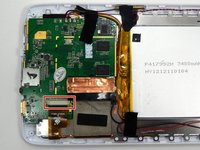
Locate the ribbon connector two.
-
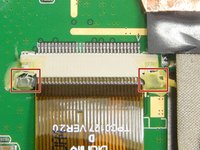
Locate the pins of ribbon connector two. Repeat step two for unlocking the pins.
-
Gently pull the ribbon out of the connection port.
-
-
-
-
-
Remove the two Phillips #00 screws from the motherboard.
-
-
-
Gently lift up the motherboard and reorient it in a more efficient manner in order to locate the desired components.
-
-
-
-
-
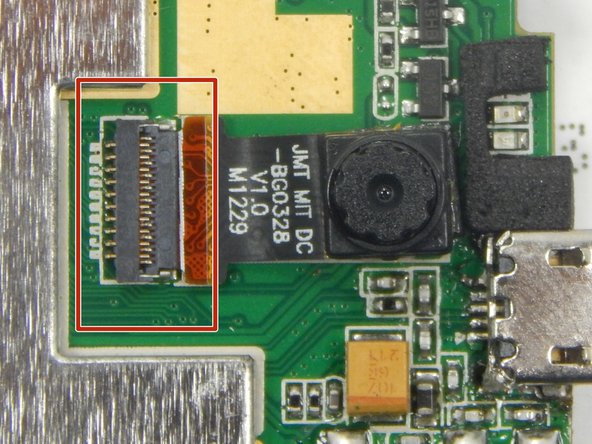
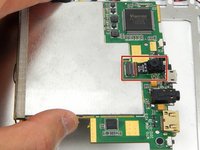
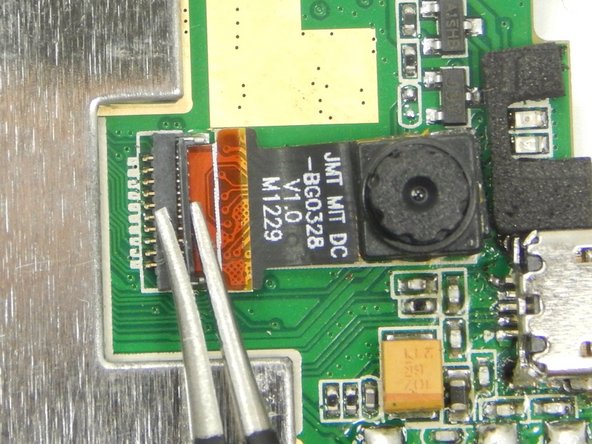
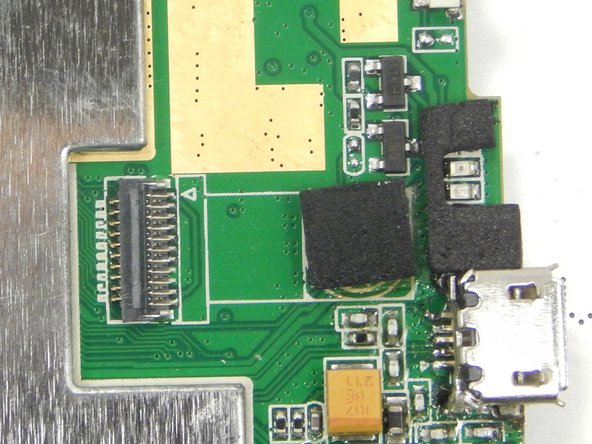
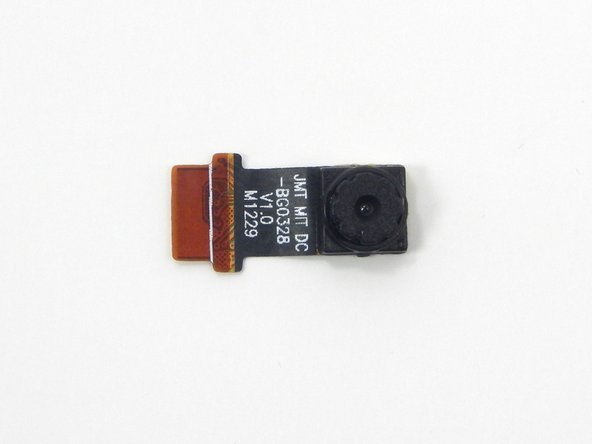
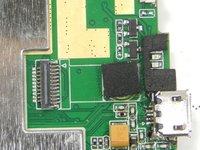
Locate the camera and camera ribbon connection on the backside of the motherboard.
-
-
Tool used on this step:Tweezers$4.99
-
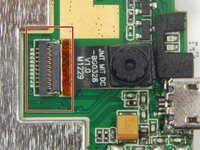
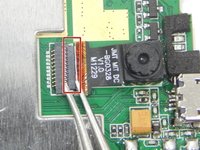
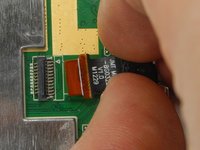
Unlock the camera ribbon connector clip using a pair of tweezers.
-
-
-
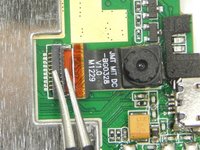
Gently by hand, remove the camera and its ribbon by pulling the camera away from the motherboard.
-
-










To reassemble your device, follow these instructions in reverse order.
Team

Michigan Tech, Team 1-2, Lauer Spring 2015 Member of Michigan Tech, Team 1-2, Lauer Spring 2015
MTU-LAUER-S15S1G2
2 Members
60 Guides authored
