Free Shipping on Domestic Orders $75+

Apple iPod Dock Connector Cable Replacement

What you need

  1. Apple iPod Dock Connector Cable Replacement, iPod Dock Connector Cable: step 1, image 1 of 3 Apple iPod Dock Connector Cable Replacement, iPod Dock Connector Cable: step 1, image 2 of 3 Apple iPod Dock Connector Cable Replacement, iPod Dock Connector Cable: step 1, image 3 of 3
    • Unscrew the four Phillips screws on the backside of the docking system.

    • The screws are located quite deep. Make sure you have a long screwdriver to be able to reach the screws.

    • Be aware of the plastic threads. Using too much force can tear this up.

    Ask FixBot
  2. Apple iPod Dock Connector Cable Replacement: step 2, image 1 of 1
    • Separate the housing in two parts.

    • The dock connector is slid in two parts on the top of the system, make sure you slide the two housing parts in this line of direction.

    • The two parts are glued on the sides of the speakers. Use some force to separate the two housing parts.

    • The internal parts are still connected to each other. Don't pull the housing parts too far from each other.

    Ask FixBot
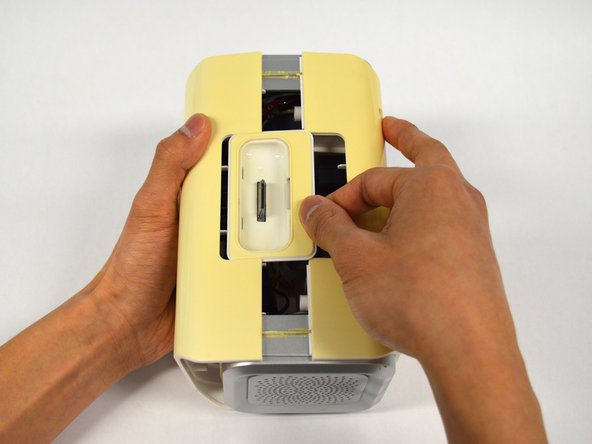
  3. Apple iPod Dock Connector Cable Replacement: step 3, image 1 of 1
    • Slide the dock connector out of the housing part.

    Ask FixBot
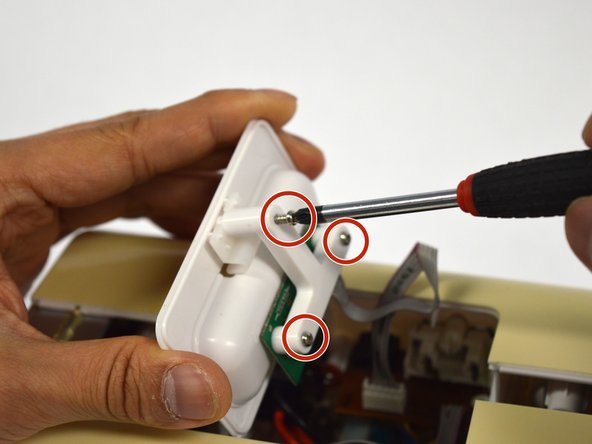
  4. Apple iPod Dock Connector Cable Replacement: step 4, image 1 of 1
    • Unscrew the three screws using a Phillips #2 screwdriver to remove the T-shaped circuit board holder.

    Ask FixBot
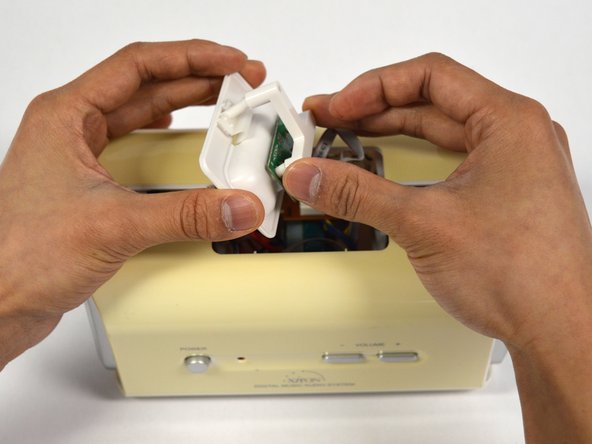
  5. Apple iPod Dock Connector Cable Replacement: step 5, image 1 of 1
    • Remove the T-shaped circuit board holder.

    Ask FixBot
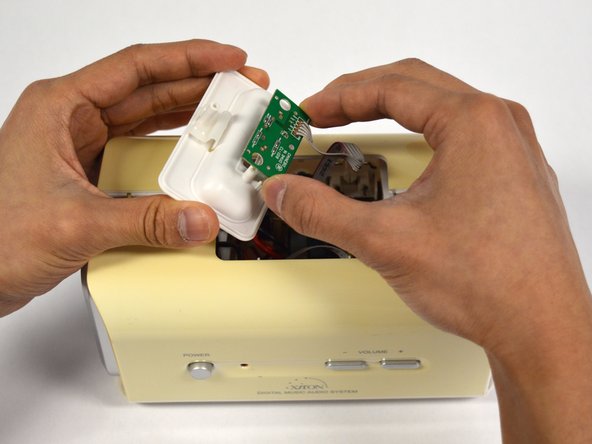
  6. Apple iPod Dock Connector Cable Replacement: step 6, image 1 of 1
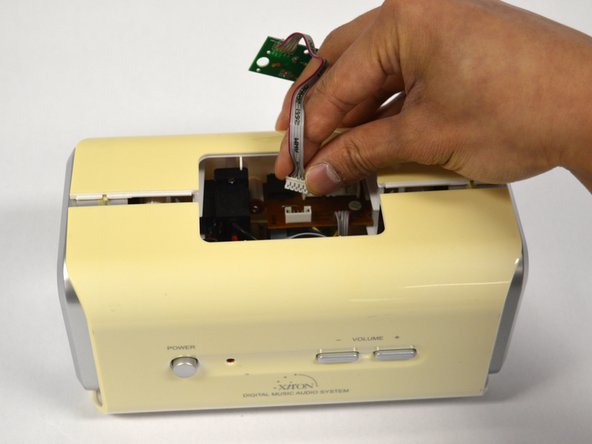
    • Remove the circuit board from the housing part.

    • The circuit board is still connected to another circuit board with a cable.

    Ask FixBot
  7. Apple iPod Dock Connector Cable Replacement: step 7, image 1 of 1
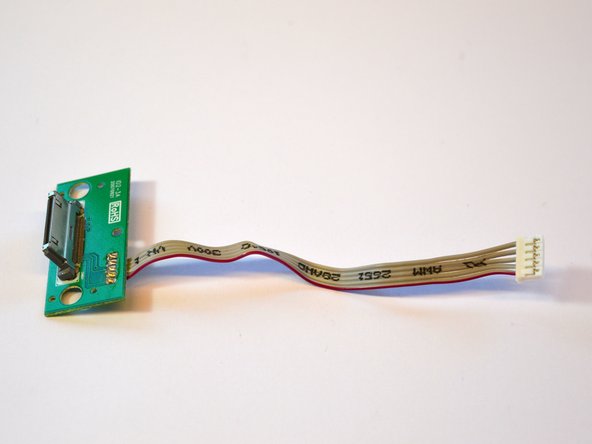
    • Disconnect the 5-pin connector between the two circuit boards.

    • The connectors are tightly connected. Hold the other circuit board to prevent it from breaking while disconnecting the 5-pin connector.

    Ask FixBot
  8. Apple iPod Dock Connector Cable Replacement: step 8, image 1 of 2 Apple iPod Dock Connector Cable Replacement: step 8, image 2 of 2
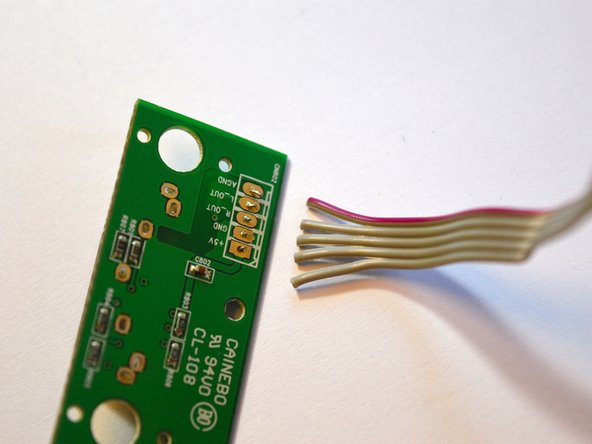
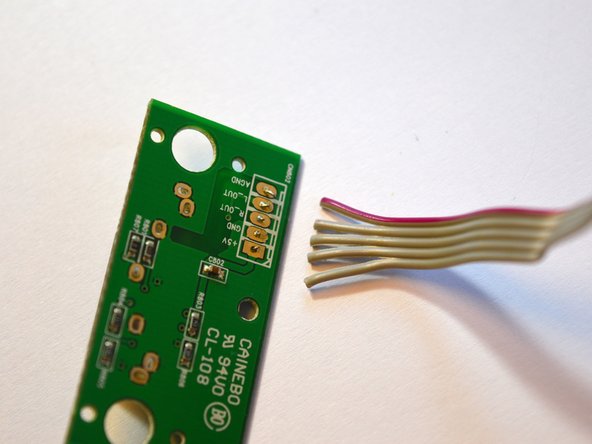
    • Look how the cables are oriented.

    • Take a picture with your phone. It's easier to look it up than recalling your memory.

    Ask FixBot
  9. Apple iPod Dock Connector Cable Replacement: step 9, image 1 of 1
    Tool used on this step:
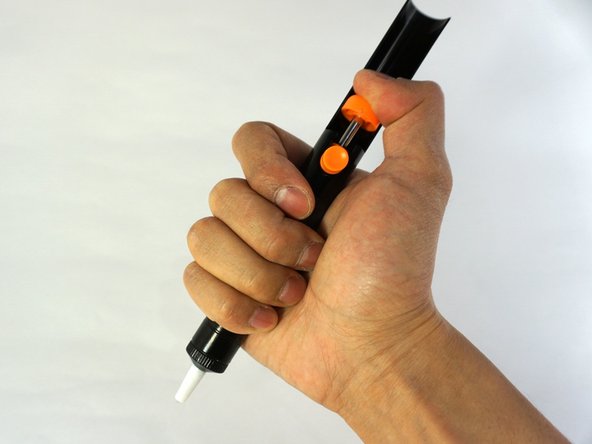
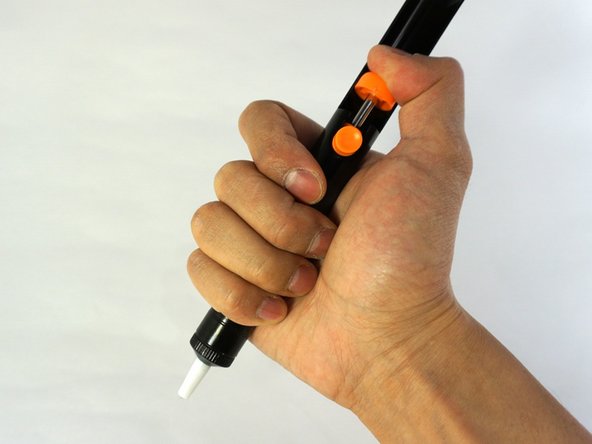
    Desoldering Pump
    $3.99
    Buy
    Ask FixBot
  10. Apple iPod Dock Connector Cable Replacement: step 10, image 1 of 1
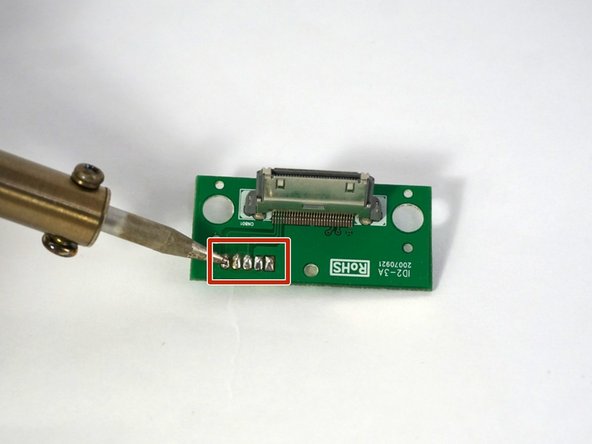
    • Heat up the solder.

    • If you don't want to damage your workspace, it's probably handy to place something underneath.

    • The circuit board will be getting hot. To make it more stable you can clamp it in a vise or alligator clips.

    • The heated solder tends to fume—do not inhale this! Do this in a well ventilated room.

    Ask FixBot
  11. Apple iPod Dock Connector Cable Replacement: step 11, image 1 of 2 Apple iPod Dock Connector Cable Replacement: step 11, image 2 of 2
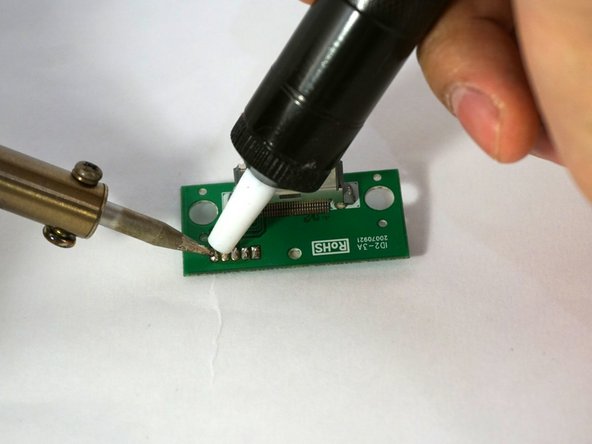
    • If the solder becomes fluid, keep the desoldering pump near the solder.

    • Push the button on the desoldering pump to suck the solder.

    • Solder will solidify fast, so you need to act quickly.

    Ask FixBot
  12. Apple iPod Dock Connector Cable Replacement: step 12, image 1 of 1
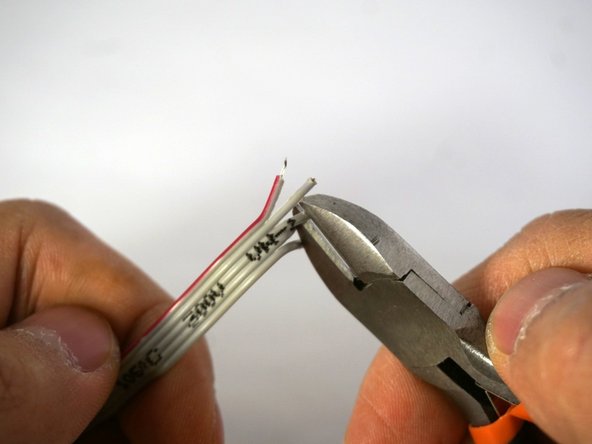
    • Strip the cables with a wire stripper.

    Ask FixBot
  13. Apple iPod Dock Connector Cable Replacement: step 13, image 1 of 2 Apple iPod Dock Connector Cable Replacement: step 13, image 2 of 2
    • Check if the cable is in the right position.

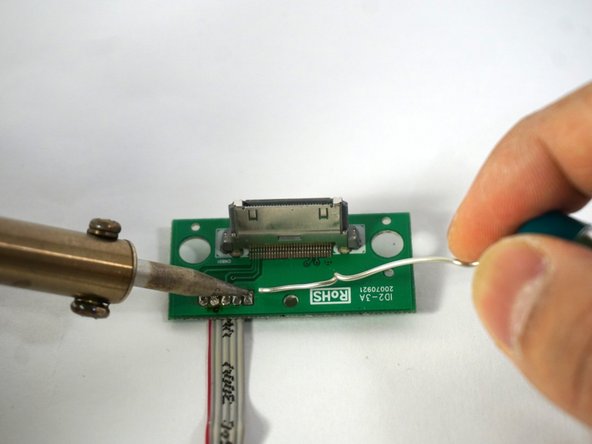
    • Heat up the contact point on the circuitboard.

    • If the contact point is hot enough, you can add a little bit of solder.

    • Don't inhale the fumes.

    Ask FixBot
Conclusion

To reassemble your device, follow these instruction in reverse order from step 7

Special thanks to these translators:

nl en

100%

These translators are helping us fix the world! Want to contribute?
Start translating ›

0 Guide Comments

Add Comment

View Statistics:

Past 24 Hours: 1

Past 7 Days: 4

Past 30 Days: 64

All Time: 964