Antenna Cables Disconnection

Last updated on Jan 7, 2025
Views: 252
View statistics:
- Past 24 Hours:
- 2
- Past 7 Days:
- 16
- Past 30 Days:
- 42
- All Time:
- 252
Comments: 3
3 comments on steps.
Completed: 0 1
No one has marked this guide "completed." Will you be the first?
1 person has marked this guide "completed." It's you — great job!
Favorites: 0 1
No one has favorited (and subscribed to) this guide. Will you be the first?
1 person has favorited (and subscribed to) this guide — and that's you!
Prerequisite Only
This is a prerequisite-only guide! This guide is part of another procedure and isn’t meant to be used alone.
Introduction
Go to step 1 ↓This guide shows how to disconnect the antenna cables in your PlayStation 5 Pro.
What you need


-
-
-
Shut down your PlayStation and unplug all cables and accessories.
-
Remove any stands supporting your console and lay it down so the right side is facing up.
 Ask FixBot
-
-
-
-
-
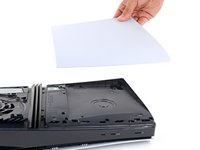
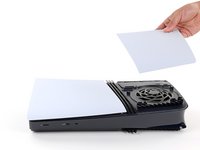
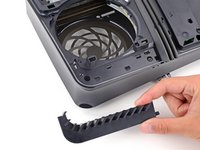
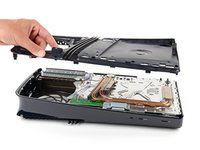
To remove a cover, firmly pull up the front edge to release the clips.
-
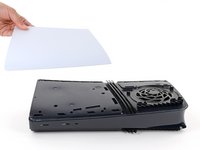
Remove the cover.
-
-
-
-
Tool used on this step:FixMat$36.95
-
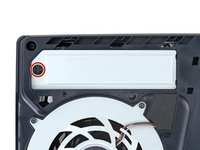
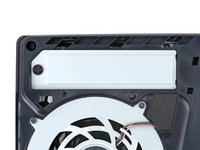
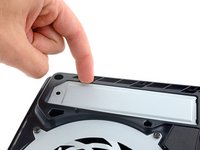
Use a Phillips screwdriver to remove the 17.1 mm‑long screw securing the expansion slot cover.
-
-
-
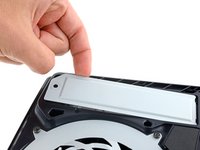
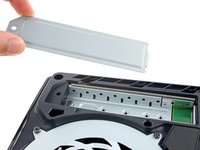
Use your fingers to lift the expansion slot cover near the notch by the screw hole and remove it.
-
-
Tool used on this step:Tesa 61395 Tape$8.95
-
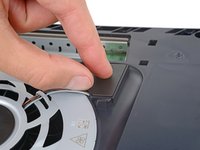
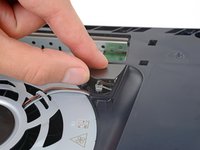
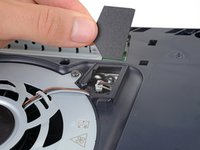
Use your fingers to remove the plastic cover hiding the fan cables connector.
-
-
-
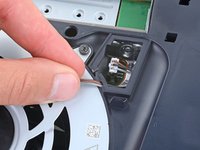
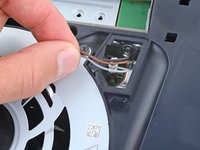
Gently pull the fan cables out from under their plastic clip on the frame.
-
-
-
-
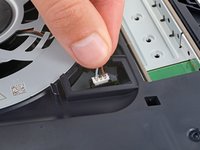
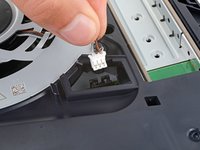
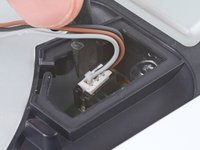
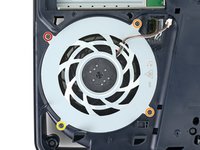
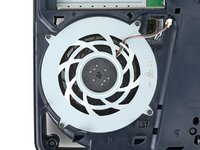
Firmly grip the fan cables' white connector head and pull it straight up and out of its socket.
-
-
-
Use a T8 Torx Security screwdriver to remove the four screws securing the fan:
-
One 31.7 mm‑long screw
-
Two 21.5 mm‑long screws
-
One 11.5 mm‑long screw
-
-
-
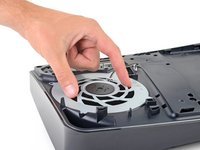
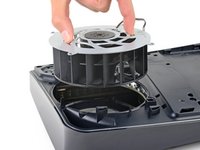
Use your fingers to grab the fan by its vents and lift it straight up to remove it.
-
Insert the fan so its cables are near their connector.
-
-
-
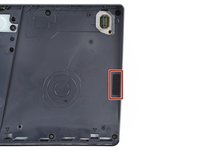
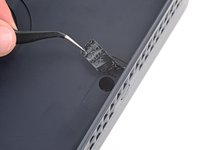
A tamper-evident sticker hides one of the right‑side inner shell screws.
-
Use tweezers to peel up the sticker until you can access the screw underneath.
-
-
-
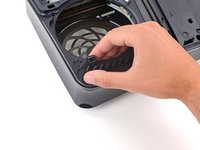
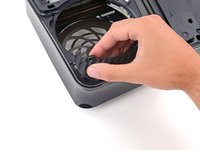
Use your fingers to unclip and remove the plastic grille near the fan recess.
-
-
-
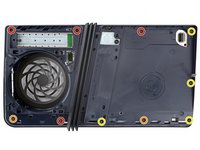
Use a T8 Torx Security screwdriver to remove the 10 screws securing the right‑side inner shell:
-
Four 18.8 mm‑long screws
-
Two 18.6 mm‑long screws
-
Four 31.7 mm‑long screws
-
-
-
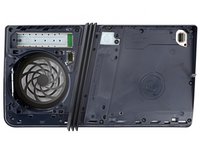
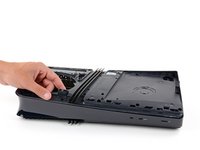
Lift the right‑side inner shell straight up and remove it.
-
-
-
-
-
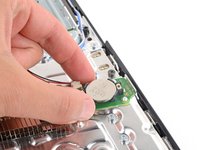
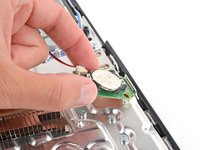
Use a pair of angled tweezers to firmly grip the sides of the CMOS board connector, holding the tweezers as close to the connector as possible to get a good grip.
-
Pull the connector straight up and out of its socket to disconnect it.
-
-
-
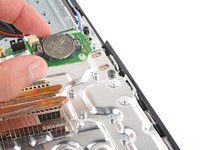
Use your fingers to lift the CMOS board off the small metal nubs and pull it toward the center of your console to remove it.
-
-
-
-
-
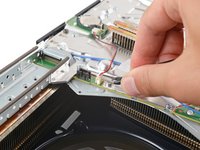
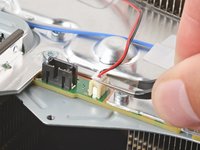
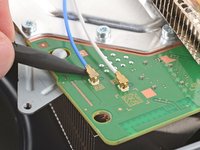
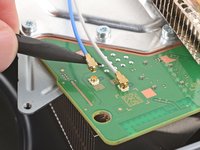
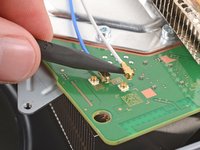
Insert a spudger under the metal neck of one of the antenna cable's coaxial connectors and lift straight up to disconnect it.
-
Repeat the process to disconnect the other antenna cable.
-
Use the markings on the board to reconnect the antenna cables to the correct sockets—connect the blue cable to the socket marked RB and the white cable to the one marked RW.
-
To reconnect a cable, hold the metal connector head over its socket and press down with the flat end of a spudger until the connector snaps into place. Don't try to force the connector into place. If you're having trouble, reposition the connector and try again.
-
-
-
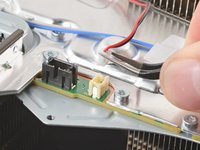
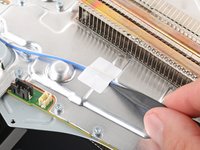
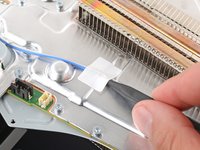
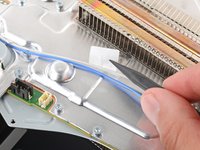
Use the point of a spudger to flip up the small piece of white tape securing the antenna cables to the metal shield.
-
-
-
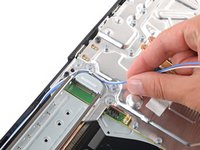
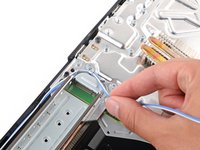
Use your fingers to de‑route the antenna cables from their clips on the metal shield.
-
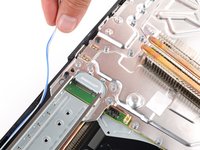
Move the antenna cables over the side of your PlayStation so they're out of the way.
-
-