Anker Soundcore Motion Boom A3118 Button Board Replacement

What you need

  1. Anker Soundcore Motion Boom A3118 Button Board Replacement, Button Board: step 1, image 1 of 3 Anker Soundcore Motion Boom A3118 Button Board Replacement, Button Board: step 1, image 2 of 3 Anker Soundcore Motion Boom A3118 Button Board Replacement, Button Board: step 1, image 3 of 3
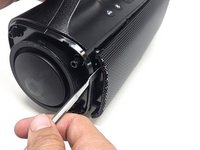
    • Use the metal spudger to remove the left and right shells surrounding the subwoofer.

    • Use the metal spudger to remove the front speaker grille.

  2. Anker Soundcore Motion Boom A3118 Button Board Replacement: step 2, image 1 of 2 Anker Soundcore Motion Boom A3118 Button Board Replacement: step 2, image 2 of 2
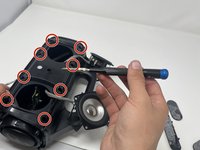
    • Remove eight 15 mm screws located in the four corners of each front speaker using a Phillips #1 screwdriver.

  3. Anker Soundcore Motion Boom A3118 Button Board Replacement: step 3, image 1 of 1
    • Use your hands to tear off the padding on the bottom of the speaker.

  4. Anker Soundcore Motion Boom A3118 Button Board Replacement: step 4, image 1 of 3 Anker Soundcore Motion Boom A3118 Button Board Replacement: step 4, image 2 of 3 Anker Soundcore Motion Boom A3118 Button Board Replacement: step 4, image 3 of 3
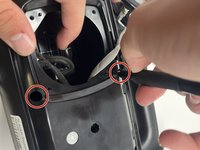
    • Remove all eight internal 15 mm screws from around the front speakers using a Phillips #1 screwdriver.

  5. Anker Soundcore Motion Boom A3118 Button Board Replacement: step 5, image 1 of 2 Anker Soundcore Motion Boom A3118 Button Board Replacement: step 5, image 2 of 2
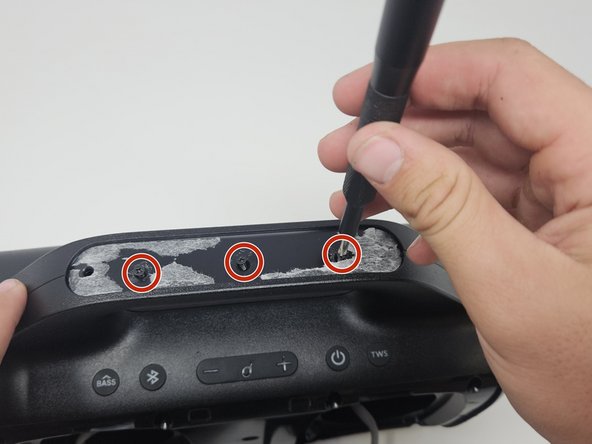
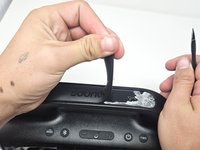
    • Tear off the padding on the top of the speaker with your hands.

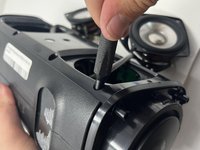
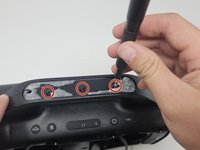
    • Remove the three 15 mm screws located on the top of the speaker using a Phillips #1 screwdriver.

  6. Anker Soundcore Motion Boom A3118 Button Board Replacement: step 6, image 1 of 1
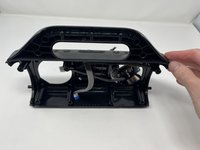
    • Pry the two large shells of the speaker apart with the metal spudger.

  7. Anker Soundcore Motion Boom A3118 Button Board Replacement: step 7, image 1 of 1
    • Disconnect the speaker's white power cord from the motherboard.

    • Disconnect the rest of the cords connected to the motherboard.

  8. Anker Soundcore Motion Boom A3118 Button Board Replacement: step 8, image 1 of 2 Anker Soundcore Motion Boom A3118 Button Board Replacement: step 8, image 2 of 2
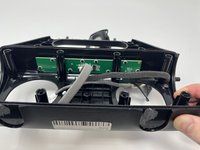
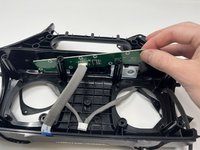
    • Orient your unit so that you can see the button board which is directly under the unit's handle.

  9. Anker Soundcore Motion Boom A3118 Button Board Replacement: step 9, image 1 of 2 Anker Soundcore Motion Boom A3118 Button Board Replacement: step 9, image 2 of 2
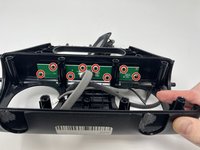
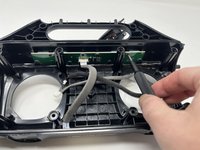
    • Remove eight 8 mm screws using a Phillips #00 screwdriver.

  10. Anker Soundcore Motion Boom A3118 Button Board Replacement: step 10, image 1 of 3 Anker Soundcore Motion Boom A3118 Button Board Replacement: step 10, image 2 of 3 Anker Soundcore Motion Boom A3118 Button Board Replacement: step 10, image 3 of 3
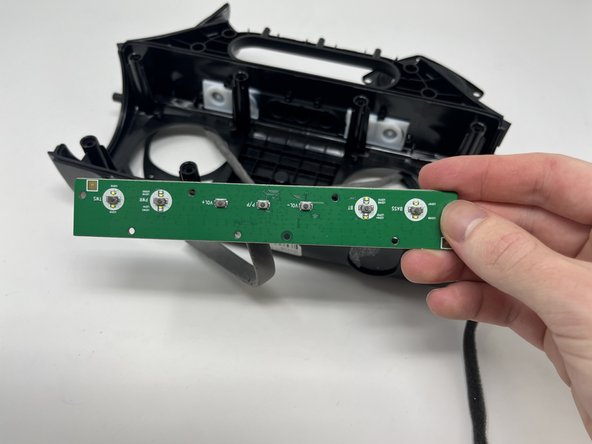
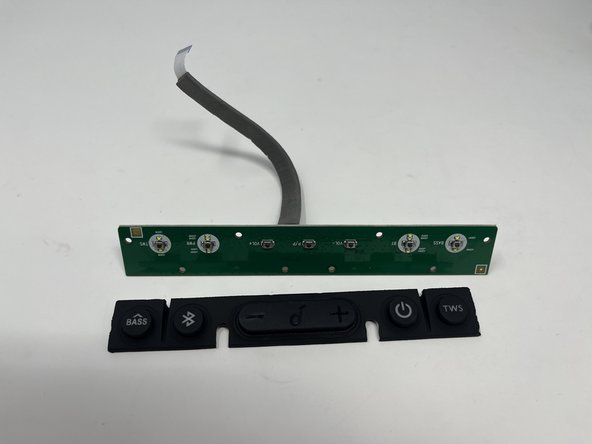
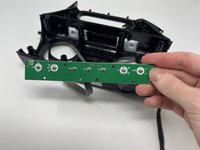
    • Slide the button board out and replace it with the new part.

Conclusion

To reassemble your device, follow these instructions in reverse order.

Michael

Member since: 09/04/24

392 Reputation

2 Guides authored

Team

0 Guide Comments

Add Comment

View Statistics:

Past 24 Hours: 0

Past 7 Days: 2

Past 30 Days: 10

All Time: 237