Anker Soundcore Flare Mini Audio Drivers Replacement

What you need

  1. Anker Soundcore Flare Mini Audio Drivers Replacement, Bottom Cover: step 1, image 1 of 3 Anker Soundcore Flare Mini Audio Drivers Replacement, Bottom Cover: step 1, image 2 of 3 Anker Soundcore Flare Mini Audio Drivers Replacement, Bottom Cover: step 1, image 3 of 3
    Tool used on this step:
    Tweezers
    $4.99
    Buy
    • The rubber cover of the speaker is glued down.

    • Use precision tweezers to peel the rubber cover off of the bottom of the speaker.

  2. Anker Soundcore Flare Mini Audio Drivers Replacement: step 2, image 1 of 3 Anker Soundcore Flare Mini Audio Drivers Replacement: step 2, image 2 of 3 Anker Soundcore Flare Mini Audio Drivers Replacement: step 2, image 3 of 3
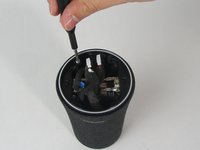
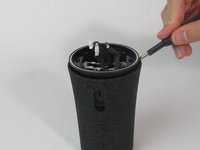
    • Remove six 10 mm screws holding the plastic cover in place using a Phillips #1 screwdriver.

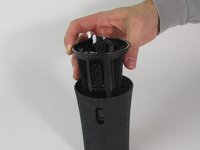
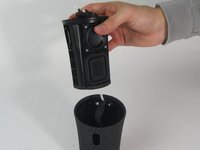
    • Use your hand to pull the plastic cover off the bottom of the speaker.

  3. Anker Soundcore Flare Mini Audio Drivers Replacement, Motherboard: step 3, image 1 of 3 Anker Soundcore Flare Mini Audio Drivers Replacement, Motherboard: step 3, image 2 of 3 Anker Soundcore Flare Mini Audio Drivers Replacement, Motherboard: step 3, image 3 of 3
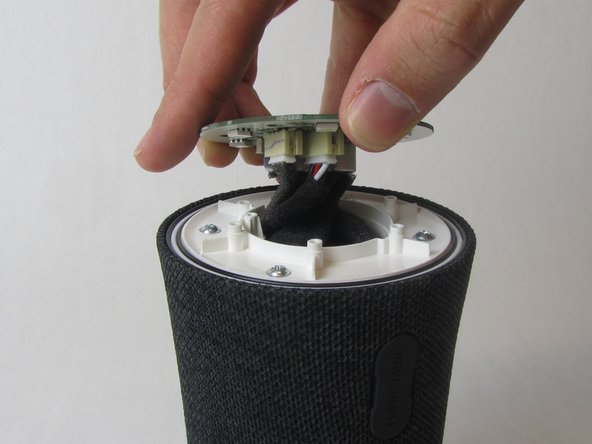
    • Remove the single 10 mm screw holding the motherboard in place using a Phillips #1 screwdriver.

    • Lift the motherboard up.

    • The motherboard is still attached to several wires underneath.

  4. Anker Soundcore Flare Mini Audio Drivers Replacement: step 4, image 1 of 3 Anker Soundcore Flare Mini Audio Drivers Replacement: step 4, image 2 of 3 Anker Soundcore Flare Mini Audio Drivers Replacement: step 4, image 3 of 3
    Tool used on this step:
    Tweezers
    $4.99
    Buy
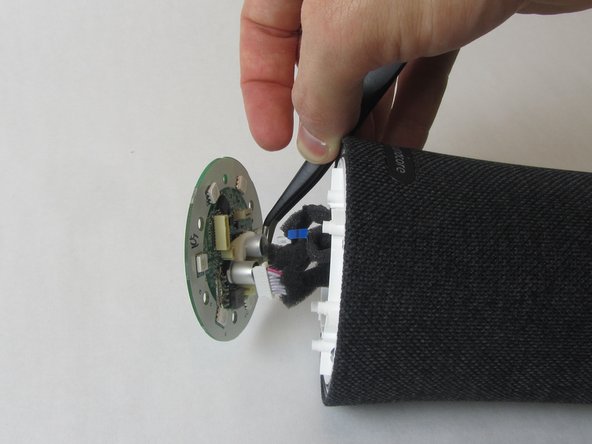
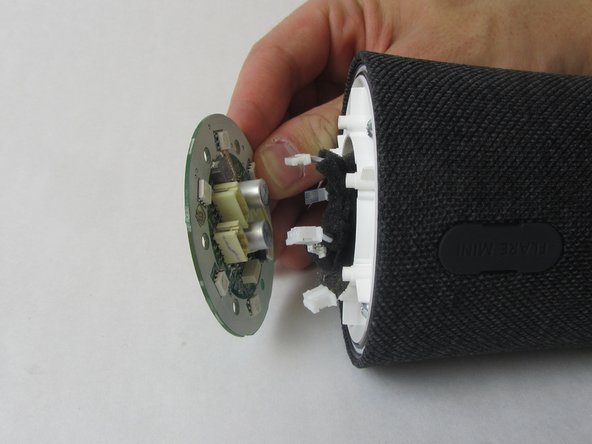
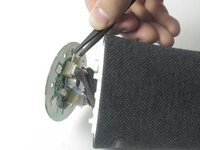
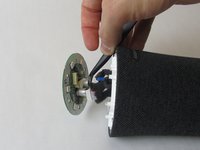
    • Use precision tweezers to firmly grasp the five power connectors and detach them from the back of the motherboard.

    • When removing the power connectors, do not pull the wires themselves.

    • Remove the motherboard from the speaker.

  5. Anker Soundcore Flare Mini Audio Drivers Replacement, Waterproof Outer Shell: step 5, image 1 of 3 Anker Soundcore Flare Mini Audio Drivers Replacement, Waterproof Outer Shell: step 5, image 2 of 3 Anker Soundcore Flare Mini Audio Drivers Replacement, Waterproof Outer Shell: step 5, image 3 of 3
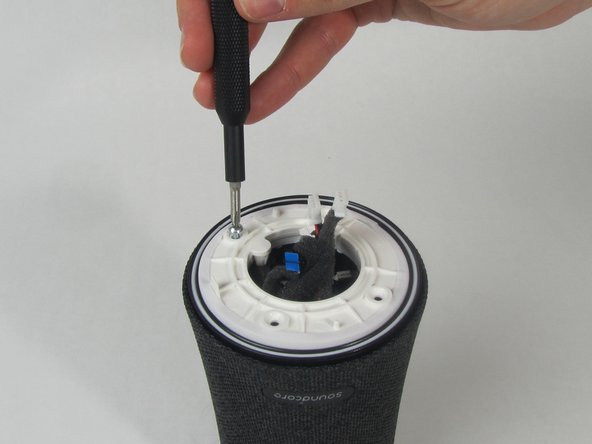
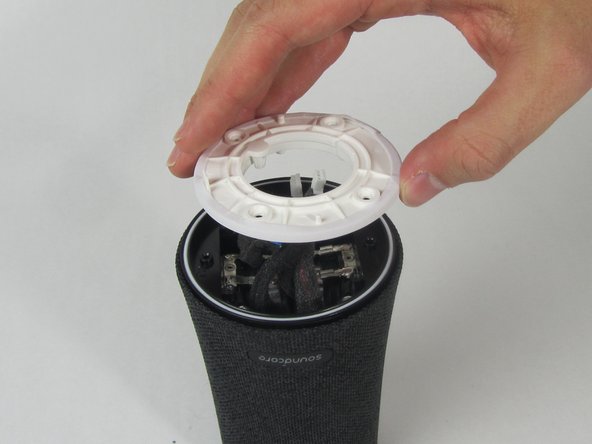
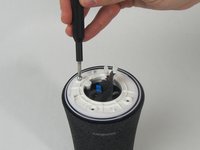
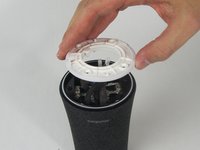
    • Remove the four 11 mm screws from the white plastic cover using a Phillips #1 screwdriver.

    • Remove the white plastic cover from the speaker.

  6. Anker Soundcore Flare Mini Audio Drivers Replacement: step 6, image 1 of 2 Anker Soundcore Flare Mini Audio Drivers Replacement: step 6, image 2 of 2
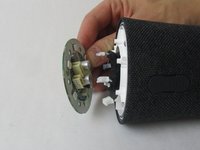
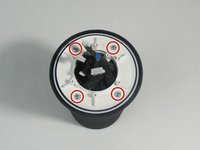
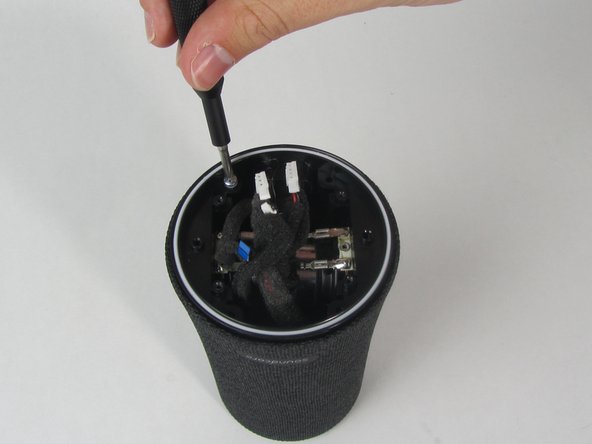
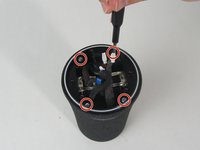
    • Remove the other four 11 mm screws holding the outer shell in place with a Phillips #1 screwdriver.

  7. Anker Soundcore Flare Mini Audio Drivers Replacement: step 7, image 1 of 1
    • Pull the charging port away from the side of the speaker.

  8. Anker Soundcore Flare Mini Audio Drivers Replacement: step 8, image 1 of 3 Anker Soundcore Flare Mini Audio Drivers Replacement: step 8, image 2 of 3 Anker Soundcore Flare Mini Audio Drivers Replacement: step 8, image 3 of 3
    • Use a spudger to loosen the cover from the inner components of the speaker.

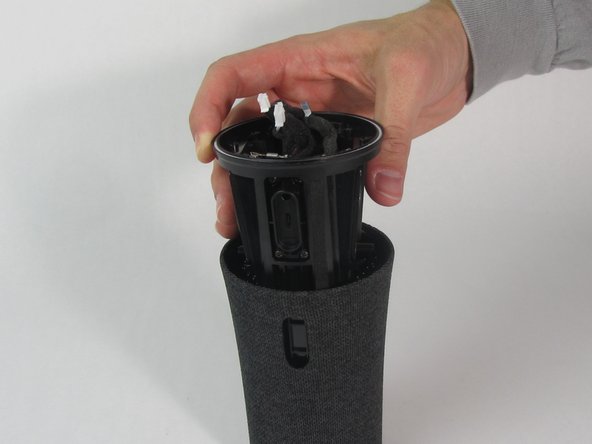
    • Slide the cover completely off.

    • One wire will still be connected to the shell.

  9. Anker Soundcore Flare Mini Audio Drivers Replacement, Audio Drivers: step 9, image 1 of 3 Anker Soundcore Flare Mini Audio Drivers Replacement, Audio Drivers: step 9, image 2 of 3 Anker Soundcore Flare Mini Audio Drivers Replacement, Audio Drivers: step 9, image 3 of 3
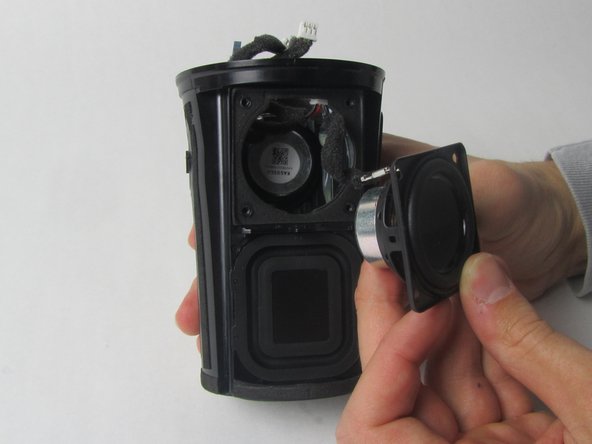
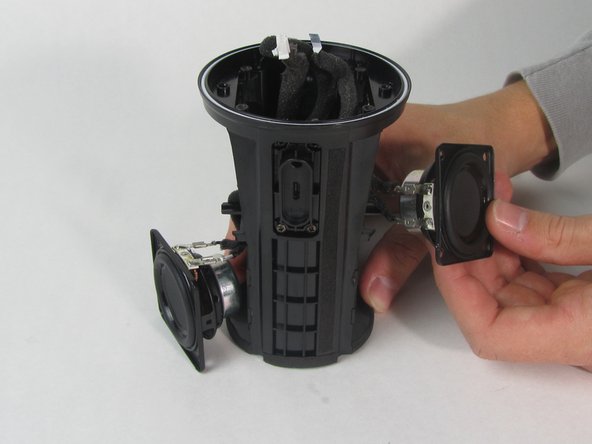
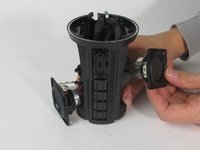
    • There are two drivers—one on each side of the speaker.

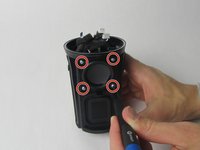
    • Use a Phillips #1 screwdriver to remove the four 11 mm screws from one driver.

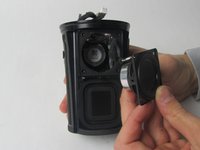
    • Use your hand to pull the driver out of the device.

    • Repeat this step with the other driver.

  10. Anker Soundcore Flare Mini Audio Drivers Replacement: step 10, image 1 of 3 Anker Soundcore Flare Mini Audio Drivers Replacement: step 10, image 2 of 3 Anker Soundcore Flare Mini Audio Drivers Replacement: step 10, image 3 of 3
    Tool used on this step:
    Tweezers
    $4.99
    Buy
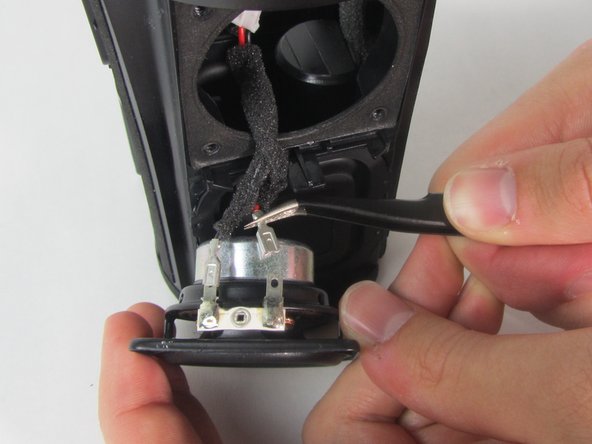
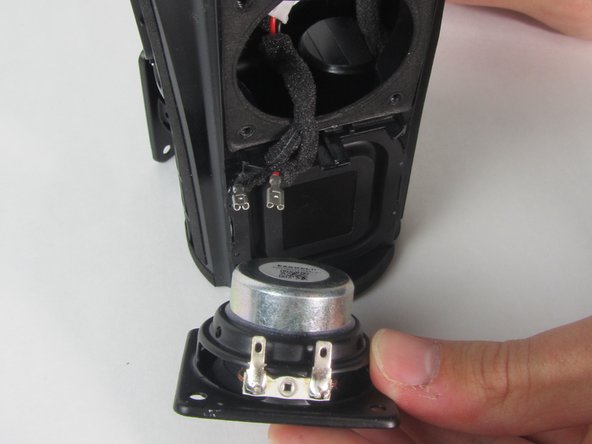
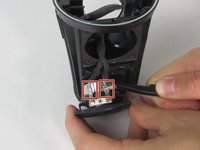
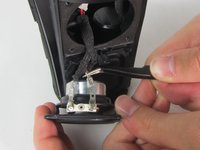
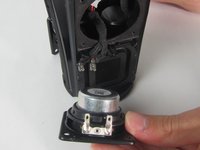
    • Use precision tweezers to detach the two wire connectors from the driver.

    • Both drivers are connected to the same wire so removing one side will separate the other driver from the device as well.

    • Remove both drivers from the device.

Conclusion

To reassemble your device, follow these instructions in reverse order.

1 Guide Comment

what size are the speakers?

Chris - Reply
Add Comment

View Statistics:

Past 24 Hours: 0

Past 7 Days: 2

Past 30 Days: 19

All Time: 1,237