Introduction
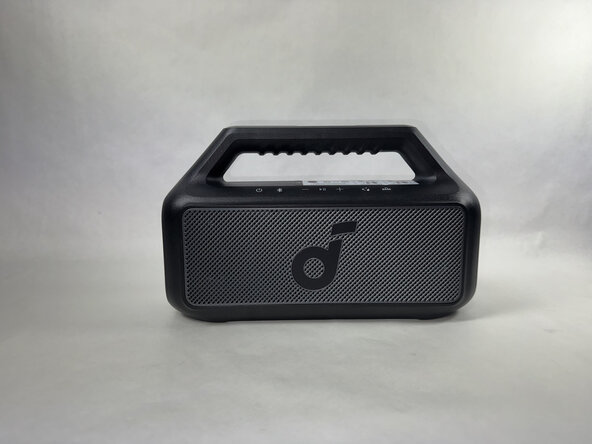
This guide applies to the Anker Soundcore Boom 2 Speaker, model number A3138.
The following replacement guide covers how to remove and replace the button panel of the device. This part controls the volume, power, music playing and pausing, bluetooth connection, and the LED lights
Signs that it's time to replace the button panel are visible wear, tear or damage, and lack of response when pressing the buttons.
What you need
-
-
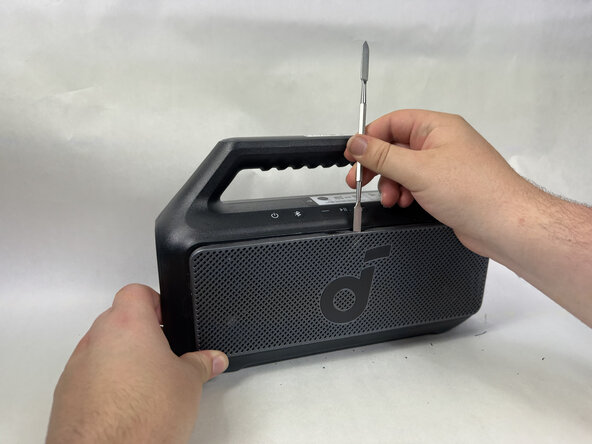
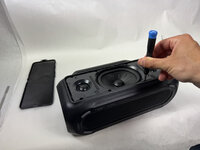
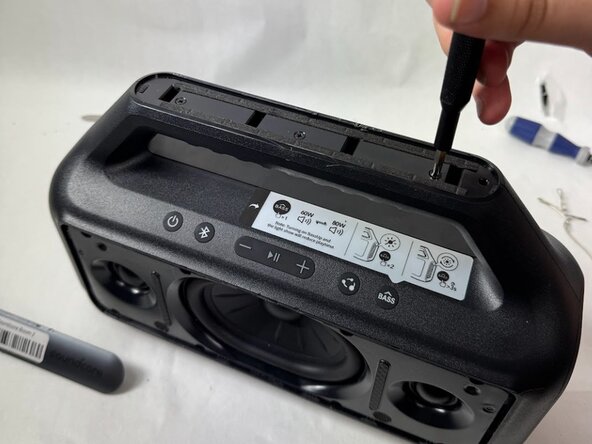
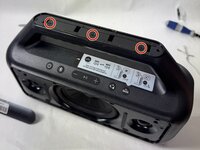
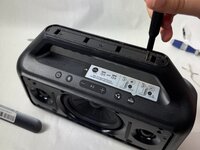
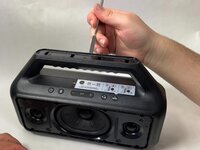
Use a metal spudger to gently pry the front panel off of the speaker.
-
Start with the top of the panel, pressing in and down on the middle of the top of the panel to release the tab holding it in place.
 Ask FixBot
-
-
-
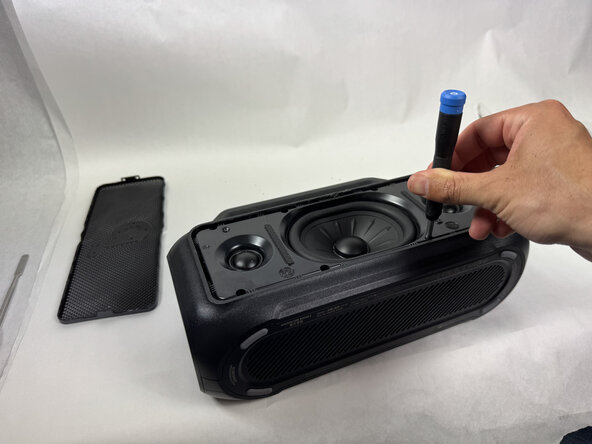
Continue around edge of the front panel, releasing each tab until the panel is loose and comes free.
-
-
-
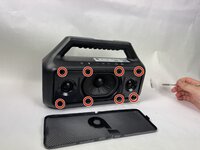
Use a Phillips head screwdriver to remove the 8 screws surrounding the speaker head on the front facing panel.
-
-
-
-
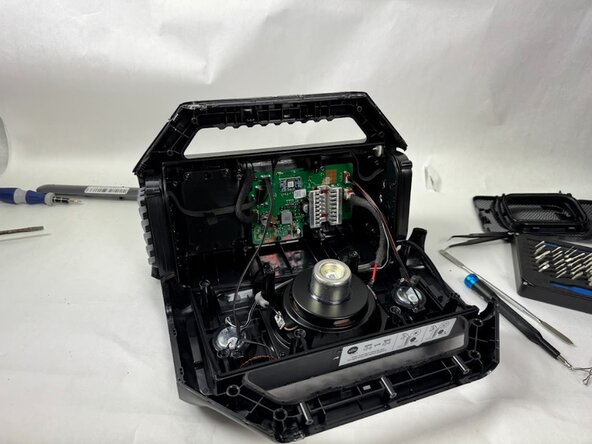
Use a spudger to separate the front facing panel from the rear facing panel.
-
Follow the seam all the way around the device, prying gently until a gap appears before moving further along.
-
-
-
Use a Phillips head screwdriver to remove the 6 screws around the backside of the speaker head.
-
-
-
Use your fingers to gently disconnect the motherboard ribbon cable from the button panel.
-
-
-
Use pliers or tweezers to disconnect the microphone cable and the button wire from the motherboard.
-
-
-
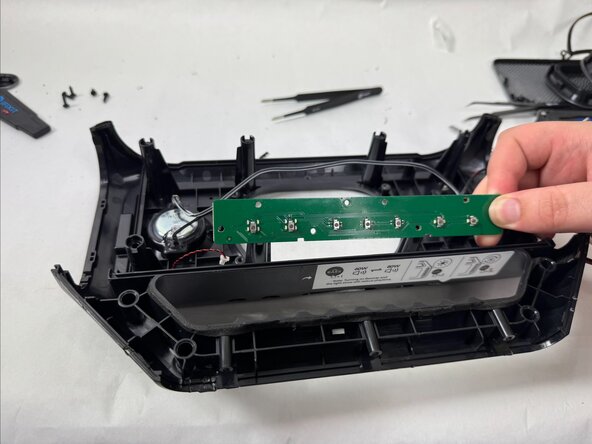
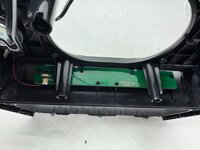
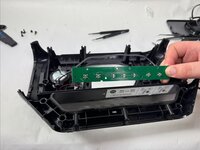
Use a Phillips head screwdriver to remove the 8 screws from the button panel.
-
Carefully slide the button panel out of place.
-







To reassemble your device, follow these instructions in reverse order.

Team

UMass Dartmouth, Team 5-3, Biswokarma Spring 2025 Member of UMass Dartmouth, Team 5-3, Biswokarma Spring 2025
UMASSD-BISWOKARMA-S25S5G3
4 Members
6 Guides authored
