Video Overview
-
-
-
To switch off the phone press and hold the volume down and the power buttons to open the Power off menu.
-
Switch off the device.
 Ask FixBot
-
-
-
-
Connect the device to the PC.
-
NOTE: Connecting the device to a PC/Mac is only required if you are planning on applying an update over ADB or if you are putting files on the device.
-
-
-
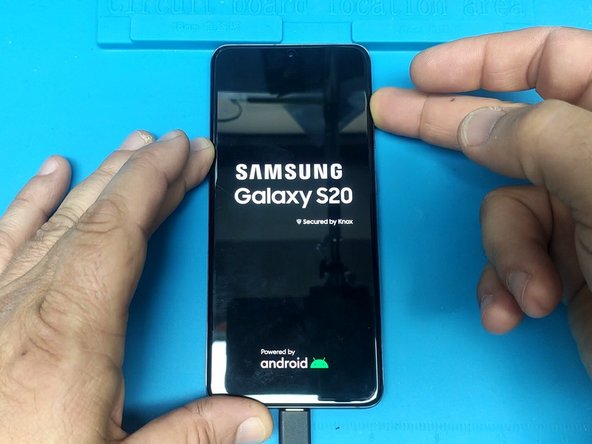
Press and hold the Volume up and the power on buttons.
-
When you see the Samsung logo release only the Power button.
-
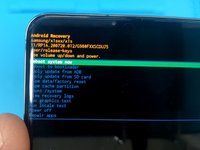
To use the Android Recovery menu use the Volume Up/Down buttons to navigate and the Power On button to select.
-
-



To reassemble your device, follow these instructions in reverse order.
Cancel: I did not complete this guide.
4 other people completed this guide.

Team

5 Guide Comments
s20u 5533
352712248043145756
35400566043145456
fix
SIR HIK ME IME S20U 352712248043145756
35400566043145456
G988b hard rest option not showing
