Introduction
Replacing the batteries in your Amazon Luna Controller is a quick and straightforward process, ensuring your gaming experience isn’t interrupted by a dead controller. This guide will walk you through each step, providing helpful tips along the way. Before you start, make sure you have two fresh AA batteries ready. If your controller has been unresponsive or the buttons feel laggy, a battery replacement might be all that’s needed to restore performance. Be cautious not to use damaged or leaking batteries, which can harm the device. Let’s get your controller powered up and ready to play.
-
-
-
-
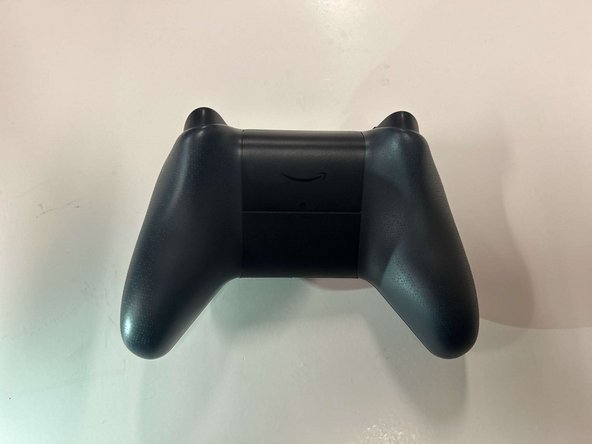
Locate the latch on the back panel.
-
Pull down gently to open the compartment and expose the battery slots.
-
Remove batteries.
-
 Ask FixBot


To reassemble your device, follow these instructions in reverse order.
Cancel: I did not complete this guide.
One other person completed this guide.

Team

Western Carolina University, Team 1-4, Virtue Fall 2024 Member of Western Carolina University, Team 1-4, Virtue Fall 2024
WCU-VIRTUE-F24S1G4
3 Members
60 Guides authored
