15% Off Selected iFixit Tools — Limited Time
Free Shipping on Domestic Orders $75+

Amazon Fire HD 7 (4th Generation) Display Replacement

What you need

  1. Amazon Fire HD 7 (4th Generation) Display Replacement, Motherboard: step 1, image 1 of 3 Amazon Fire HD 7 (4th Generation) Display Replacement, Motherboard: step 1, image 2 of 3 Amazon Fire HD 7 (4th Generation) Display Replacement, Motherboard: step 1, image 3 of 3
    • Insert the plastic opening tool behind the rear case to free the clips holding the case together.

    • Work your way around the device to free all the clips.

    Ask FixBot

    Add Comment

  2. Amazon Fire HD 7 (4th Generation) Display Replacement: step 2, image 1 of 1
    • Once all clips have been released, remove the back case to reveal the inside of the device.

    Ask FixBot

    Add Comment

  3. Amazon Fire HD 7 (4th Generation) Display Replacement: step 3, image 1 of 3 Amazon Fire HD 7 (4th Generation) Display Replacement: step 3, image 2 of 3 Amazon Fire HD 7 (4th Generation) Display Replacement: step 3, image 3 of 3
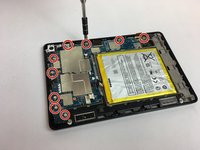
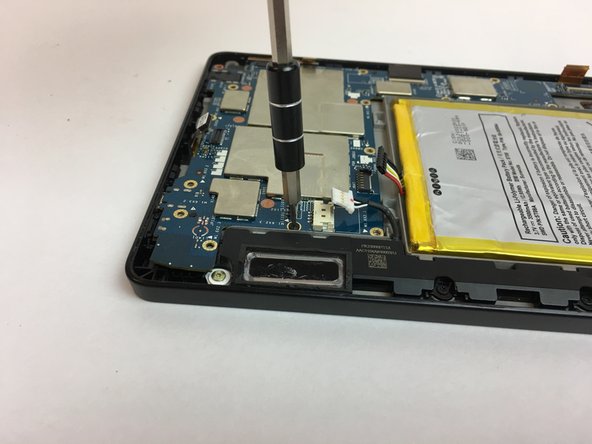
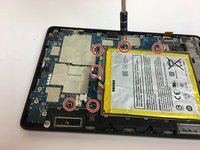
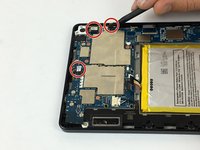
    • Remove the nine silver screws located around the motherboard with the T5 Torx screwdriver.

    Ask FixBot

    Add Comment

  4. Amazon Fire HD 7 (4th Generation) Display Replacement: step 4, image 1 of 3 Amazon Fire HD 7 (4th Generation) Display Replacement: step 4, image 2 of 3 Amazon Fire HD 7 (4th Generation) Display Replacement: step 4, image 3 of 3
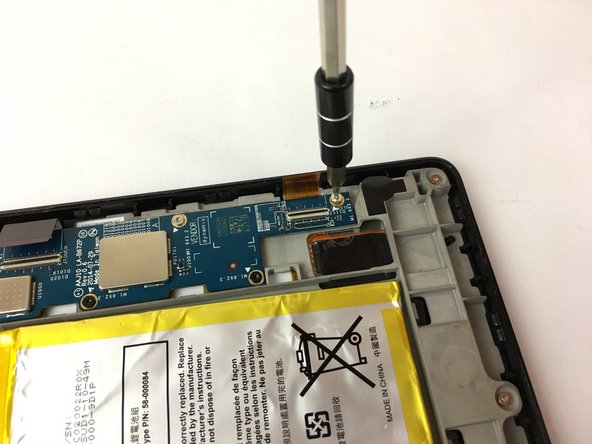
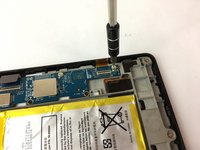
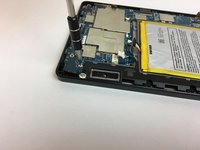
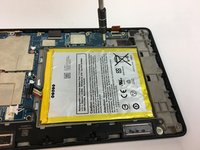
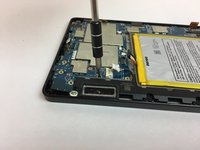
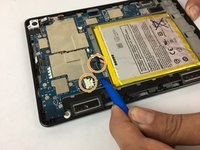
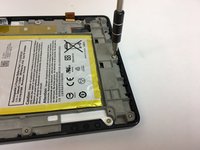
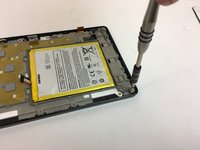
    • Remove the six black screws located around the battery and the speaker with the T5 Torx screwdriver.

    • Make your way around the battery and speaker to remove all of them.

    Ask FixBot

    Add Comment

  5. Amazon Fire HD 7 (4th Generation) Display Replacement: step 5, image 1 of 3 Amazon Fire HD 7 (4th Generation) Display Replacement: step 5, image 2 of 3 Amazon Fire HD 7 (4th Generation) Display Replacement: step 5, image 3 of 3
    Tool used on this step:
    Tweezers
    $4.99
    Buy
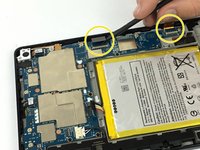
    • Carefully unplug the three wire connections by placing a plastic spudger under the connections and lifting up.

    • Disconnect the battery and speaker connections by placing the round handle spudger under the wires and lifting up and out.

    • Disconnect the display connections from the motherboard by using the plastic spudger to lift the clamp holding the ribbon cable. Then, using the tweezers, grab the ribbon wire and pull away from the motherboard.

    Ask FixBot

    Add Comment

  6. Amazon Fire HD 7 (4th Generation) Display Replacement: step 6, image 1 of 2 Amazon Fire HD 7 (4th Generation) Display Replacement: step 6, image 2 of 2
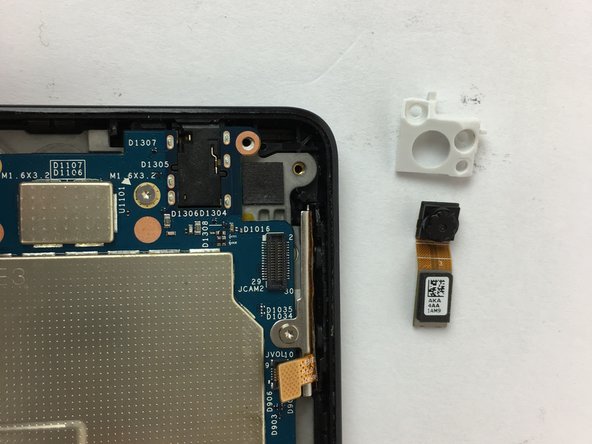
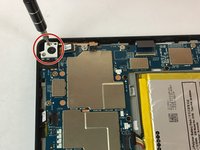
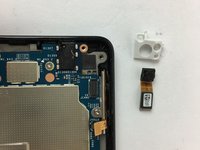
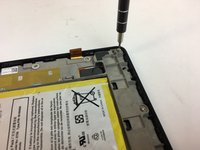
    • Remove the two screws holding the rear camera in place using the T5 Torx screwdriver.

    • Once freed from the screws, gently lift and remove the rear camera.

    • The camera lens is sensitive. Be careful when removing and handling the rear camera.

    Ask FixBot

    Add Comment

  7. Amazon Fire HD 7 (4th Generation) Display Replacement: step 7, image 1 of 2 Amazon Fire HD 7 (4th Generation) Display Replacement: step 7, image 2 of 2
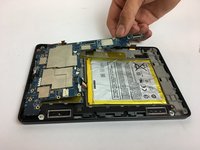
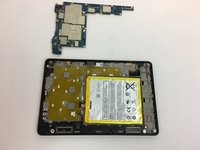
    • Now the motherboard is free to be removed.

    • Lift the motherboard up to remove it as shown in the picture.

    Ask FixBot

    Add Comment

  8. Amazon Fire HD 7 (4th Generation) Display Replacement, Display: step 8, image 1 of 3 Amazon Fire HD 7 (4th Generation) Display Replacement, Display: step 8, image 2 of 3 Amazon Fire HD 7 (4th Generation) Display Replacement, Display: step 8, image 3 of 3
    • Following the bottom edge of the device, remove the (3) T5 hex silver screws with the T5 torx screwdriver.

    Ask FixBot

    Add Comment

  9. Amazon Fire HD 7 (4th Generation) Display Replacement: step 9, image 1 of 2 Amazon Fire HD 7 (4th Generation) Display Replacement: step 9, image 2 of 2
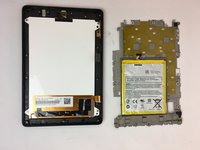
    • The motherboard chassis can now be removed to reveal the display screen.

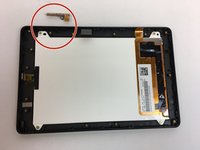
    • Remove the volume button components.

    Ask FixBot

    Add Comment

  10. Amazon Fire HD 7 (4th Generation) Display Replacement: step 10, image 1 of 3 Amazon Fire HD 7 (4th Generation) Display Replacement: step 10, image 2 of 3 Amazon Fire HD 7 (4th Generation) Display Replacement: step 10, image 3 of 3
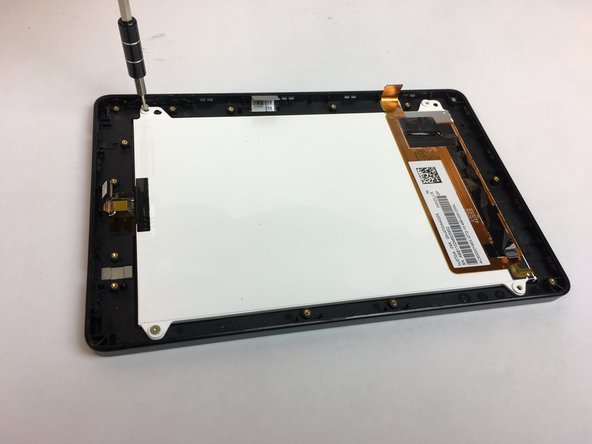
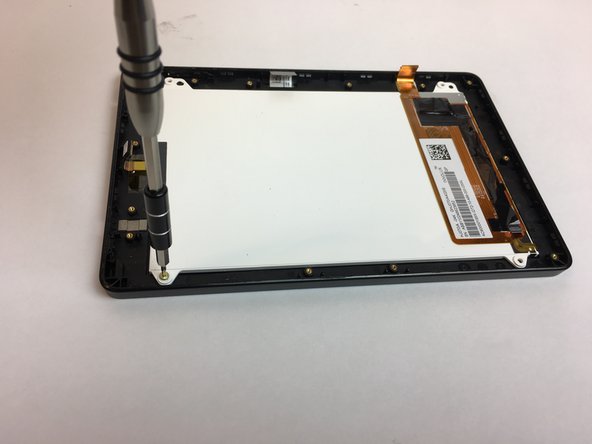
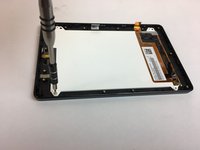
    • Remove the (4) T5 hex silver screws in the corners of the display screen using the T5 torx screwdriver.

    Ask FixBot

    Add Comment

  11. Amazon Fire HD 7 (4th Generation) Display Replacement: step 11, image 1 of 3 Amazon Fire HD 7 (4th Generation) Display Replacement: step 11, image 2 of 3 Amazon Fire HD 7 (4th Generation) Display Replacement: step 11, image 3 of 3
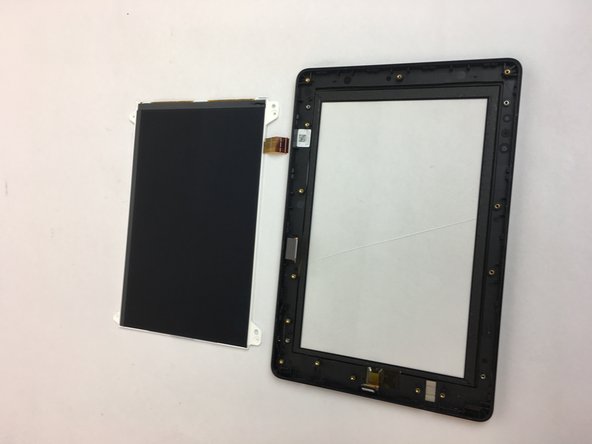
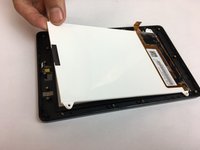
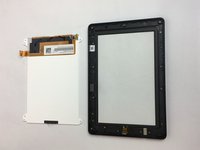
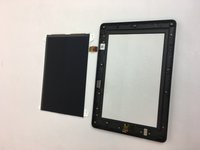
    • The LCD display screen may now be removed and replaced.

    Ask FixBot

    Add Comment

Finish Line

Cancel: I did not complete this guide.

7 other people completed this guide.

Omir Rosado

Member since: 09/30/16

752 Reputation

5 Guides authored

Team

USF Tampa, Team 4-4, Passmore Fall 2016 Member of USF Tampa, Team 4-4, Passmore Fall 2016

USFT-PASSMORE-F16S4G4

4 Members

10 Guides authored

1 Guide Comment

finding it very difficult to source a new touch screen for this model.

colin - Reply Share
Add Comment

View Statistics:

Past 24 Hours: 4

Past 7 Days: 18

Past 30 Days: 79

All Time: 7,907