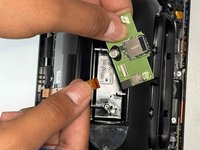
Amazon Echo Show 8 3rd Gen Power Board Replacement

What you need

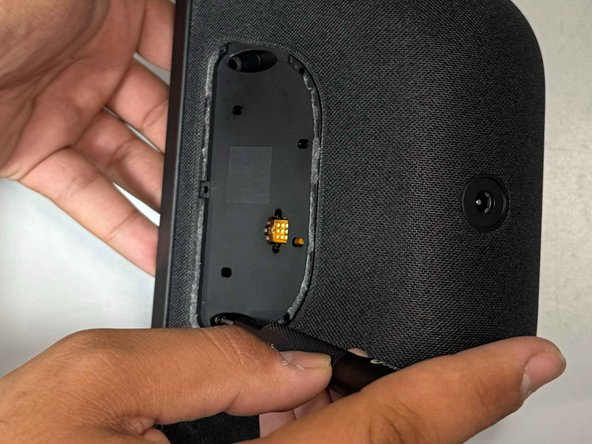
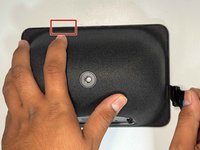
  1. Amazon Echo Show 8 3rd Gen Power Board Replacement, Power Board: step 1, image 1 of 3 Amazon Echo Show 8 3rd Gen Power Board Replacement, Power Board: step 1, image 2 of 3 Amazon Echo Show 8 3rd Gen Power Board Replacement, Power Board: step 1, image 3 of 3
    • Use a prying tool to remove the rubber foot at the bottom.

    • It is secured with adhesive and will lift off with some gentle prying.

    • Use an opening pick to remove the screw cover.

  2. Amazon Echo Show 8 3rd Gen Power Board Replacement: step 2, image 1 of 2 Amazon Echo Show 8 3rd Gen Power Board Replacement: step 2, image 2 of 2
    • Use a Torx TR8 screwdriver to remove the two 2 cm screws.

  3. Amazon Echo Show 8 3rd Gen Power Board Replacement: step 3, image 1 of 2 Amazon Echo Show 8 3rd Gen Power Board Replacement: step 3, image 2 of 2
    • Insert a jimmy in the gap between the display and chassis.

    • Pry around the perimeter until the back case releases.

    • Be careful as to not damage the ribbon cable on the top left area of the screen.

    • Remove the back case.

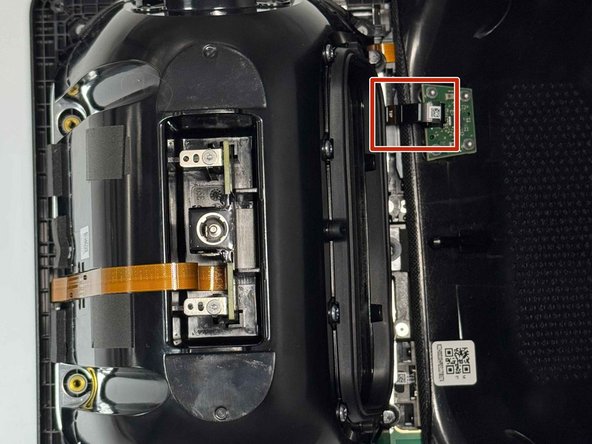
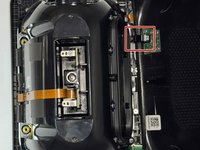
  4. Amazon Echo Show 8 3rd Gen Power Board Replacement: step 4, image 1 of 3 Amazon Echo Show 8 3rd Gen Power Board Replacement: step 4, image 2 of 3 Amazon Echo Show 8 3rd Gen Power Board Replacement: step 4, image 3 of 3
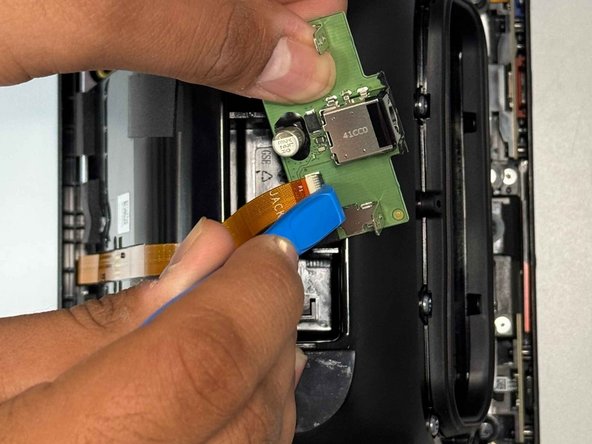
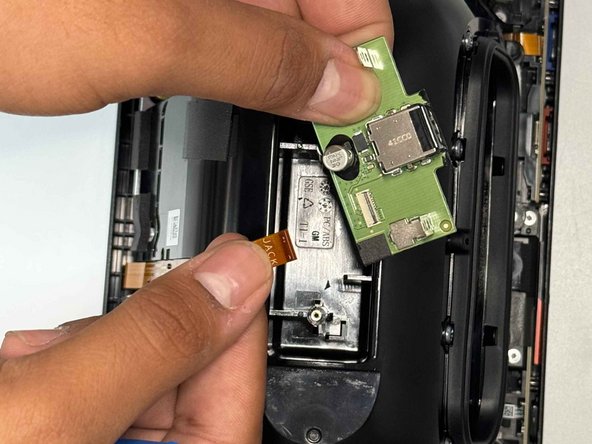
    • Use a Torx TR6 screwdriver to remove the two 5 mm screws that secure the power board.

    • Carefully lift the board without straining the ribbon cable.

    • Using an opening tool, carefully flip up the black ZIF locking flap that secures the ribbon cable.

    • Disconnect the ribbon cable.

Conclusion

To reassemble your device, follow these instructions in reverse order.

2 other people completed this guide.

0 Guide Comments

Add Comment

View Statistics:

Past 24 Hours: 0

Past 7 Days: 6

Past 30 Days: 23

All Time: 164