Introduction
Follow this guide to replace the Amazon Echo Show Display. The display is especially susceptible to damage because of its exposed nature.
What you need
-
-
-
Orient the Amazon Echo Show 5 so that the display is face down.
-
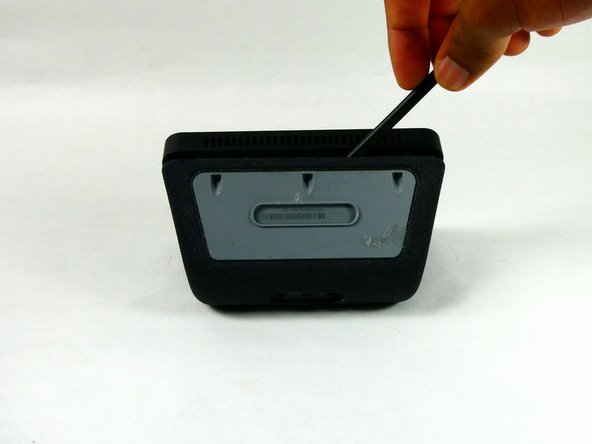
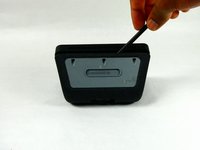
Use a spudger to remove the grey bottom cover.
 Ask FixBot
-
-
-
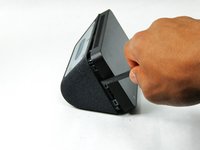
Use a spudger to release the six internal tabs lining the sides of the device.
-
-
-
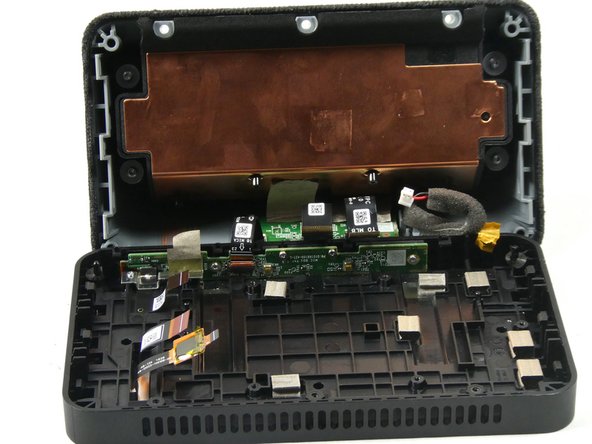
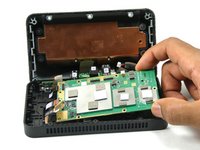
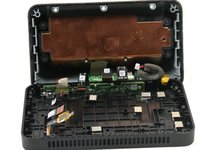
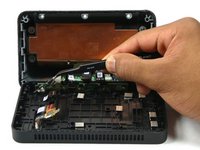
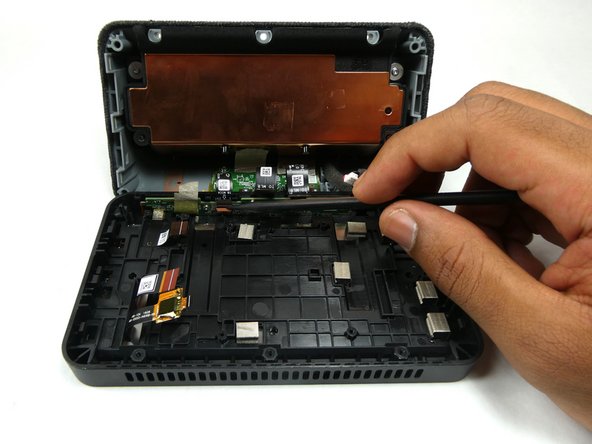
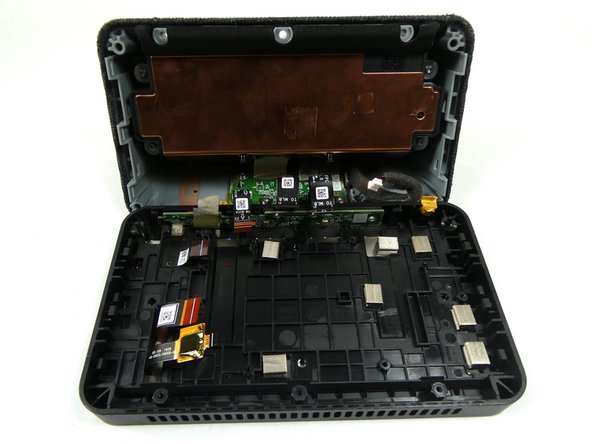
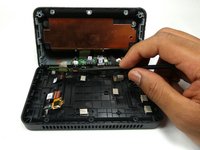
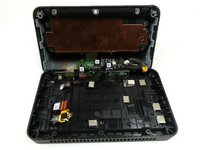
Carefully open the device by folding it open along the top edge where the camera is located.
-
-
-
-
-
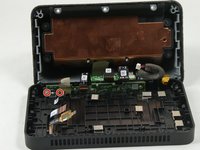
Remove the red and black power connector connecting to the motherboard with either a prying tool or your hands.
-
-
-
-
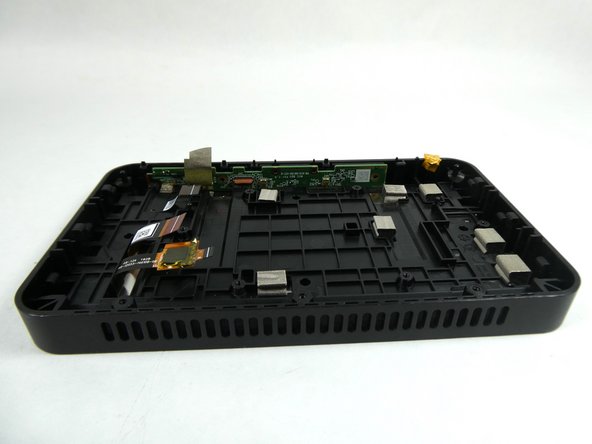
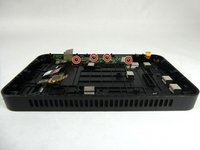
Remove the six 4 mm screws that are used to hold down the motherboard using a T6 Security Torx Screwdriver.
-
-
-
-
Tool used on this step:Tweezers$4.99
-
Use the Philips #000 Screwdriver to remove two 4mm screws that hold down the metal bracket.
-
Use tweezers to remove the metal bracket by lifting it up and towards yourself.
-
-
-
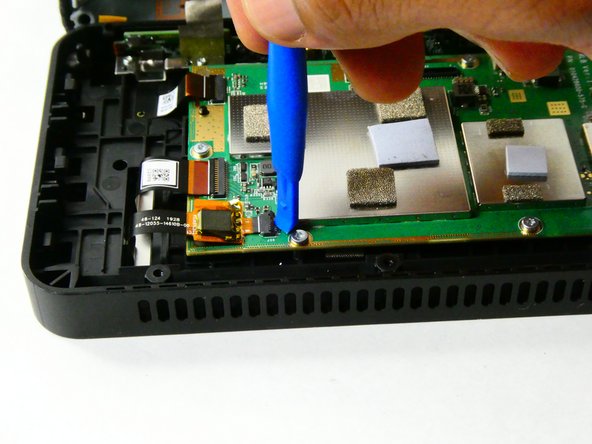
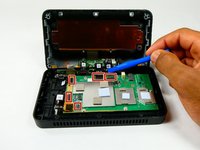
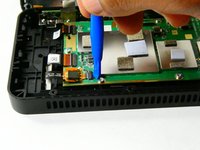
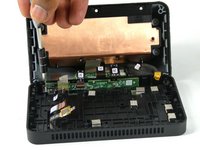
Use a spudger or your fingernail to remove the ribbon connector which connects the speaker housing board to the microphone board.
-
-
-
Use the Philips #000 Screwdriver to remove the four 4 mm screws that attach the microphone board to the case.
-
-
-
-
Tool used on this step:Tweezers$4.99
-
Use tweezers to remove the camera from the display assembly.
-
-
-
-
-
Orient the Amazon Echo Show 5 so that the display is facing up.
-
Apply heat to the edges of the display using a heat gun.
-
-












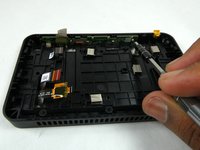
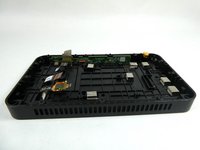

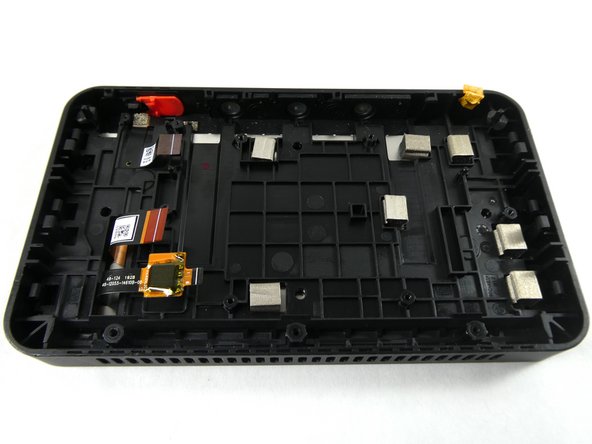
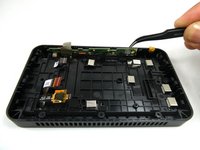
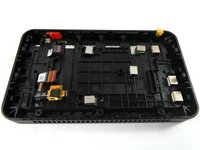

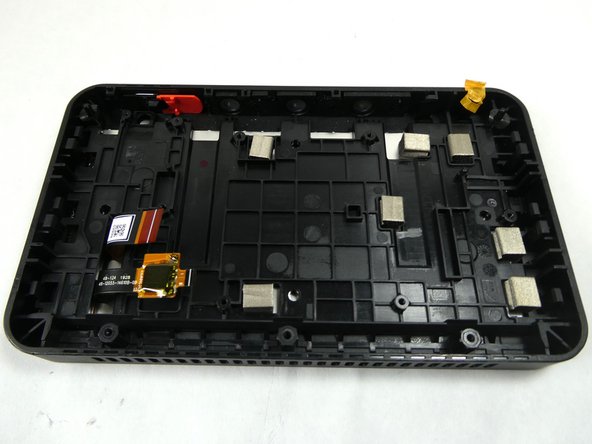
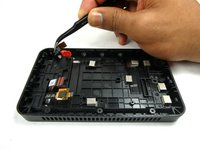
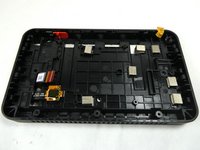

To reassemble your device, follow these instructions in reverse order.
Cancel: I did not complete this guide.
5 other people completed this guide.

Team

UMass Dartmouth, Team 2-4, Petersen Fall 2022 Member of UMass Dartmouth, Team 2-4, Petersen Fall 2022
UMASSD-PETERSEN-F22S2G4
3 Members
84 Guides authored
3 Guide Comments
Hey Zachary,
Great guide, thanks for the help. Now I'm on to figuring out if it's possible to zombify the screen and touchscreen using a raspberry pi. Wish me luck...
Thanks,
Graham
Does replacing the screen fix the glitching/flickering issue?
