Free Shipping on Domestic Orders $75+

Koss Porta Pro Speaker Holder Replacement

What you need

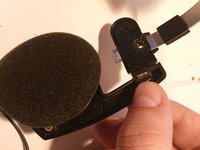
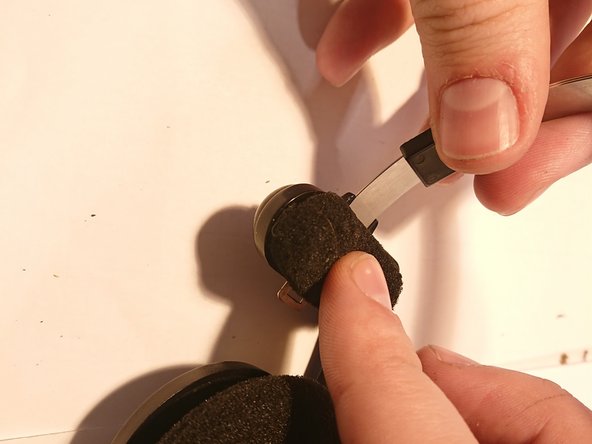
  1. Koss Porta Pro Speaker Holder Replacement, Remove cushion: step 1, image 1 of 3 Koss Porta Pro Speaker Holder Replacement, Remove cushion: step 1, image 2 of 3 Koss Porta Pro Speaker Holder Replacement, Remove cushion: step 1, image 3 of 3
    • Remove cushion using knife.

    Ask FixBot
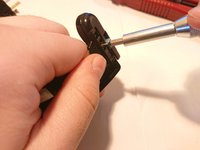
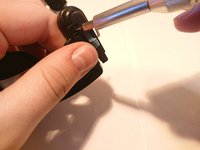
  2. Koss Porta Pro Speaker Holder Replacement, Remove comfortZone label: step 2, image 1 of 2 Koss Porta Pro Speaker Holder Replacement, Remove comfortZone label: step 2, image 2 of 2
    • Remove label using flat screwdriver.

    Ask FixBot
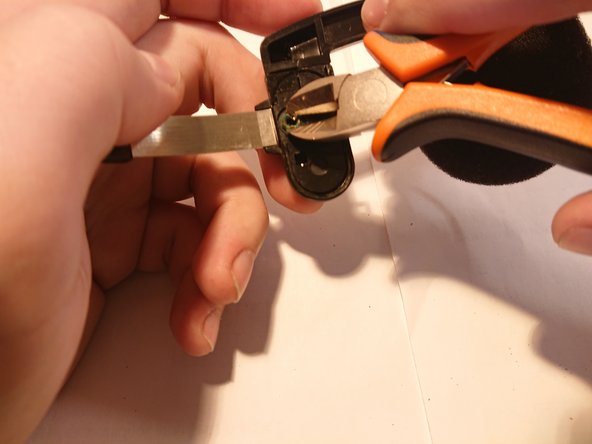
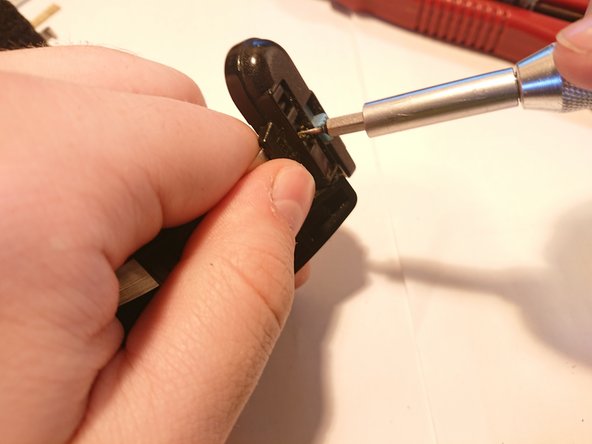
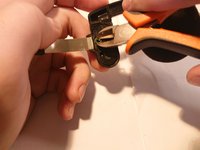
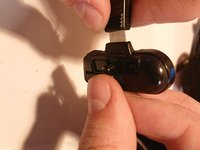
  3. Koss Porta Pro Speaker Holder Replacement, Remove clip: step 3, image 1 of 3 Koss Porta Pro Speaker Holder Replacement, Remove clip: step 3, image 2 of 3 Koss Porta Pro Speaker Holder Replacement, Remove clip: step 3, image 3 of 3
    • Use screwdriver to start bending edges of clip.

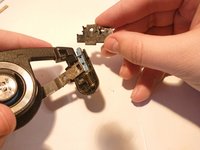
    • Continue bending with pliers or cutters.

    • Push clip with screwdriver and pull with cutters from another side.

    • This step can take up to 15 minutes, so keep calm and continue bending.

    Ask FixBot
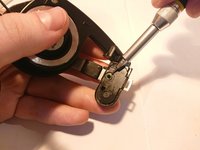
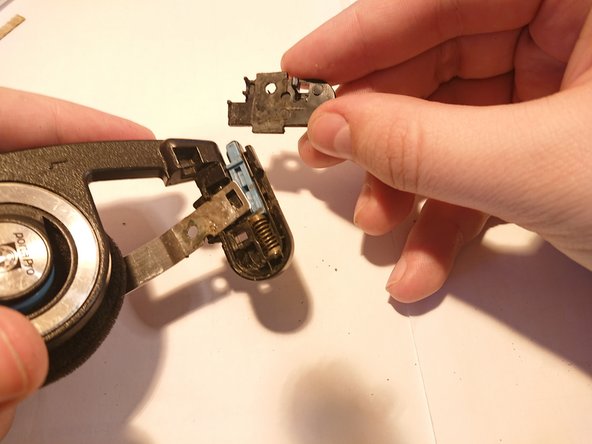
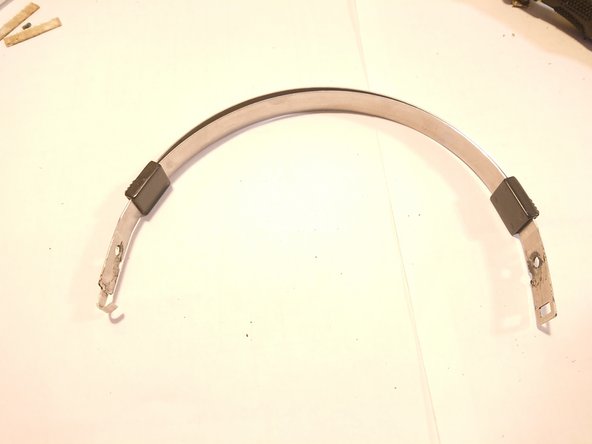
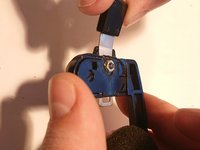
  4. Koss Porta Pro Speaker Holder Replacement, Remove hoop holder: step 4, image 1 of 3 Koss Porta Pro Speaker Holder Replacement, Remove hoop holder: step 4, image 2 of 3 Koss Porta Pro Speaker Holder Replacement, Remove hoop holder: step 4, image 3 of 3
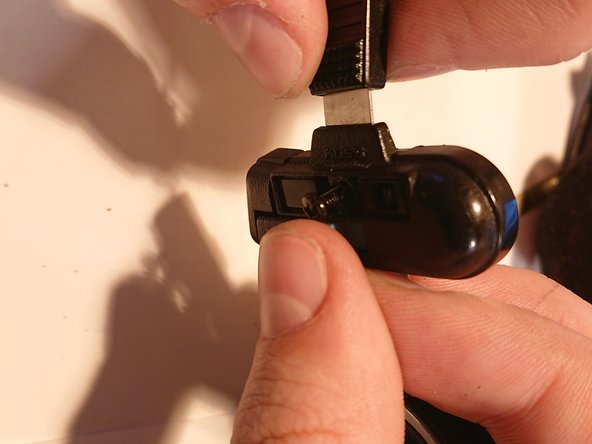
    • Press tenon using screwdriver to remove shield.

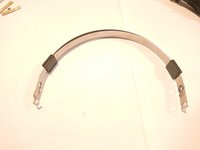
    • Remove hoop from hoop holder.

    Ask FixBot
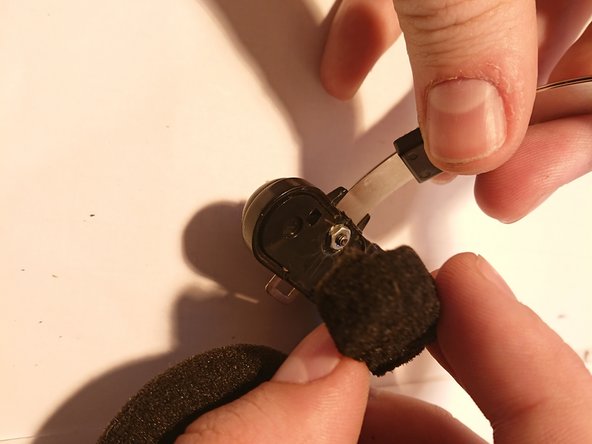
  5. Koss Porta Pro Speaker Holder Replacement, Assemble hoop holder: step 5, image 1 of 3 Koss Porta Pro Speaker Holder Replacement, Assemble hoop holder: step 5, image 2 of 3 Koss Porta Pro Speaker Holder Replacement, Assemble hoop holder: step 5, image 3 of 3
    • Place hoop in hoop holer.

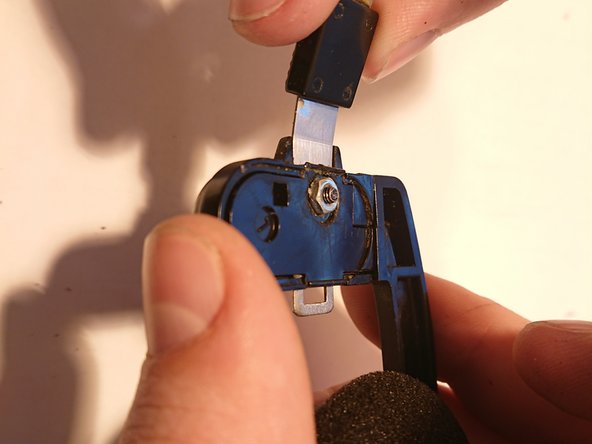
    • Close hoop holder with shield.

    • Insert M2.5x8 screw into hole and tighten the nut.

    Ask FixBot
  6. Koss Porta Pro Speaker Holder Replacement, Stick cushion and label: step 6, image 1 of 3 Koss Porta Pro Speaker Holder Replacement, Stick cushion and label: step 6, image 2 of 3 Koss Porta Pro Speaker Holder Replacement, Stick cushion and label: step 6, image 3 of 3
    • Stick comfortZone label over the screw. Use double-sided foam tape if head of screw is too high.

    • Stick cushion. Use additional double-sided tape if cushion has bad holding.

    Ask FixBot
Conclusion

Left and right sides are the same so you can use this guide for both.

2 other people completed this guide.

2 Guide Comments

Where can you even get speaker holder mounts? The left one for mine broke but I cannot find just the speaker mount holder replacement, but whole headbands (which probably make more sense). Ifixit does not sell the parts and I cannot find anywhere where the parts are sold.

Bónitz András - Reply Share

Yes, sorry, but what’s the point in this? Other than if you have two sets of PortaPros – one with left broken and the other with the right holder broken….. quite a unique problem.

A better thing would be how to strengthen the holders when new. By adding som metalplate along the holder on the inside so they will not bend outwards as they do….. just look at them ;). Visit a mirror. Sure they are kept on your head anyway, but the fit is screewed when the driver lean against the holderframe. The swing space gets very narrow and pressure on ears uneven. It would be much less if the frame was kept straight unbended.

Metalplatestrip glued into the frame? Fill with epoxy? 3d printing new holders in stiffer plastics? Any ideas?

A nice project to grab.

Albert (einstein, no) - Reply Share

Add Comment

View Statistics:

Past 24 Hours: 4

Past 7 Days: 21

Past 30 Days: 115

All Time: 3,383