This translation was generated by a machine and has not been reviewed by a person yet. Speak this language? Review it.
Introduction
Adding contacts in Gmail is a simple way to save the email addresses you use most often.
-
-
-
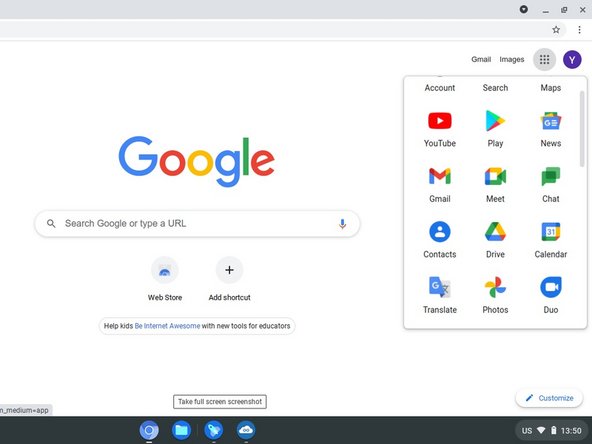
Press the Shift key and the launcher, then select Google Contacts.
-
Click New (+) and select Create a contact. You can also create multiple contacts at once.
-
Then, enter your contact information into the specific fields such as name and email address.
-
Click each label under which you want the contact to be placed.
-
Click outside to add to the label panel. Click save.
 Ask FixBot
-
-
-


Finish Line


