Introduction
Prerequisite only guide. How to separate the logic and power boards from the metal protective shield.
What you need
-
-
Lay the monitor on a flat surface, facedown.
-
Use a #1 Phillips screwdriver to remove the 4x 10.2mm screws securing the stand to the back panel.
-
Remove the stand from the back panel by pulling it up.
-
-
-
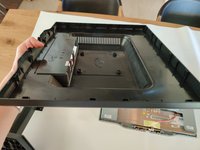
Remove the 2x 9.8mm Phillips #1 screws securing the back cover to the monitor.
-
-
-
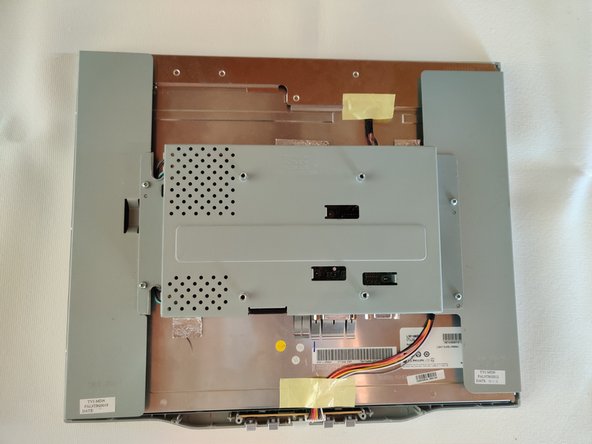
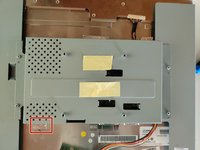
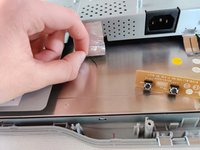
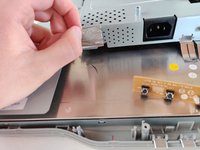
Remove the 2 pieces of yellow tape.
-
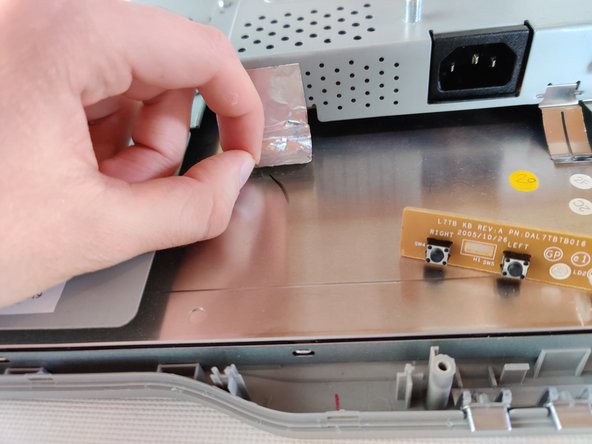
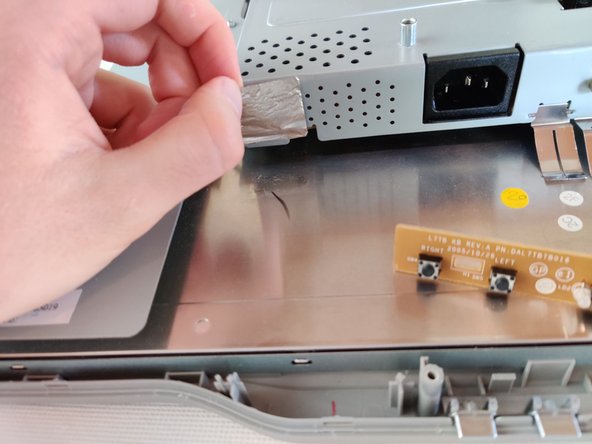
The bottom one have a thin sheet a metal on the underside which you need to take off too, if it does not come off with the tape.
-
-
-
-
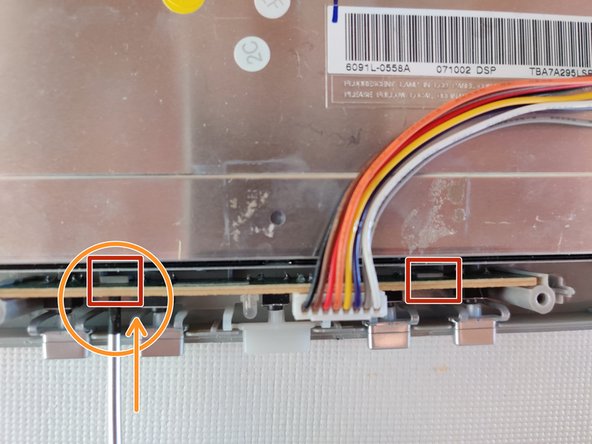
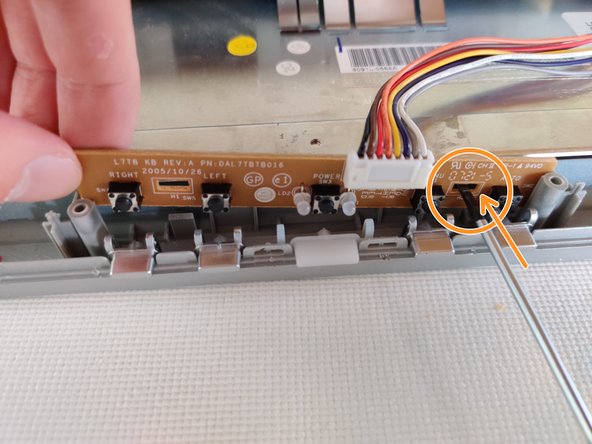
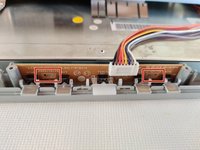
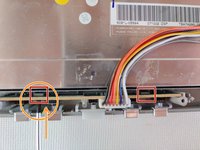
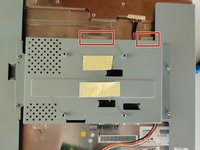
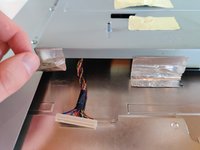
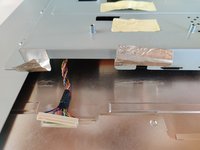
The button board is secured to the front frame by 2 plastic locking mechanisms.
-
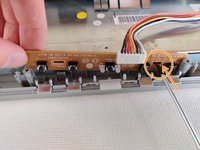
To remove, insert a Flathead screwdriver into the gap to push the locking mechanism back a little, while pulling up on the board.
-
-
-
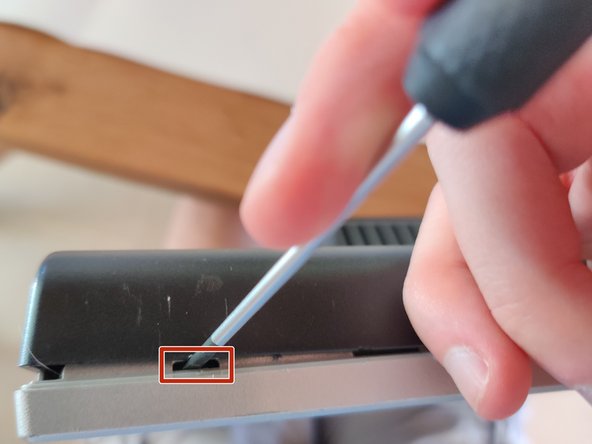
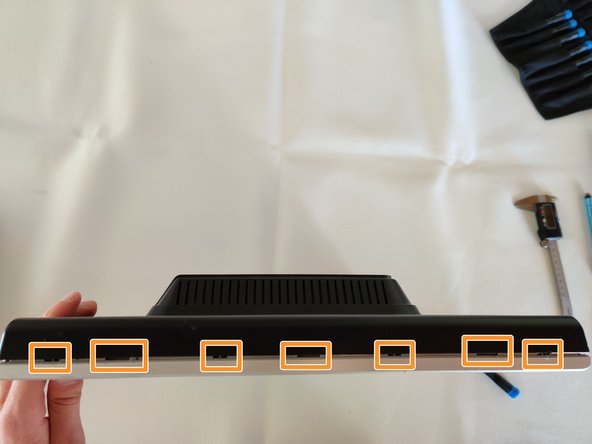
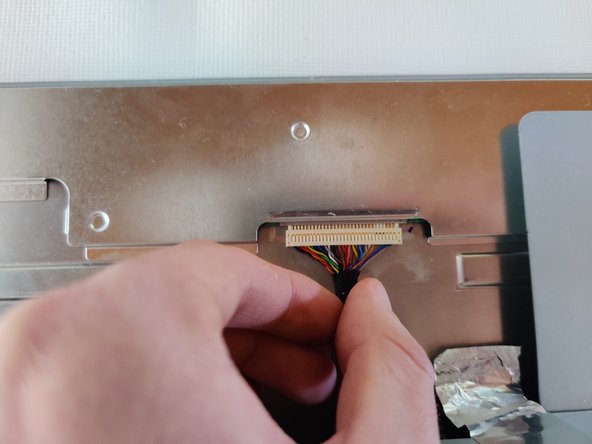
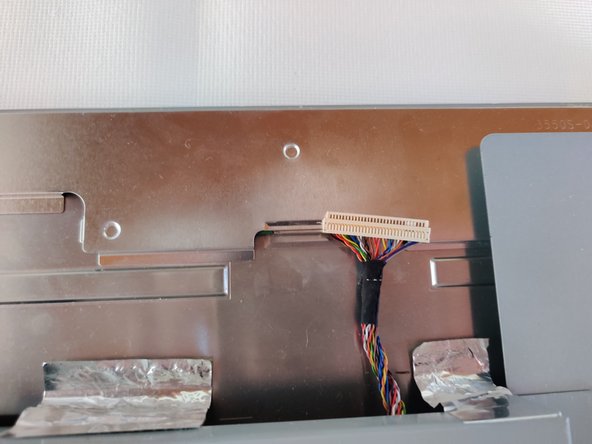
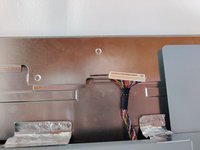
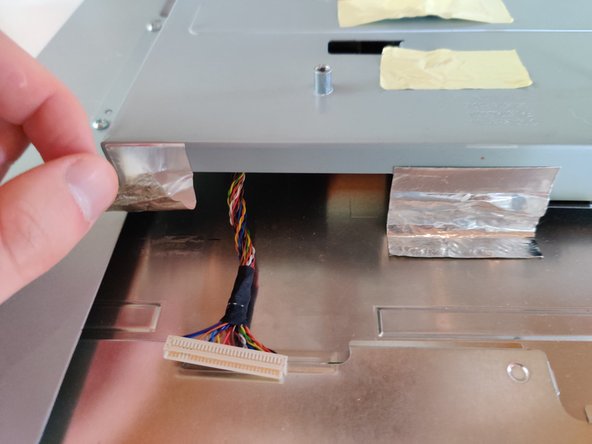
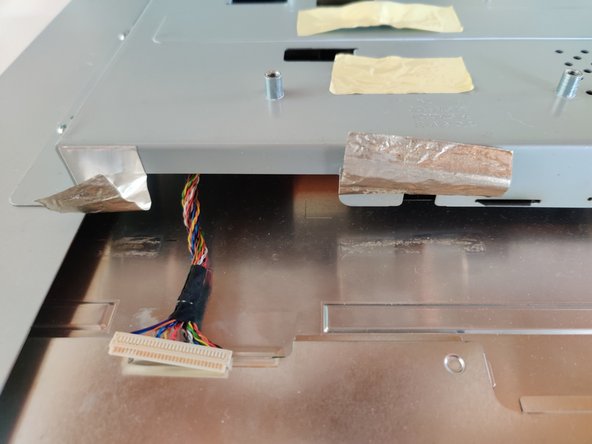
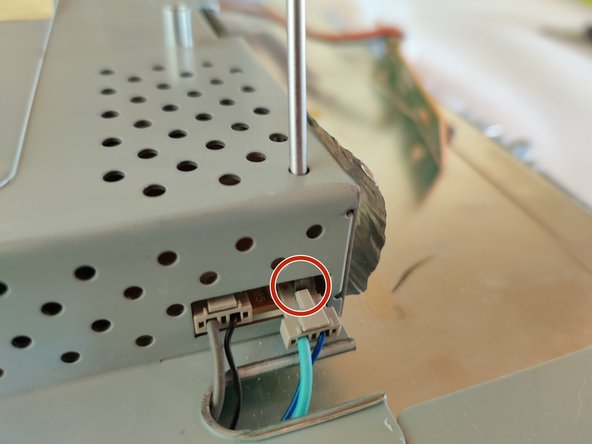
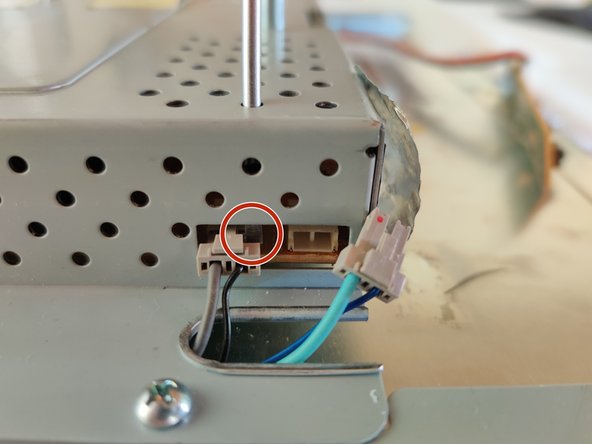
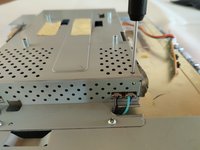
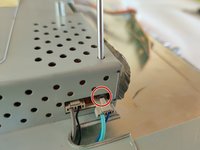
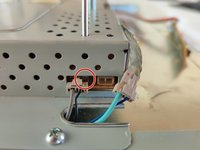
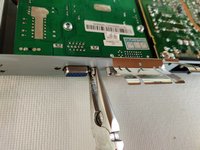
Insert a Flathead screwdriver into the holes on the top of the shield. Lodge the tip between the socket and the connector and slowly push the connector out of it's socket.
-



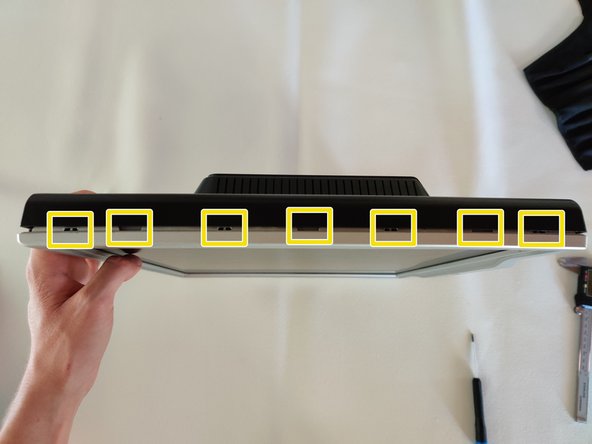
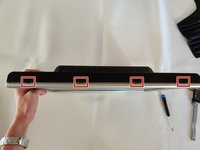
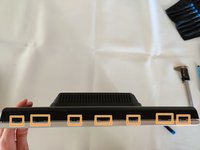
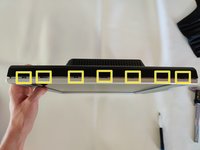










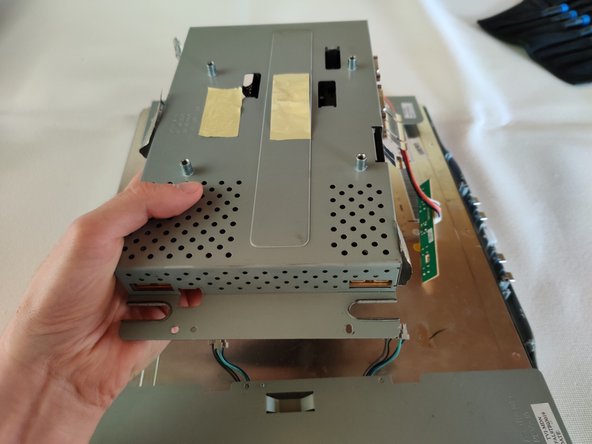
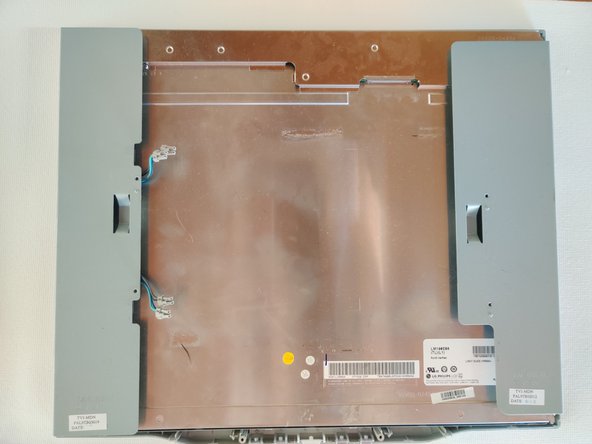
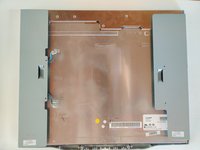

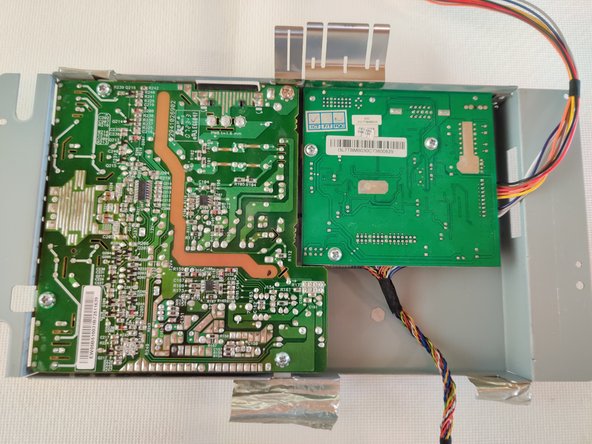

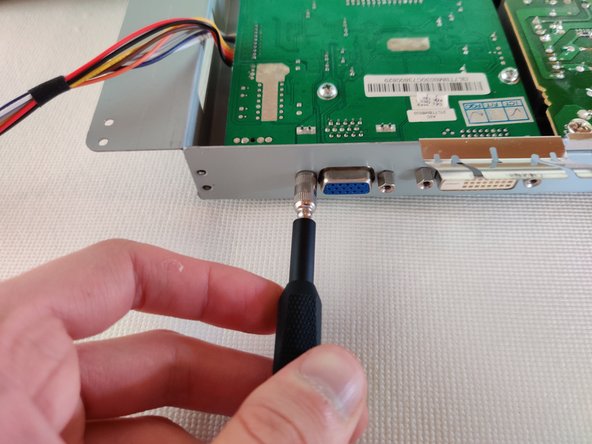
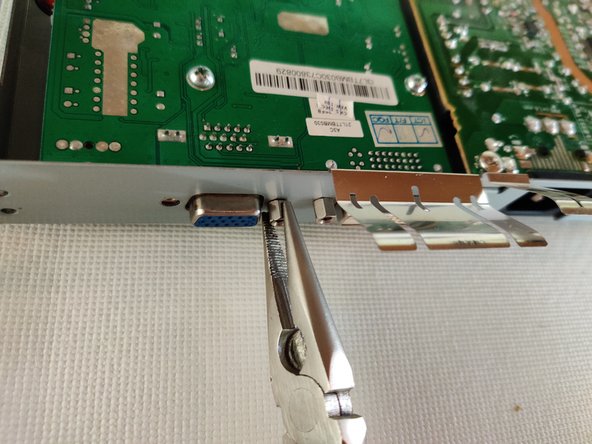
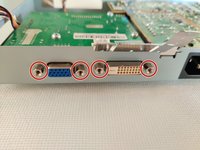


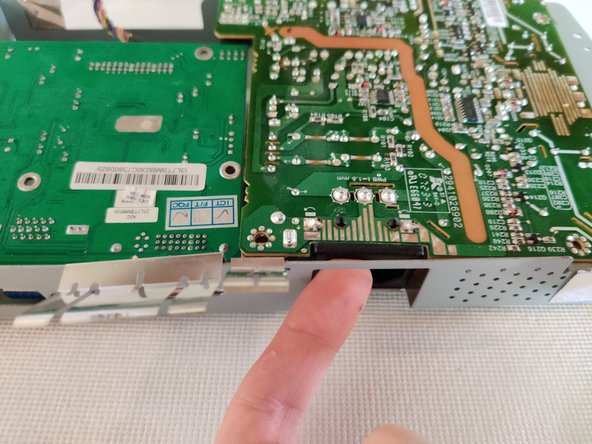

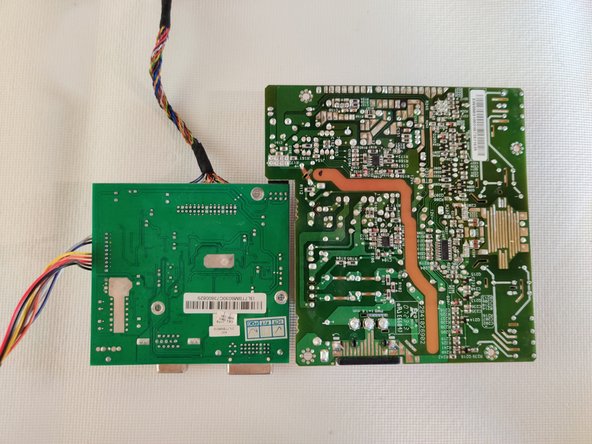
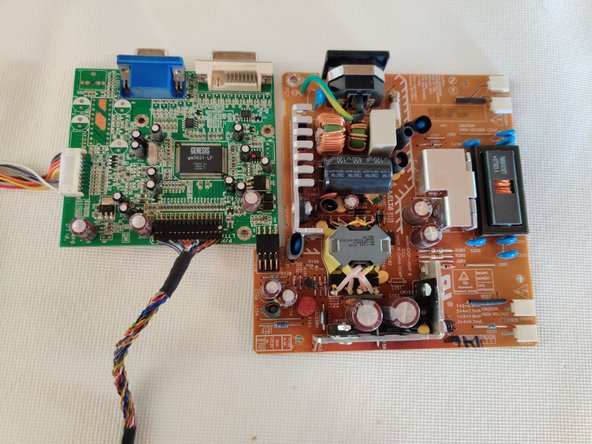
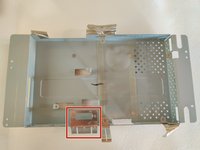
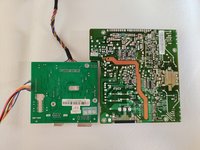
To reassemble your device, follow these instructions in reverse order.



