Introduction
Use this guide to repair or replace the PCIe (peripheral component interconnect express) SSD (solid state drive) for your Predator Helios 300 PH315-53.
The Acer Predator Helios 300 PH315-53 ships with a single SSD that is 512GB or 1TB in size. The SSD is a M.2 SSD 2280 PCIe SSD. The laptop's motherboard has an additional PCIe SSD slot for users to add an additional M.2 SSD 2280 PCIe SSD.
Before using this guide, ensure that you understand electrostatic discharge (ESD), and how it can damage your laptop. ESD refers to discharges of static electricity that can occur between objects that are not properly grounded, and these discharges can damage sensitive electronic components. Dell Technologies offers a short video explaining How To Avoid ESD Damage.
What you need
-
-
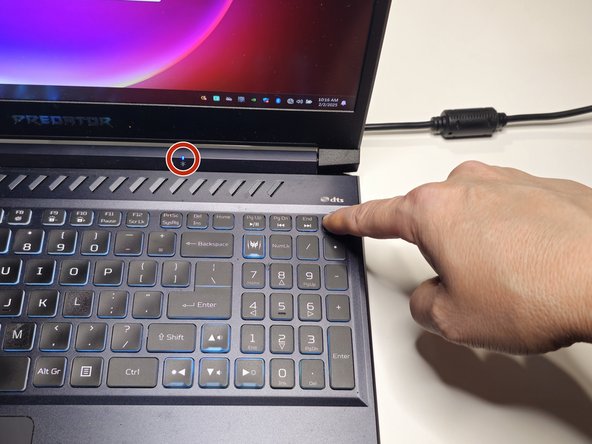
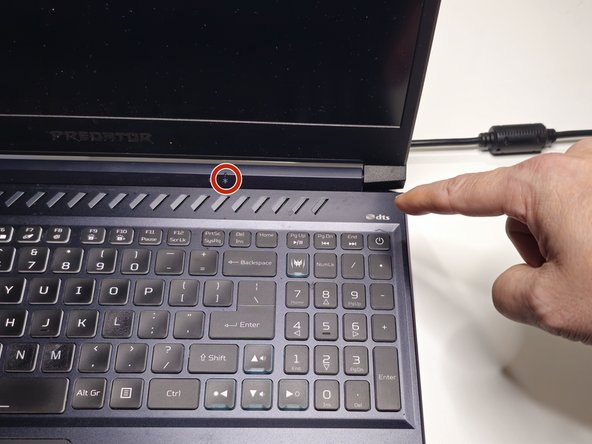
Turn off the laptop by holding down the power button for 7 seconds.
-
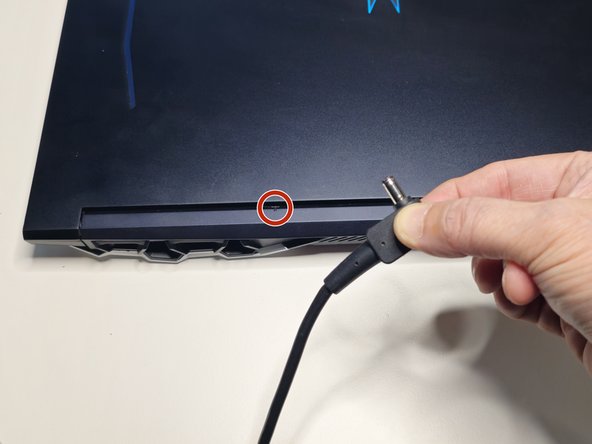
Verify that the blue power indicator light is turned off.
-
-
Tool used on this step:Spudger$3.99
-
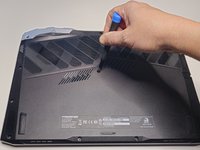
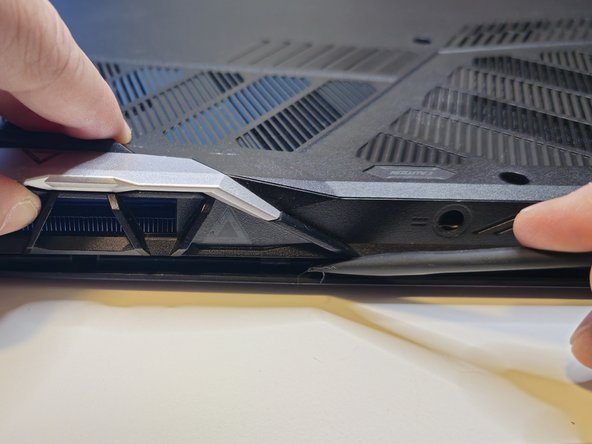
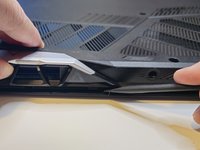
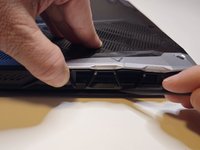
Use your thumb to apply gentle upward pressure on the laptop vent while using a spudger to separate the bottom case from the top case.
-
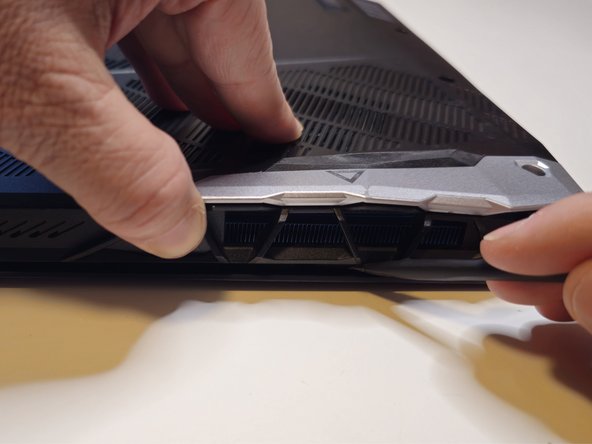
Work the spudger along the seam where the bottom case meets the top case.
-
Apply gentle upward pressure on the opposite laptop vent as you work the spudger across the back of the laptop.
-
-
-
-
Turn the laptop so the laptop vents are facing away from you and the bottom case remains face up.
-
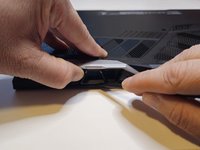
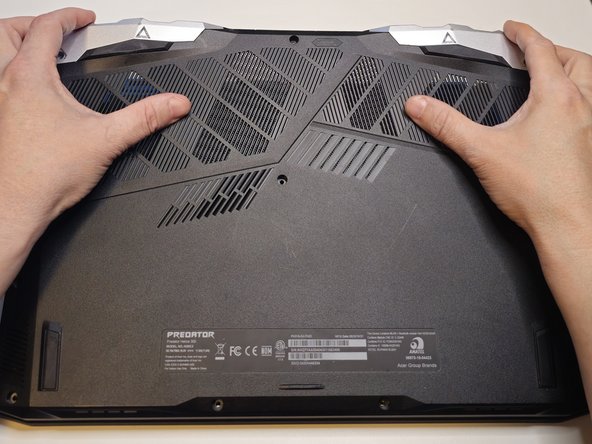
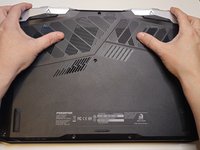
Use your fingertips to pull gently upward on the vents while using your palms to apply gentle downward pressure on the bottom case.
-
Move your hands outward from the center of the laptop to each side, continuing to pull the bottom case gently upward with your fingertips.
-
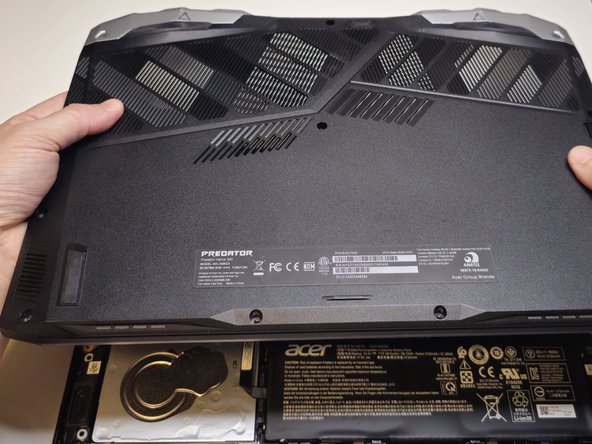
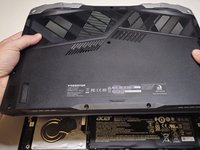
Lift the bottom case away from the laptop.
-
-
-
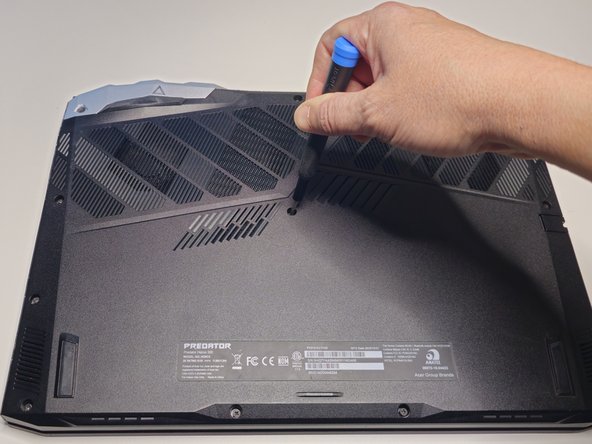
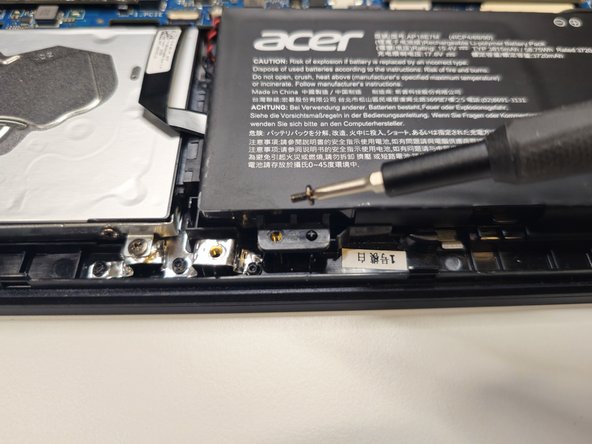
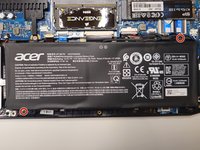
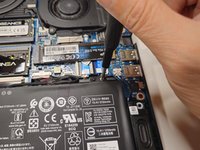
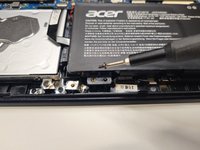
Remove the two screws securing the battery to the top case with a Phillips #0 Screwdriver.
-
-
-
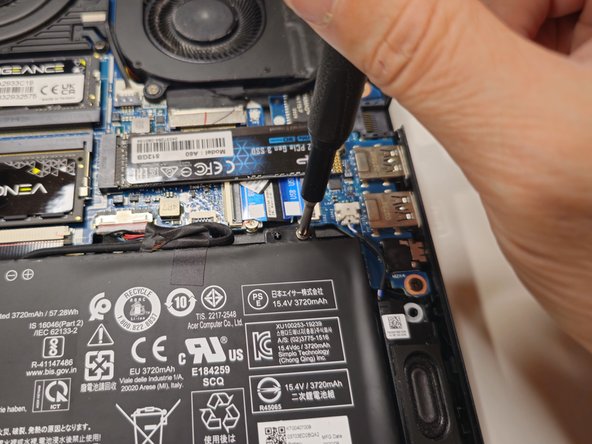
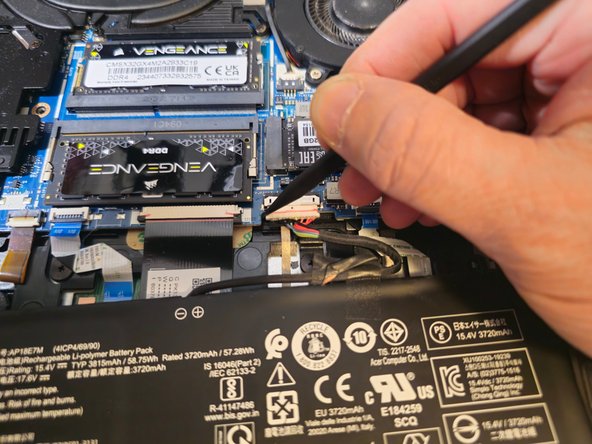
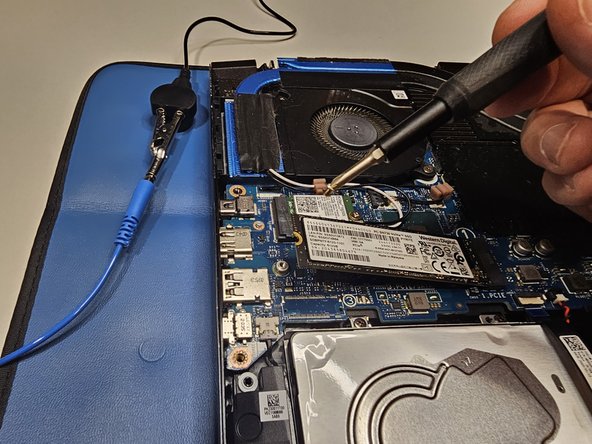
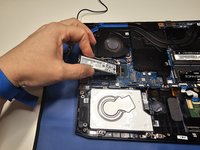
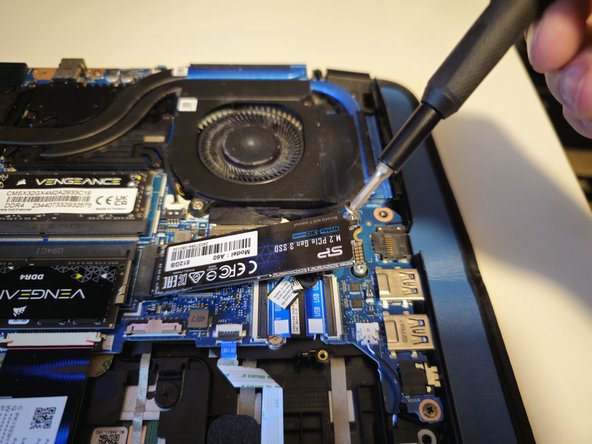
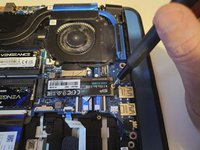
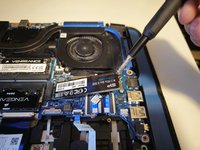
Unscrew the retaining screw that secures the SSD to the motherboard with a Phillips #0 screwdriver.
-
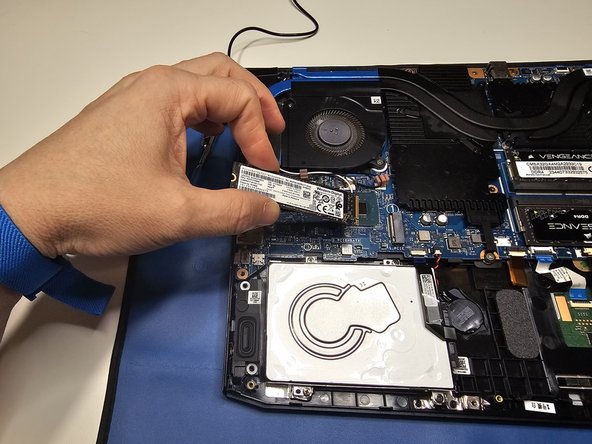
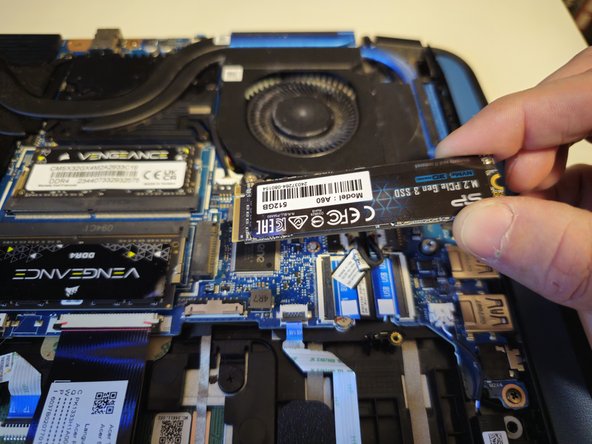
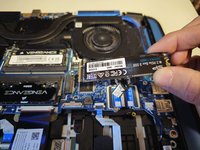
Gently pull your SSD out of the motherboard's PCIe slot.
-





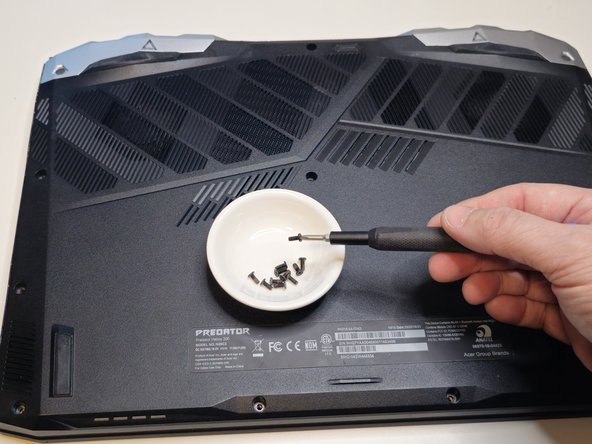
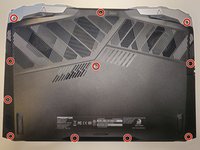
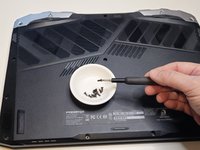






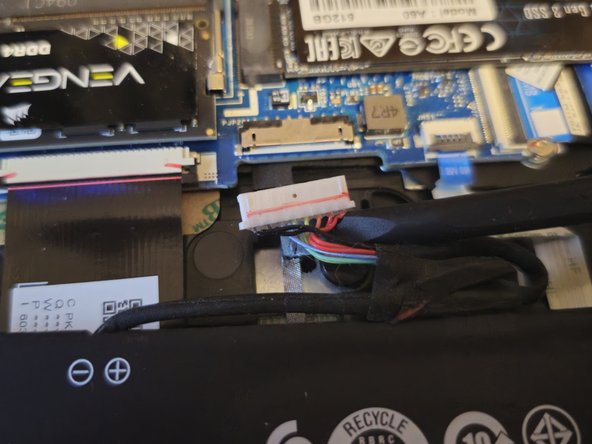
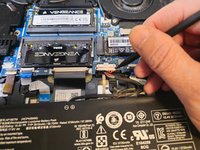
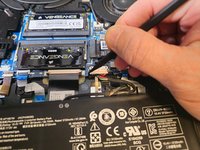


To reassemble your device, follow these instructions in reverse order.
Attached Documents


Team

Northern Arizona University, Team 1-2, Konrad Spring 2025 Member of Northern Arizona University, Team 1-2, Konrad Spring 2025
NAU-KONRAD-S25S1G2
4 Members
4 Guides authored
