Introduction
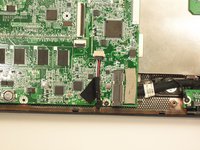
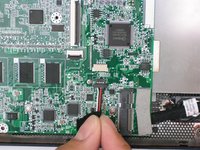
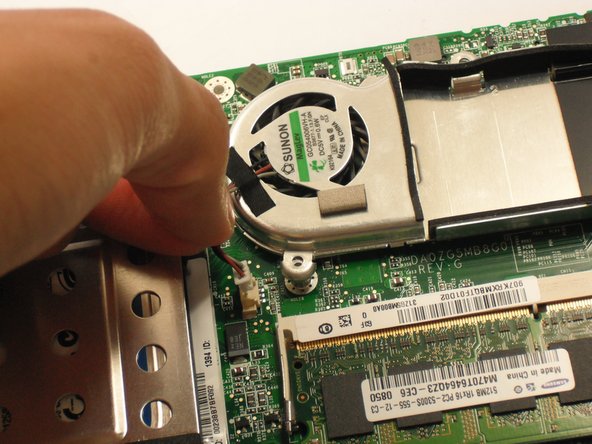
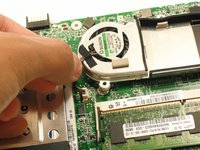
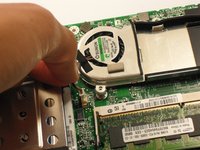
Once the motherboard is out, it is relatively straight forward to get to the fan.
What you need
-
-
Gently loosen the two Phillips #0 screws in the small panel that covers the wireless card.
-
-
-
-
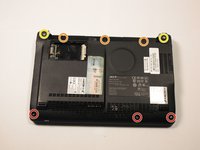
Close the display and turn the ZG5 over so that the battery compartment faces away from you.
-
-
-
Disconnect the two antenna cables from the right side of the wireless card.
-








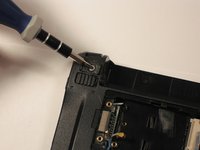


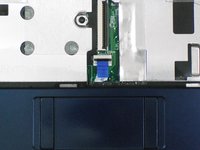
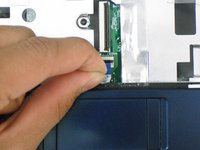
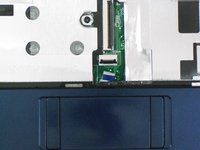










To reassemble your device, follow these instructions in reverse order.
Cancel: I did not complete this guide.
10 other people completed this guide.



Team

Cal Poly, Team 7-49, Amido Fall 2010 Member of Cal Poly, Team 7-49, Amido Fall 2010
CPSU-AMIDO-F10S7G49
5 Members
34 Guides authored
4 Guide Comments
Steps 4~8 show to remove the wireless card from its access panel outside the computer, then steps 19~21 show to remove it from the inside once the case is off.
Redundant?
There are two wireless cards -- for that exact model it looks like bluetooth and 802.11n but different models may be different
nathan -
The page layout is good.well done job.thanks for providing the repairing information about Acer aspire one.it is the very interesting web page.http://djnni.com
