Free Shipping on Domestic Orders $75+

Panasonic Lumix DMC-FH25 Page Lens Assembly Replacement

What you need

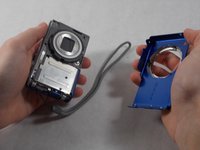
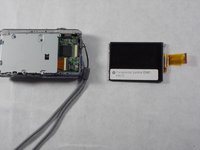
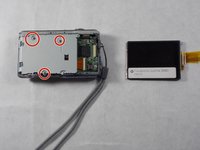
  1. Panasonic Lumix DMC-FH25 Page Lens Assembly Replacement, Back Case: step 1, image 1 of 3 Panasonic Lumix DMC-FH25 Page Lens Assembly Replacement, Back Case: step 1, image 2 of 3 Panasonic Lumix DMC-FH25 Page Lens Assembly Replacement, Back Case: step 1, image 3 of 3
    • Remove 5 screws attached to the back case using a 00 Phillips head screwdriver.

    Ask FixBot

    Add Comment

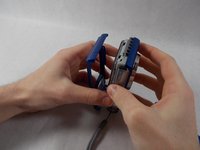
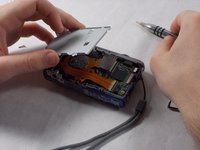
  2. Panasonic Lumix DMC-FH25 Page Lens Assembly Replacement: step 2, image 1 of 1
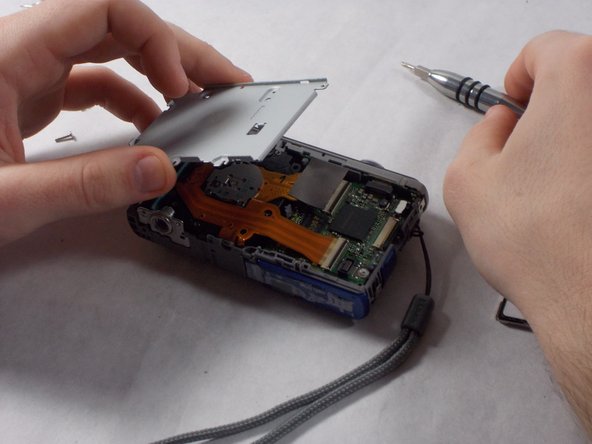
    • Using your hands and a pry tool, lever the back case off.

    Ask FixBot

    Add Comment

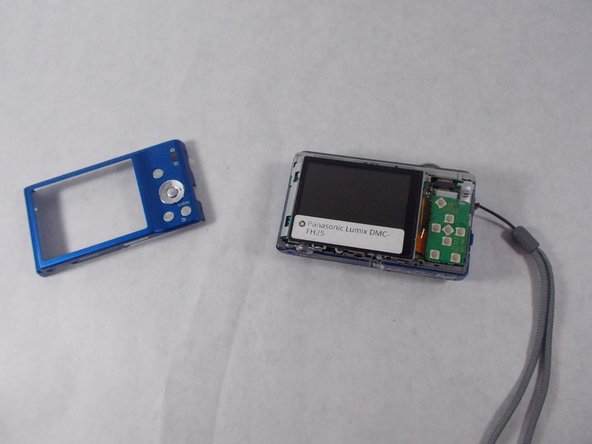
  3. Panasonic Lumix DMC-FH25 Page Lens Assembly Replacement: step 3, image 1 of 2 Panasonic Lumix DMC-FH25 Page Lens Assembly Replacement: step 3, image 2 of 2
    • Remove the back case.

    Ask FixBot

    Add Comment

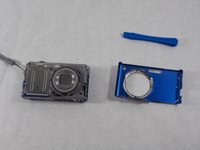
  4. Panasonic Lumix DMC-FH25 Page Lens Assembly Replacement, Front Case: step 4, image 1 of 3 Panasonic Lumix DMC-FH25 Page Lens Assembly Replacement, Front Case: step 4, image 2 of 3 Panasonic Lumix DMC-FH25 Page Lens Assembly Replacement, Front Case: step 4, image 3 of 3
    • Remove four screws on the front case using a 00 Phillips head screwdriver. Two will be on the side with the camera strap, one on the bottom, and one on the side opposing the camera strap. They will be in pairs, one screw holding the front case and one screw holding the back case.

    Ask FixBot

    Add Comment

  5. Panasonic Lumix DMC-FH25 Page Lens Assembly Replacement: step 5, image 1 of 1
    • Using a plastic opening tool and your hands, pull the front case loose from the camera.

    Ask FixBot

    Add Comment

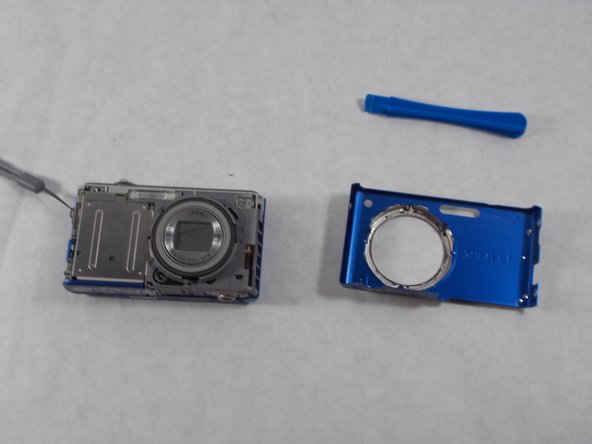
  6. Panasonic Lumix DMC-FH25 Page Lens Assembly Replacement: step 6, image 1 of 2 Panasonic Lumix DMC-FH25 Page Lens Assembly Replacement: step 6, image 2 of 2
    • Remove the front case from the camera.

    Ask FixBot

    Add Comment

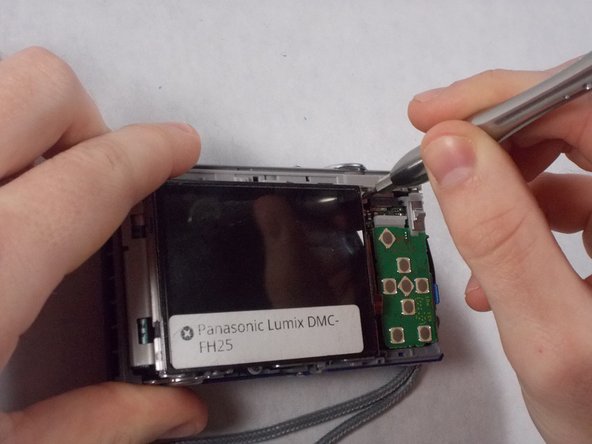
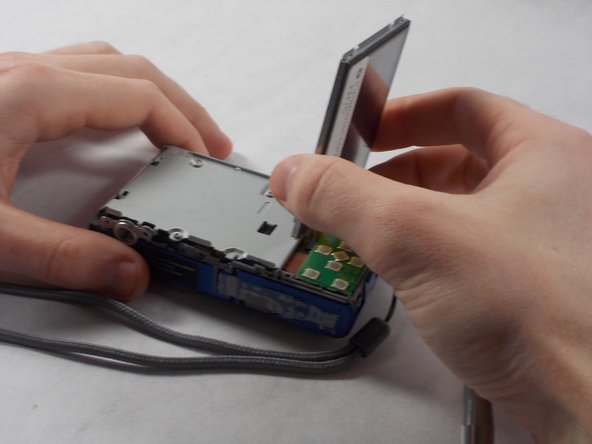
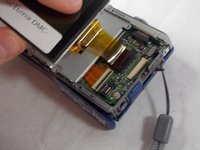
  7. Panasonic Lumix DMC-FH25 Page Lens Assembly Replacement, LCD Screen: step 7, image 1 of 3 Panasonic Lumix DMC-FH25 Page Lens Assembly Replacement, LCD Screen: step 7, image 2 of 3 Panasonic Lumix DMC-FH25 Page Lens Assembly Replacement, LCD Screen: step 7, image 3 of 3
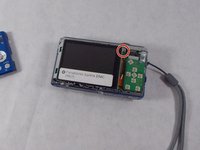
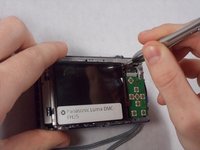
    • Using a 00 Phillips head screwdriver, remove a screw from the top right corner of the screen.

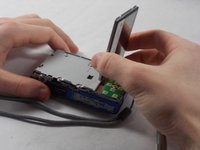
    • Lift the screen, being careful not to tear the ribbon cables on the right side.

    Ask FixBot

    Add Comment

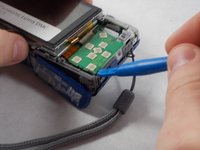
  8. Panasonic Lumix DMC-FH25 Page Lens Assembly Replacement: step 8, image 1 of 2 Panasonic Lumix DMC-FH25 Page Lens Assembly Replacement: step 8, image 2 of 2
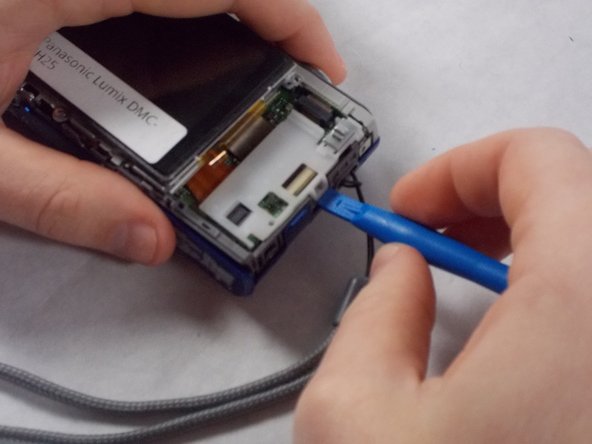
    • Access the ribbon cables by removing the green button receiver panel using a plastic opening tool. There is a white panel beneath. Carefully remove this using a plastic opening tool. The white panel may require some elbow grease to get it off, and the panel may make a snapping sound as it comes off.

    Ask FixBot

    Add Comment

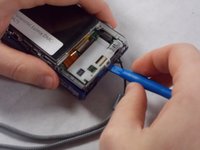
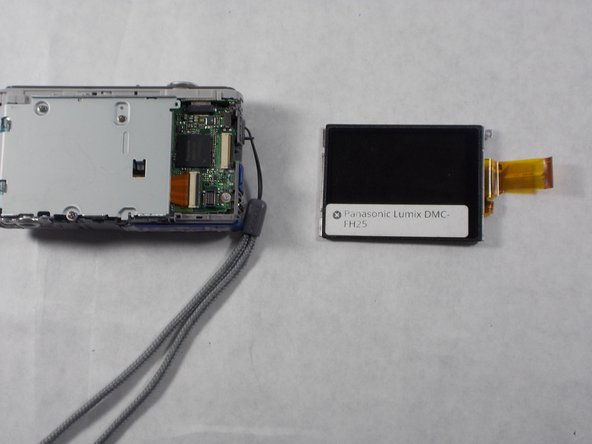
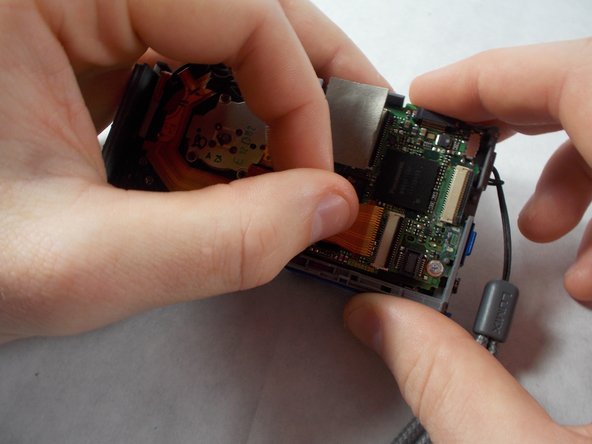
  9. Panasonic Lumix DMC-FH25 Page Lens Assembly Replacement: step 9, image 1 of 2 Panasonic Lumix DMC-FH25 Page Lens Assembly Replacement: step 9, image 2 of 2
    • One of the ribbon cables will be housed behind the screen and the other will be under the panels. Gently pull each free from the housing and remove the screen.

    Ask FixBot

    Add Comment

  10. Panasonic Lumix DMC-FH25 Page Lens Assembly Replacement, Lens Assembly: step 10, image 1 of 2 Panasonic Lumix DMC-FH25 Page Lens Assembly Replacement, Lens Assembly: step 10, image 2 of 2
    • Under the screen is a silver panel. Remove three screws using a 00 philips screwdriver and take the plate off.

    Ask FixBot

    Add Comment

  11. Panasonic Lumix DMC-FH25 Page Lens Assembly Replacement: step 11, image 1 of 1
    • Remove the silver panel with the buttons and flash battery from the top of the camera. The silver tripod socket may fall out. Do not be alarmed and don't put it back in.

    Ask FixBot

    Add Comment

  12. Panasonic Lumix DMC-FH25 Page Lens Assembly Replacement: step 12, image 1 of 2 Panasonic Lumix DMC-FH25 Page Lens Assembly Replacement: step 12, image 2 of 2
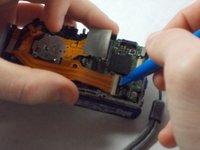
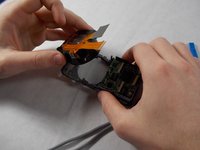
    • Use the pry tool to lift the latches holding the ribbon cables in place. Gently tug on them, careful not to break them. The top ribbon cable will take more effort.

    Ask FixBot

    Add Comment

  13. Panasonic Lumix DMC-FH25 Page Lens Assembly Replacement: step 13, image 1 of 2 Panasonic Lumix DMC-FH25 Page Lens Assembly Replacement: step 13, image 2 of 2
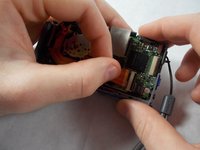
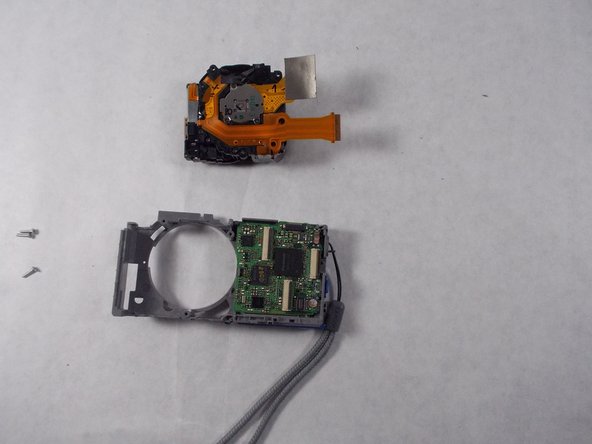
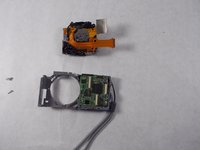
    • Gently remove the lens assembly. It should slide out cleanly.

    Ask FixBot

    Add Comment

Conclusion

To reassemble your device, follow these instructions in reverse order.

Cancel: I did not complete this guide.

3 other people completed this guide.

Janice Weldon

Member since: 03/07/17

636 Reputation

5 Guides authored

Team

1 Guide Comment

Hi I disassemble my câmera lens but I don't know How to reassamble It again,can you Help me? can I send you Fotos?

henry vargas pineda - Reply Share
Add Comment

View Statistics:

Past 24 Hours: 1

Past 7 Days: 14

Past 30 Days: 44

All Time: 1,481