
ASUS PadFone X Motherboard Replacement

Ryan and
Last updated on May 7, 2024
Views: 2.7K
View statistics:
- Past 24 Hours:
- 4
- Past 7 Days:
- 21
- Past 30 Days:
- 84
- All Time:
- 2,697
Comments: 4
4 guide comments.
Go to guide commentsCompleted: 1 2
1 person has marked this guide "completed." Will you be next?
2 people have marked this guide "completed." Including you — great job!
Favorites: 3 4
3 people have favorited (and subscribed to) this guide. Will you be next?
4 people have favorited (and subscribed to) this guide — including you!
Slice and Dice
The steps in this guide should be split up and made into a series of prerequisite guides.
Step Trimmer
This guide has unnecessary steps. Trim them to be more concise!
Better Introduction
Improve this guide by completing or revising its introduction.
Introduction
Go to step 1 ↓This guide is going to show the necessary steps for replacing the Motherboard.
What you need
Parts
Tools


-
-
-
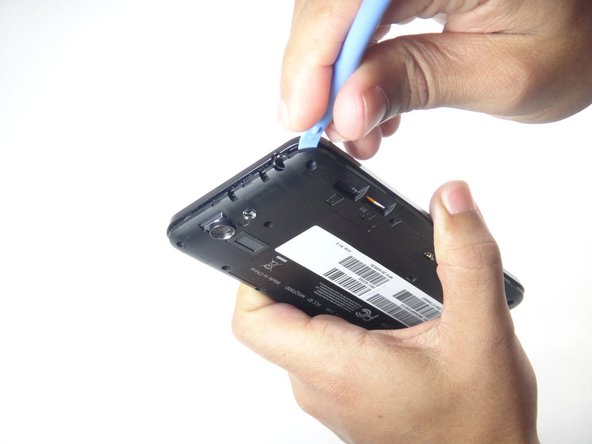
Using the blue plastic opening tool, insert the tip into the crease between the back cover and the phone and pry it upwards.
-
Work your way around the phone until the entire back cover is loose.
 Ask FixBot
-
-
-
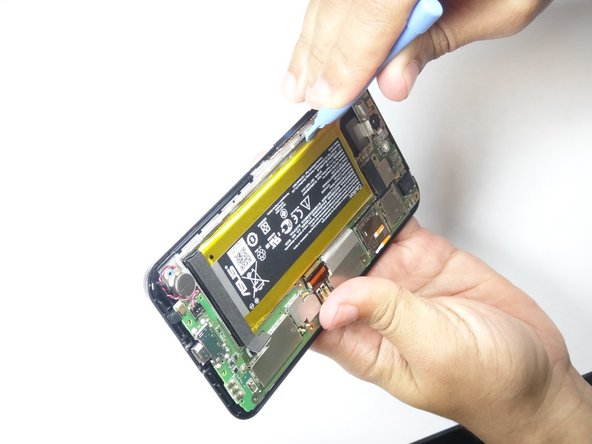
Using the blue plastic opening tool, insert the tip into the crease between the mid-frame and the phone and pry it upwards.
-
Work your way around the phone until the entire back cover is loose and remove the mid-frame.
-
-
-
Using the plastic blue plastic opening tool, gently disconnect the battery cable from the motherboard.
-
-
-
Use the blue plastic opening tool to pry the battery pack from the phone. Pry along edge away from the motherboard as this might damage the motherboard.
-
-
-
-
Use the blue plastic opening tool to gently pry the camera connector up from its socket on the motherboard.
-
-
Tool used on this step:Tweezers$4.99
-
Using the tweezers, remove the rear camera from the Padfone X.
-
-
-
Insert the tip of the flat head screwdriver between the panel and the metal clip then gently push down until the clip is slightly bent away from the panel.
-
Do this for all the clips holding the panel down.
-
After all clips are bent away, remove the panel.
-
-
-
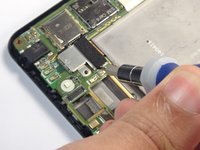
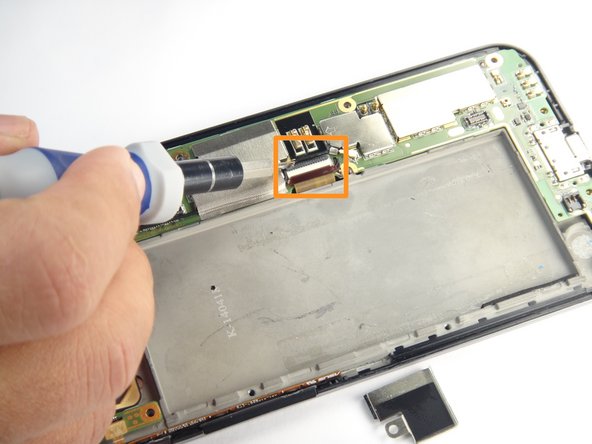
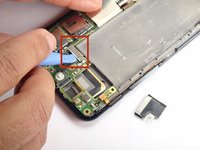
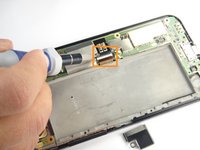
Disconnect the first connector by prying it upward using the blue plastic opening tool.
-
Disconnect the second connector by first lifting the lock then pulling the connector outward.
-
-
-
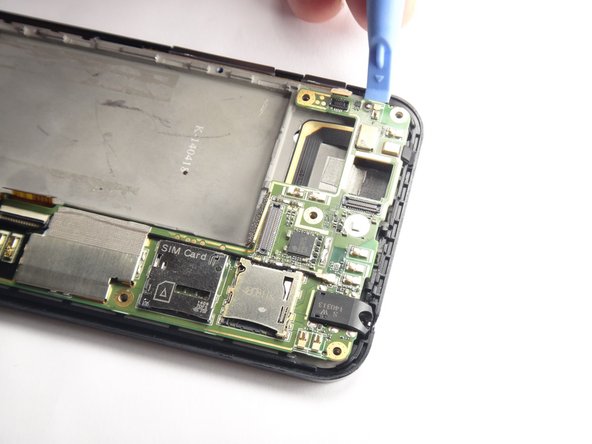
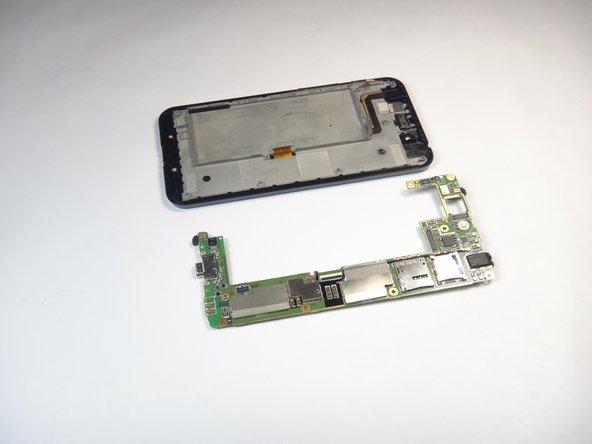
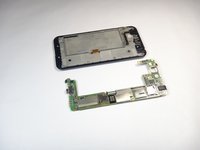
Insert the tip of the blue plastic opening tool under the motherboard and gently pry upward.
-
Work your way around until the motherboard is free.
-
-
-
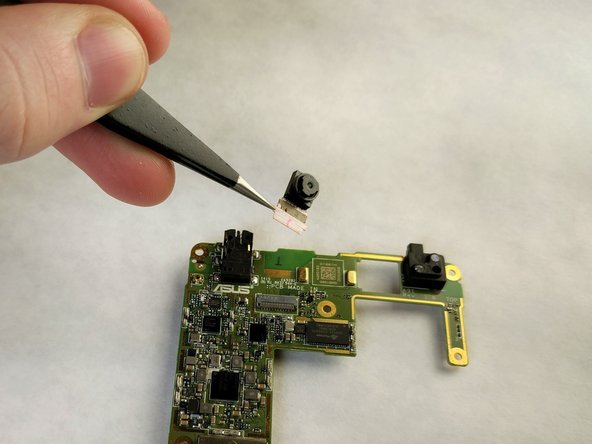
Flip the motherboard over and locate the front facing camera.
-
Using the tweezers gently remove the black locking mechanism.
-
-




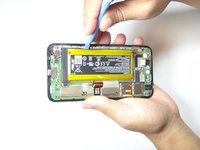
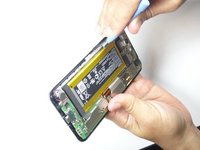


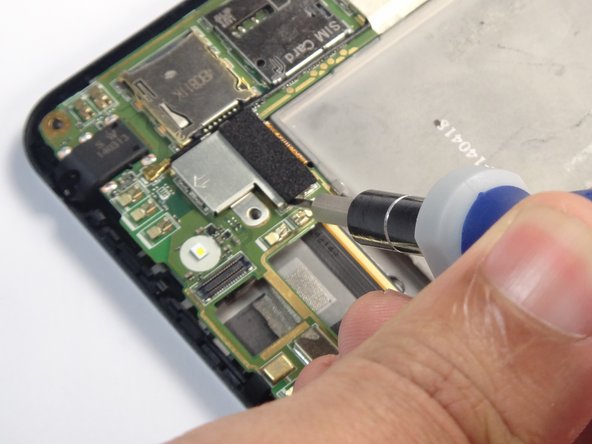
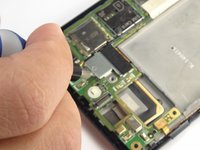




To reassemble your device, follow these instructions in reverse order.
Cancel: I did not complete this guide.
One other person completed this guide.

Team

USF Tampa, Team 8-4, Leahy Fall 2014 Member of USF Tampa, Team 8-4, Leahy Fall 2014
USFT-LEAHY-F14S8G4
4 Members
60 Guides authored
4 Guide Comments
There is a step missing between step 10 and 11, you didn't explain how to remove the flexible connector that go's to the power/volume buttons next to the camera location on the side of the phone.
which I only had to gently pry up on the connector from the center of the phone out and it came right off.
Hey iFixits,
I have a Padfone S (international version, supposedly the same as the Padfone X sold in the states), which suffered water damage. I presume the logic board needs replacing and since there are more Padfone X's out there, thinking of buying a 'for parts' phone with say, a broken screen, and just swapping logic boards to make one working phone. Does anyone know if these logic boards for the S and X are compatible?? Thanks in advance.
I have Asus padfone 2 the phones motherboard is damaged how to use the pad
