Introduction
This is a touchpad replacement guide for the ASUS E210MA-TB.CL464BK, sometimes just referred to as E210MA. The part allows the user to move around the mouse and functions as a numpad. The added complexity of the touchpad means that it is particularly susceptible to losing sensitivity so the user may want to replace it.
What you need
-
-
Place the laptop with the bottom side facing up. Have the front (where the touchpad is) facing toward you.
-
Start by removing the ten 7mm screws on the bottom of the laptop using a JIS #00 screwdriver.
-
-


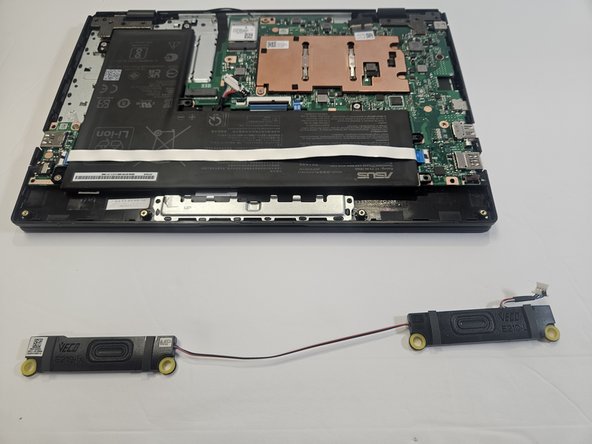

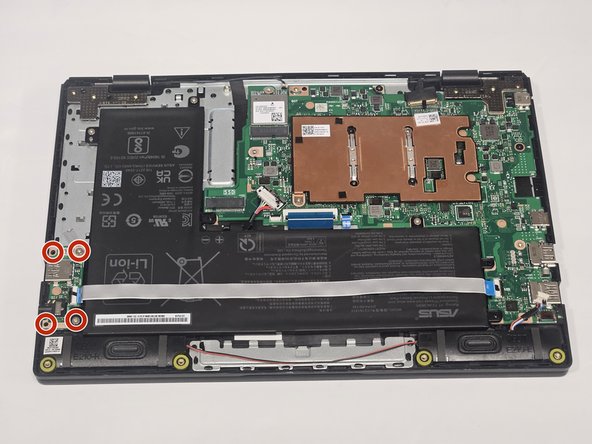

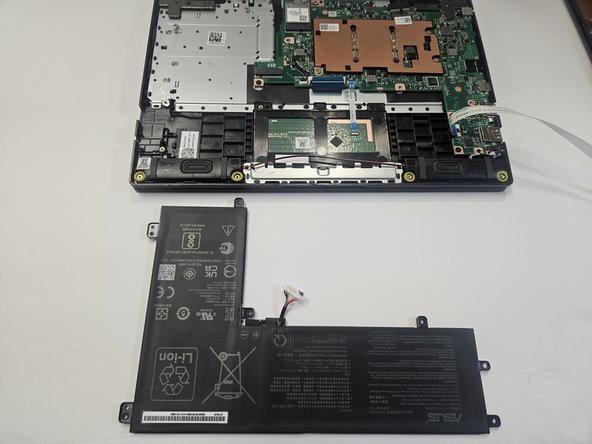
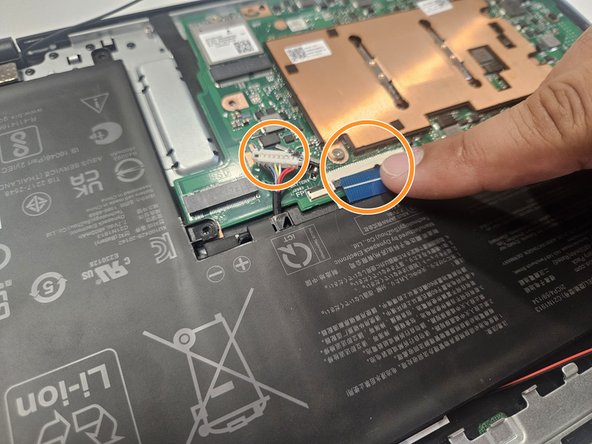

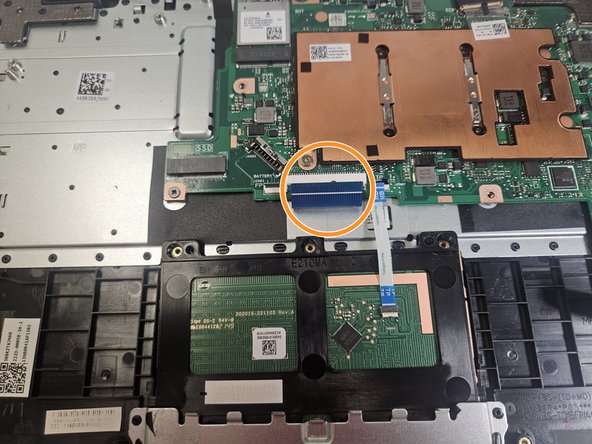


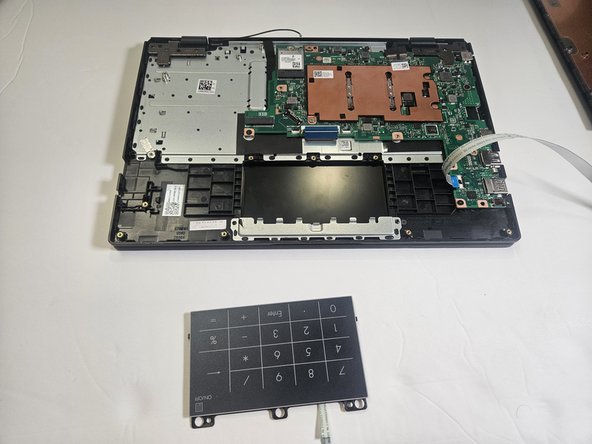
To reassemble your device, follow these instructions in reverse order.
To reassemble your device, follow these instructions in reverse order.


Team

Gateway, Team 73-6, Gonzalez Spring 2023 Member of Gateway, Team 73-6, Gonzalez Spring 2023
GCC-GONZALEZ-S23S73G6
5 Members
5 Guides authored
